 Flowpaja
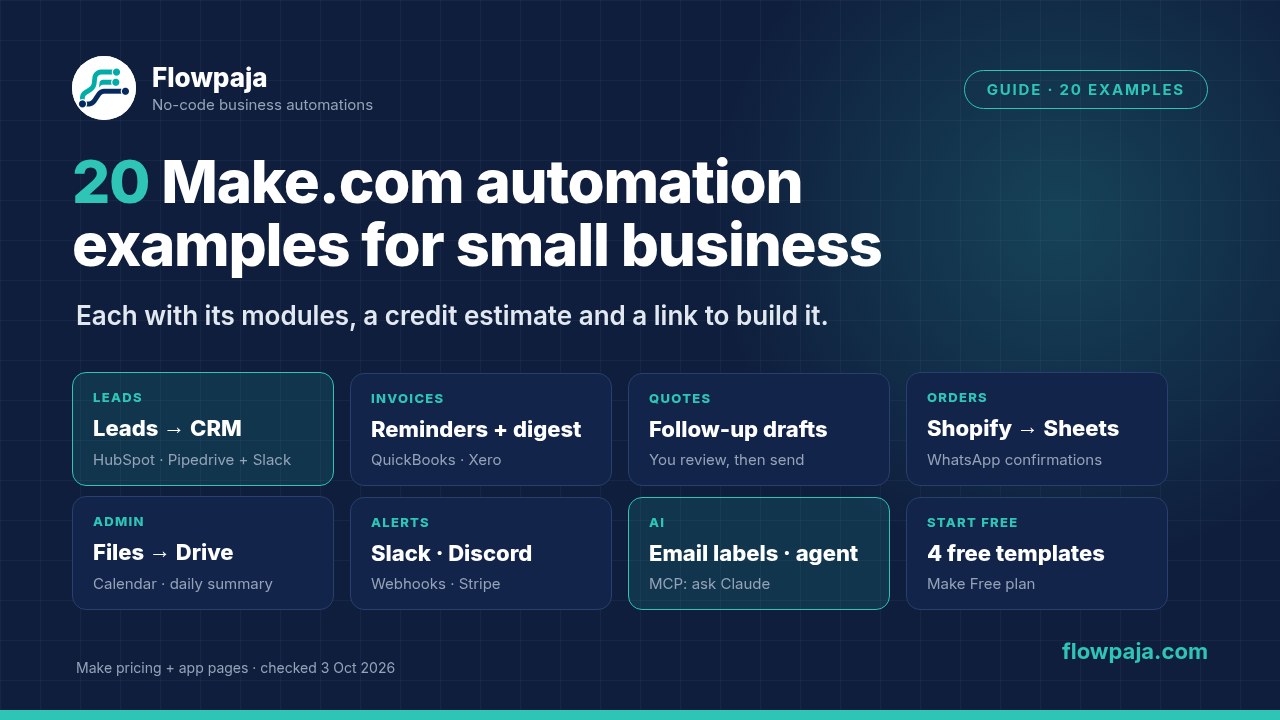
All 20 examples at a glance
Difficulty is our rough rating: Easy means 2–3 modules and no data juggling, Medium adds a search, router or duplicate check, and Advanced involves an extra account setup, AI or several linked records. "Check" means a scheduled trigger run, which uses a credit even when nothing is new.
| # | Example | Apps | Difficulty | Est. credits per run | Build it |
|---|---|---|---|---|---|
| 1 | New form response → Slack message | Google Forms/Sheets, Slack | Easy | 1 per check + 1 per response | Free template |
| 2 | Form lead → HubSpot contact + hot-lead Slack alert | Sheets or Tally or Typeform, HubSpot, Slack | Medium | About 3 per lead (+1 per check) | Guide |
| 3 | Form lead → Pipedrive lead without duplicate people | Sheets or form app, Pipedrive | Medium | 4–5 per lead | Guide |
| 4 | Typeform or Tally response → Google Sheets row | Typeform or Tally, Sheets | Easy | About 3 per response | Guide |
| 5 | Facebook lead ad → sheet row + email | Facebook Lead Ads, Sheets, Gmail | Medium | 3–4 per lead | Guide |
| 6 | Polite invoice payment reminders | Sheets, Gmail | Medium | 1 per run + 2–3 per reminder | Guide |
| 7 | Daily overdue-invoice digest to yourself | Sheets, Gmail | Easy | 1–2 per day, about 4 with overdue invoices | Free template |
| 8 | Create invoices and record payments in QuickBooks or Xero | Sheets, QuickBooks or Xero | Advanced | About 6–8 per invoice | Guide |
| 9 | Quote follow-up drafts after 7 days | Sheets, Gmail | Easy | 1–2 per run + 2–4 per follow-up | Free template |
| 10 | Send an email when a row is ready | Sheets, Gmail | Easy | 1 per run + about 3 per email | Guide |
| 11 | Shopify order → sheet row + Slack alert | Shopify, Sheets, Slack | Medium | About 4 per order, more per line item | Guide |
| 12 | WhatsApp order confirmations | Sheets, WhatsApp Business Cloud | Advanced | 1 per check + 2 per order | Guide |
| 13 | Save Gmail attachments to Google Drive folders | Gmail, Google Drive | Medium | 1 per check + about 4–5 per email + 1 per file | Guide |
| 14 | Webhook data → sheet, without duplicate rows | Webhooks, Sheets | Easy | About 3 per new row | Free template |
| 15 | Booking form → Google Calendar event | Forms/Sheets, Google Calendar | Medium | About 5–6 per response (+1 per check) | Guide |
| 16 | Daily summary email from a sheet | Sheets, Gmail | Easy | About 3 per day | Guide |
| 17 | Form or payment alerts in Discord | Webhooks or Stripe, Discord | Easy | 2 per submission | Guide |
| 18 | Sort incoming email with AI labels | Gmail, OpenAI (or Claude/Gemini) | Medium | 1 per check + 2 per email, plus the AI provider's token bill | Guide |
| 19 | Support-email triage with a Make AI agent | Gmail, Make AI Agent, Sheets, Slack | Advanced | Varies with tokens and tools used | Guide |
| 20 | Ask Claude who owes you money (MCP) | Make MCP server, Sheets | Advanced | About 2–3 per question | Guide |
Credits are our estimates for one run, counted at about 1 credit per module action. Routers, filters and error handlers use none. Check the real count in your scenario's History.
How we count the credits
Make bills in credits. Make's pricing page says each module action uses credits, whether it reads, searches, creates, updates, transforms, aggregates or iterates data, and that routers and error handlers don't. Filters aren't modules, so they're free too. For the standard modules in these examples that works out at about 1 credit per module, per bundle (item) it processes. Two things push the number up:
- Scheduled triggers. A "Watch" or "Search Rows" trigger on a schedule uses a credit on every check, even when nothing is new. Checking every 15 minutes is up to 96 checks a day, which is about 2,900 a month on its own. An instant trigger (a webhook, Tally, Typeform, Facebook Lead Ads New Lead, Shopify Watch events) runs only when data arrives.
- Many items per run. If a search returns 10 rows, every module after it runs 10 times. Our Make credits guide shows how to estimate a month, and the Make credits calculator does the sum for you.
AI modules can add token-based credits on top, depending on how you connect them. Each example below says how.