 Flowpaja
Some links on this page are affiliate links. If you sign up through them, Flowpaja may earn a commission at no extra cost to you.
I checked the free-plan limits below on each tool's official pricing or help pages on 2 October 2026. They change often, so check again before you commit.
Make.com itself
- Good for: visual multi-step scenarios with filters, routers, error handlers and list handling (iterators and aggregators).
- Free plan: 1,000 credits a month, 2 active scenarios and a 15-minute minimum interval between scheduled runs. Runs can last up to 5 minutes and files up to 5 MB. Most module actions use 1 credit; filters, routers and error handlers use none. Unused credits don't carry over.
- Downside: polling triggers use a credit on every check, even when there's nothing new. A trigger that checks every 15 minutes runs about 2,880 times in a 30-day month, which is almost three times the Free plan's credits. Prefer instant triggers (webhooks) where the app has them.
- Start here: Make credits explained shows how to estimate usage before you build.
- New to Make? Make.com for beginners explains the basics, and the Make webhook tutorial shows how instant triggers work.
Forms
Tally
- Good for in Make: free form building, with instant delivery to Make through the Tally app's Watch New Responses trigger or a webhook. A good fit for contact forms, lead forms and simple surveys.
- Free plan: unlimited forms and submissions within Tally's fair-use rules, and webhooks and the Make integration are included. Tally Pro adds branding removal, custom domains, email notifications and file uploads over 10 MB.
- Downside: fields arrive as a list (label, type, value), so you map answers with a small
map()formula. Multi-choice answers arrive as option IDs that you translate to text. Free forms carry Tally branding. - Scenario idea: a contact form → Google Sheets row (with a duplicate check on the response ID) → Slack message to
#leads. - Guide: Send Tally form submissions to Google Sheets with Make
- Try it: Tally (affiliate link)
Typeform
- Good for in Make: polished one-question-at-a-time forms, hidden fields (now called URL parameters) for tracking things like
utm_source, and an instant Watch Responses trigger. - Free plan: 10 responses a month across all forms; after that, forms stop accepting responses until the next month. Paid plans start at 100 responses a month, and removing Typeform branding needs Plus or higher.
- Downside: the Free plan is only enough for testing, and cost grows with volume. Recreated questions get new IDs, which breaks existing mappings. Make also has a polling version of Watch Responses, so pick the one marked INSTANT.
- Scenario idea: a quote request form with a hidden
reffield → Sheets → Slack, plus an email to you with all the answers. - Guide: Send Typeform responses to Google Sheets
- Guide: Typeform to Make: Sheets, Slack and email
- Try it: Typeform (affiliate link)
Tally or Typeform? If the budget is tight, the volume is more than a handful of responses, or the form is simple, start with Tally. If the form's look and feel and hidden-field tracking matter more and you're ready to pay, try Typeform. If a form trigger never fires, the checks in Make webhook not receiving data apply to both.
Google Sheets
- Good for in Make: a simple, shared "database" for leads, orders, invoices and logs, which everyone on the team can read. Common modules: Add a Row, Search Rows, Update a Row and the polling Watch New Rows trigger.
- Free plan: included with a Google account. A spreadsheet can hold up to 20 million cells (Google doubled the limit in September 2026), and Google's API has per-minute request quotas, so big bursts of updates can hit rate-limit errors.
- Downsides:
- Make writes columns by position, so inserting columns breaks mappings.
- Watch New Rows is a polling trigger that tracks row numbers, so sorting or inserting rows confuses it.
- Search Rows never returns "nothing": when it finds no match, it outputs one empty bundle with Total number of bundles = 0, and the next module still runs. Filter on that number.
- Dates can arrive as serial numbers.
- Scenario idea: a daily scenario that emails you a list of overdue invoices from a sheet.
- Guide: Watch New Rows not triggering
Slack
- Good for in Make: instant team alerts, such as new leads, big orders or failed scenarios, with the Send a Message module.
- Free plan: 90 days of message and file history and up to 10 apps in the workspace. The Make connection takes up one of those app slots.
- Downside: if you connect as a bot, the bot must be invited to the channel. Otherwise you'll see
channel_not_foundornot_in_channel. Slack's Watch modules only work with a user connection. Also avoid posting personal data into busy channels. - Scenario idea: an error alert route on your most important scenario that posts the module name and error to
#automation-alerts. - Guide: Slack channel not found in Make
Gmail
- Good for in Make: sending notifications (Send an email), creating drafts you review before sending (Create a draft email), and processing incoming mail with Watch emails (e.g. saving attachments).
- Free plan: included with a Google account. Google caps sending at 500 emails per rolling 24 hours for personal Gmail accounts and 2,000 for Google Workspace accounts.
- Downside: Google connections can expire. If you use your own Google Cloud OAuth client in "Testing" status, access stops working every 7 days. Gmail also asks for broad permissions, and Watch emails polls, so it uses credits on every check.
- Scenario idea: quote follow-up drafts on day 3, 7 and 14 after a quote was sent, which you then send yourself.
- Guide: Make Google connection errors
Airtable
- Good for in Make: structured data with linked records, field types and views. It's a step up from a spreadsheet when data has relationships (clients ↔ projects ↔ invoices). Common modules: Create a Record, Search Records, Upsert a Record and the polling Watch Records trigger.
- Free plan: 1,000 records per base and 1,000 API calls per workspace per month. Every Make module that talks to Airtable makes at least one API call.
- Downside: the API call cap is tight. A Watch Records trigger polling every 15 minutes would need about 2,880 calls a month on its own, so on the Free plan use a longer interval or start the scenario from a form or webhook instead. Airtable also limits requests to 5 per second per base, and linked-record fields return record IDs, which take an extra step to turn into names.
- Scenario idea: a new form submission creates a client record in Airtable and links it to a new project record.
- Guide: Make credits explained, for planning API-heavy scenarios without wasting credits.
Notion
- Good for in Make: turning automated data into readable pages, such as a client onboarding page, a content calendar entry or meeting notes created from a form. In Make's current Notion app, a new database entry is Create a Data Source Item; the older "Database Item" modules are marked Legacy.
- Free plan: unlimited pages and blocks for one person, but a limited number of blocks once two or more members share the workspace. File uploads are capped at 5 MB.
- Downside: Notion's API allows an average of three requests per second per integration, so bulk updates need to be slowed down. Text properties are "rich text" arrays, so mapping and reading them takes care. Make only sees the pages and databases you gave it access to when you connected.
- Scenario idea: a Tally onboarding form → a new item in a "Clients" database in Notion with the answers, and a Slack message linking to it.
- Guide: Make error cheat sheet, for the 404 and permission errors you'll see if a database isn't shared.
How to choose
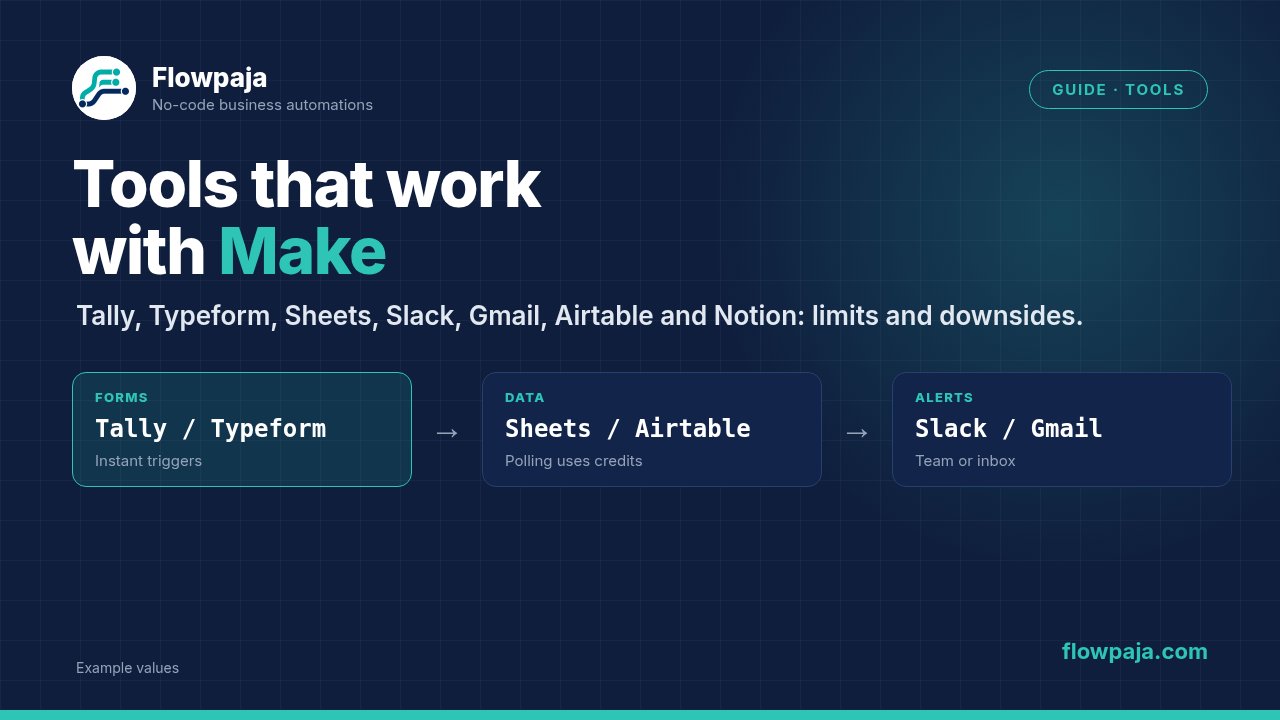
- Collect data: Tally (budget, simple, high volume) or Typeform (design, hidden fields)
- Store data: Google Sheets (simple, shared), Airtable (relationships) or Notion (readable pages)
- Tell people: Slack (team) or Gmail (drafts, notifications)
- Connect everything: Make. Sign up here if you haven't yet: Make (affiliate link)
Whatever you combine, start with one small scenario, test it with fictional data, and add error handling before you rely on it.