 Flowpaja
Some links on this page are affiliate links. If you sign up through them, Flowpaja may earn a commission at no extra cost to you.
What a webhook is, in plain words
A webhook is a web address that listens. When an app sends data to that address, Make starts your scenario straight away. No waiting for a schedule.
Compare it with polling: a polling trigger asks an app "anything new?" on a schedule, and each check uses a credit even when the answer is no. A webhook only runs when there's something to do, which is why webhooks are usually cheaper. See Make credits explained.
(Make used to be called Integromat. Older "Integromat webhook" tutorials describe the same idea.)
Custom webhook vs app webhooks
There are two kinds you'll see in Make:
- Custom webhook (the Webhooks app). You get a URL and give it to any app that can send HTTP requests: form tools, website code, payment providers. You decide what data comes in.
- App webhooks, which Make calls instant triggers. Many apps have them, marked with an INSTANT label in the module list, such as Typeform's Watch Responses or Tally's Watch New Responses. Make registers the webhook in that app for you, and the fields are already named.
Rule of thumb: if the app has an instant trigger in Make, use it. If it doesn't, but it can "send a webhook" or "POST to a URL", use a custom webhook. For two worked form examples, see Typeform to Make and Tally to Google Sheets with Make.
What you need
- A Make.com account. The Free plan includes 1,000 credits a month, 2 active scenarios and a 15-minute minimum interval for scheduled runs. Webhook scenarios aren't held back by that interval, because they run as data arrives. Sign up here if you don't have one: Make (affiliate link)
- For the example: a Google Sheet and a Slack workspace
- For testing: Command Prompt on Windows, or Terminal on Mac or Linux
Step 1: Create the custom webhook
- In Make, click Create a new scenario.
- Click the big +, search for Webhooks, and choose Custom webhook.
- Next to the Webhook dropdown, click Add, give the webhook a clear name (e.g. "Contact form"), and click Save. You can add an API key here too (step 7).
- Make shows the webhook address, something like
https://hook.eu1.make.com/abc123…, and starts listening. Copy the address.
Treat that URL like a password. Anyone who has it can send data into your scenario, unless you add an API key.
Step 2: Teach Make the data structure
Make doesn't know which fields your data has until it receives a request.
- Right after you create the webhook, the module is already listening. Send one realistic request now (step 3).
- Make confirms that it determined the structure, and the fields (name, email, …) appear in the mapping panel.
- Later, when the sending app adds or renames fields, open the webhook module, click Detect new values (older tutorials call this "Redetermine data structure"), and send another sample request. Otherwise the new fields arrive, but you can't map them.
If you know the fields in advance, you can also pick a data structure in the webhook's advanced settings. Make then rejects requests that don't match it with HTTP status 400.
Step 3: Send a test request
With curl on Windows (Command Prompt):
curl -X POST "https://hook.eu1.make.com/YOUR-ID" -H "Content-Type: application/json" -d "{\"name\":\"Ana Example\",\"email\":\"[email protected]\",\"message\":\"Hello\"}"Windows 10 and 11 include curl. Use Command Prompt for this example: in Windows PowerShell, curl is a shortcut for a different command, and even curl.exe handles the quotes in this JSON differently. In PowerShell, use this instead:
Invoke-RestMethod -Method Post -Uri "https://hook.eu1.make.com/YOUR-ID" -ContentType "application/json" -Body '{"name":"Ana Example","email":"[email protected]","message":"Hello"}'With curl on Mac or Linux (Terminal):
curl -X POST "https://hook.eu1.make.com/YOUR-ID" \
  -H "Content-Type: application/json" \
  -d '{"name":"Ana Example","email":"[email protected]","message":"Hello"}'
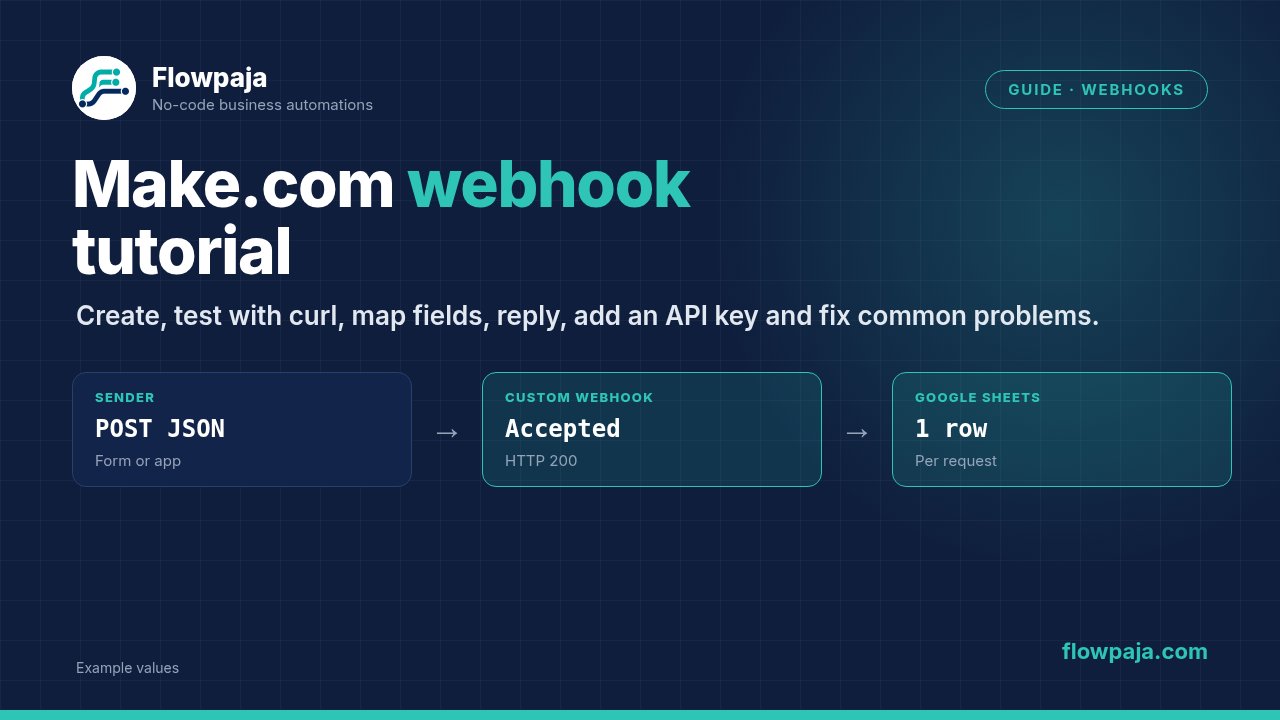
If it worked, you get Accepted back.
From a form tool: most form tools have a "Webhooks" or "Integrations" setting where you paste the URL. Submit the form once with fictional data while Make is listening. Form tools often send their own structure, e.g. a list of fields, so determine the structure with a real submission, not with curl.
Step 4: Map the fields
Add the next module (e.g. Google Sheets → Add a Row). Click into a field and choose values from the webhook in the mapping panel. Each value appears as a coloured "pill".
Small habits that save trouble later:
{{trim(1.email)}}removes stray spaces.{{ifempty(1.company; "n/a")}}fills empty optional fields.- Add a filter right after the webhook, e.g. email → Exists, so empty or spam requests stop early. Filters don't use credits.
Step 5: The Webhook response module
Without a response module, Make answers every request right away with Accepted (HTTP status 200).
Add Webhooks → Webhook response when the sender needs something specific back:
| Field | Example |
|---|---|
| Status | 200 for success, 400 for invalid input |
| Body | {"ok": true, "id": "{{1.request_id}}"} |
| Custom headers | Content-Type: application/json |
Typical reasons to add one:
- Your website code waits for an answer and shows "Thanks!" or an error.
- The sender retries unless it gets a certain status.
- You want to tell the sender a request was rejected.
Put the response at the end of the scenario. Make waits up to 180 seconds for it; if the scenario takes longer, Make returns "Accepted" with status 200 instead. Make's docs also warn that if the response sits in the middle and a later module fails, the scenario isn't deactivated and you don't get an error notification.
Step 6: Understand the queue
Every request first lands in the webhook's own queue. With an instant webhook, Make processes it right away. When the scenario is off, or scheduled to process webhooks only at certain times, requests wait in the queue until it runs.
- Where to see it: click Webhooks in the left sidebar, select the webhook, and open the Queue tab. The Logs tab shows recent requests (kept for 3 days on most plans).
- How big it is: the queue limit scales with your plan's credits: 667 items per 10,000 monthly credits, up to 10,000 items. The Free plan's queue is therefore small.
- When it's full: Make rejects new requests with status 400 "Queue is full". So don't leave a webhook scenario switched off for long.
- Rate limit: Make accepts up to 300 webhook requests per 10 seconds; above that, senders get status 429.
- Unused webhooks expire: a webhook that isn't attached to any scenario for more than 5 days is deactivated and returns 410 Gone.
Step 7: Protect the webhook with an API key
A secret URL is a weak lock. Make can require an API key on every request:
- When you create the webhook (or later: Webhooks in the left sidebar → the three-dot menu next to the webhook → Edit), go to API Key authentication and click + Add API key.
- Click Create a keychain, give it a name, and enter a key value you choose (ASCII characters, up to 512). Store it safely: Make won't show it again.
- The sender must now send that key in the
x-make-apikeyrequest header:
curl -X POST "https://hook.eu1.make.com/YOUR-ID" -H "Content-Type: application/json" -H "x-make-apikey: YOUR-KEY" -d "{\"email\":\"[email protected]\"}"Requests without the right key are refused (the sender sees an "Unauthorized" error). The header name must be exactly x-make-apikey; Authorization: Bearer … or x-make-api-key won't work. Make also strips this header from the data, so it never shows up in your scenario.
The webhook settings also have IP restrictions: a comma-separated list of allowed IP addresses or CIDR ranges, useful if the sender has fixed IPs.
Worked example: form → webhook → Google Sheets → Slack
Goal: every contact form submission becomes a row in a sheet and a Slack message. The same submission is never written twice.
Sheet: tab "Leads", row 1: received_at | name | email | message | request_id
Scenario:
- Webhooks → Custom webhook: receives
name,email,message,request_id. - Filter:
emailexists ANDrequest_idexists. - Google Sheets → Search Rows: tab "Leads", filter
request_idequals{{1.request_id}}, limit 1. - Filter:
Total number of bundles(from Search Rows) equal to 0 (numeric operator).- When nothing matches, Search Rows still outputs one empty bundle with Total number of bundles = 0, so the route continues and this filter lets it through.
- When the request_id already exists, the total is 1 and the filter stops the run. No duplicate.
- Google Sheets → Add a Row:
received_at:{{formatDate(now; "YYYY-MM-DD HH:mm")}}nameemail:{{lower(trim(1.email))}}messagerequest_id
- Slack → Send a Message, to
#leads:
New contact form message from {{1.name}}
{{1.message}}
Credits (1 credit per module action; filters are free):
- New submission: webhook + Search Rows + Add a Row + Slack = 4 credits.
- Duplicate: webhook + Search Rows = 2.
- Stopped by the first filter: 1.
If the search part behaves unexpectedly, see Search Rows returns nothing. If you'd rather import this than build it, the free Webhook to Sheets with duplicate check template has the same logic.
7 common problems and fixes
| Problem | Likely cause | Fix |
|---|---|---|
| Module stuck on "waiting for data" | No request reached this exact URL | Re-copy the URL; send a curl test |
| Fields missing in the mapping panel | Structure determined before fields were added | Click Detect new values and send a real request |
curl error in PowerShell | curl means something else there, and quoting differs | Use Command Prompt, or Invoke-RestMethod |
| Sender gets 401 Unauthorized | API key missing or in the wrong header | Send it as x-make-apikey |
| Requests pile up but nothing runs | Scenario off | Switch it on; the queue is processed |
| Duplicate rows | Sender retried, or the form was submitted twice | Dedupe on a unique ID (worked example) |
| Scenario switched itself off | An error. Scenarios that start with an instant trigger ignore Errors before deactivation and switch off after the first error | Fix the cause in History, enable Store incomplete executions, then switch it on |
For a longer checklist, see Make webhook not receiving data. For error types and which handler fits (Retry, Skip, Resume, Commit, Rollback), see the Make error cheat sheet.