 Flowpaja
What you need
- Access to the scenario in Make.com and to Webhooks in the left sidebar. No account yet? Create a free Make account (affiliate link).
- Access to the sending app's webhook settings, and its delivery log if it has one
- On Windows: Command Prompt (
cmd). Windows 10 and 11 includecurl.exe.
Ad disclosure: links marked "affiliate link" are ads. If you sign up or buy through them, Flowpaja may earn a commission at no extra cost to you.
Step 1: Check the URL, character by character
Most "not receiving" cases are a URL mismatch:
- Copy errors. A missing last character, a trailing space, or a pasted line break.
- A different webhook. Each scenario uses its own webhook. If you cloned or imported the scenario, or added a new webhook to the trigger, the URL changed, and the sender may still call the old one.
- The zone. URLs include your zone, e.g.
https://hook.eu1.make.com/…orhttps://hook.us1.make.com/…. Never retype or edit the URL.
Copy the URL from the Custom webhook module and paste it into the sender again rather than comparing by eye.
Step 2: Check that the scenario is on, and how it's scheduled
Check that the scenario is active and set to run Immediately (the default for webhooks). On a schedule, requests wait in the queue, and each run processes only up to the webhook's Maximum number of results (default 2).
Also check whether Make switched the scenario off. If a run of a webhook-triggered scenario set to run immediately ends in an error, Make deactivates it at once; Errors before deactivation (default 3) doesn't apply. See why a Make scenario stopped running.
Step 3: Look at the webhook queue
In the left sidebar, click Webhooks, select your webhook and open the Queue tab. Click Detail on an item to see its parsed data.
- Items waiting, nothing running: requests reach Make, but the scenario is off, scheduled, or has Process data in order on and is waiting for an unresolved incomplete execution.
- Queue empty: requests aren't arriving, or Make rejected them. Continue with step 4.
The queue holds 667 items per 10,000 monthly credits in your plan, up to 10,000. When it's full, Make answers 400 with Queue is full.
Step 4: Check the webhook logs
On the same page, open the Logs tab. Detail shows the full request (method, headers, query, body), Make's response status and the parsed items. Logs are kept for 3 days (30 on Enterprise).
- Request in the logs: compare the status and parsed items with what you expected (steps 5 and 8).
- Nothing in the logs: the request never reached this webhook. Recheck step 1 and the sender's delivery log.
Step 5: Check the webhook's settings
On the Webhooks page, open the webhook's three-dot menu → Edit. These settings can block or reshape requests:
- API Key authentication: the sender must send a key in the
x-make-apikeyheader. - IP restrictions: only listed IPs are processed.
- Data structure: requests that fail validation get
400. - JSON pass-through: the JSON body arrives as one text string, not separate fields.
Payloads can be up to 5 MB. Above 300 requests per 10 seconds, Make answers 429.
Step 6: Let Make learn the data structure
A new webhook doesn't know which fields to expect. Click Run once so the module listens, send one realistic request (step 7), and check that the fields appear in its output.
If the sender later adds or renames fields, click Detect new values in the module and send a new sample. Otherwise the new fields don't show up in the mapping panel.
Step 7: Send a test request with curl.exe
If your own request arrives and the sender's don't, the problem is on the sender's side. A test runs the scenario like a real request, so use test data.
Quickest check: paste the URL into a browser; a working webhook shows Accepted. For a JSON POST, run this in Command Prompt (one line):
curl.exe -X POST "https://hook.eu1.make.com/YOUR-WEBHOOK-ID" -H "Content-Type: application/json" -d "{\"name\":\"Test User\",\"email\":\"[email protected]\"}"In cmd, wrap the JSON in double quotes and write inner quotes as \". Expect Accepted (status 200) unless your scenario has a Webhook response module.
PowerShell note: in Windows PowerShell 5.1, curl is an alias for Invoke-WebRequest, which takes different parameters. curl.exe calls the real curl, but PowerShell quotes differently, so the line above fails there unchanged. Use PowerShell's own command:
$body = @{ name = "Test User"; email = "[email protected]" } | ConvertTo-Json
Invoke-RestMethod -Method Post -Uri "https://hook.eu1.make.com/YOUR-WEBHOOK-ID" -ContentType "application/json" -Body $body
On macOS or Linux: curl -X POST "URL" -H "Content-Type: application/json" -d '{"name":"Test User"}'.
Step 8: Check what the sender actually sends
- Content type. Make documents query strings, form data (
application/x-www-form-urlencoded,multipart/form-data) and JSON withContent-Type: application/json. For anything else, compare the body and parsed items in the Logs tab. - Different format from your test. If the sender posts form data but you taught Make with JSON, fields differ. Use Detect new values with a real request.
- Method. Some tools send
GET; the data is then in the query string. - Events. If the event you expect isn't ticked in the sender's webhook settings, nothing is sent.
- Sender errors. Check the sender's delivery log for timeouts or error responses.
Step 9: Check for a deactivated webhook
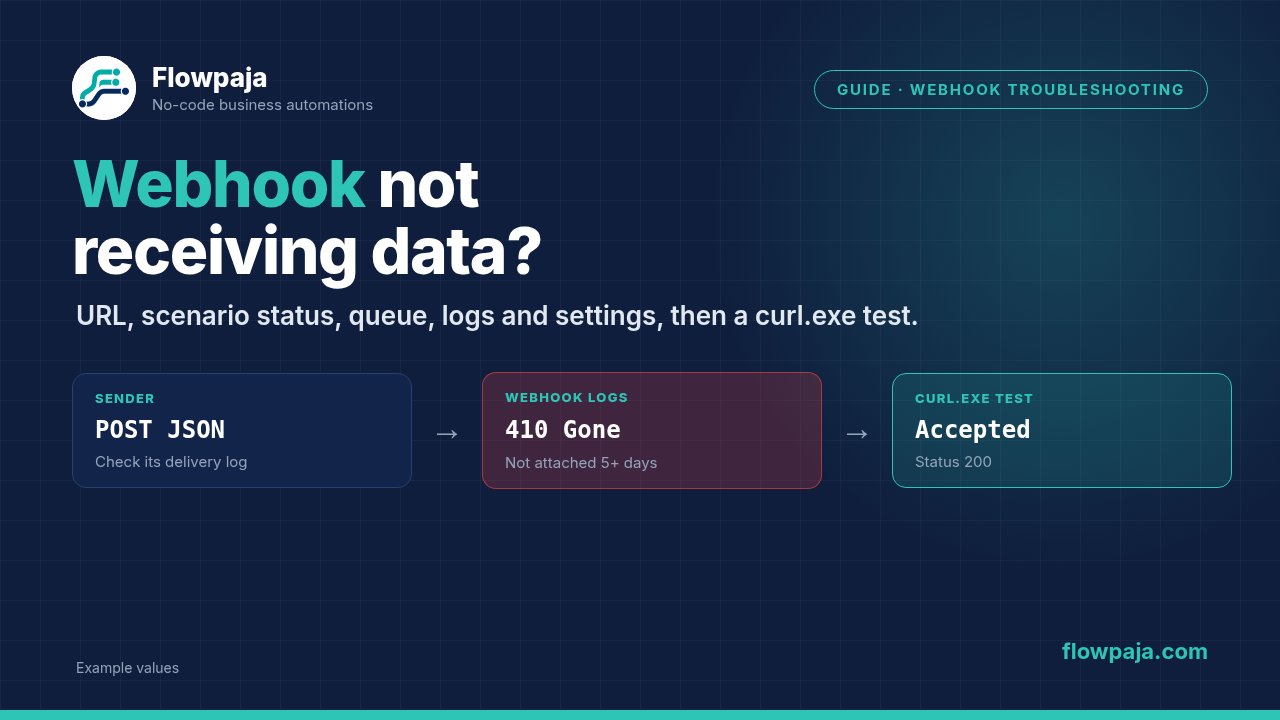
Make deactivates a webhook that isn't connected to any scenario for more than 5 days (120 hours); its URL then answers 410 Gone. This typically follows a deleted or rebuilt scenario. Check the status on the Webhooks page; if it's deactivated, create a new webhook and give the sender the new URL.
Common errors and fixes
For errors outside webhooks, see 10 common Make scenario errors.
| What you see | Likely cause | Fix |
|---|---|---|
| Module waiting for data | No request reached that URL | Test (step 7); recheck the URL |
410 Gone | No scenario attached for over 5 days | New webhook; update the sender |
400 Queue is full | Queue limit reached | Process or delete queued items |
400, data structure attached | Failed validation | Fix the payload or structure |
429 | Over 300 requests in 10 seconds | Slow down the sender |
| Queue fills, nothing runs | Scenario off, scheduled or waiting | Fix and switch on |
| Fields missing in mapping | Outdated structure | Detect new values |
curl fails in PowerShell | Alias for Invoke-WebRequest | Invoke-RestMethod, or cmd |
| One text value, no fields | JSON pass-through or content type | Turn it off / send JSON |
New to webhooks? Start with the Make webhook tutorial, or read Make.com for beginners for the basics.
Requests arriving twice? Our free Webhook to Google Sheets with duplicate check template adds one row per request_id and skips repeats.
Quick reference: Make error cheat sheet, every common error type, HTTP code and app error on one page, with a free printable PDF.
Building the webhook from scratch? See receive webhook data in Google Sheets. Building form → Slack instead? See Google Form responses to Slack or the free Form to Slack template.