 Flowpaja
Before you start
- The site must be published. Webflow sends form submissions from the live site, not the Designer preview.
- Custom domain = active Site plan. Webflow processes form submissions on the webflow.io staging domain without a Site plan, but needs an active Site plan for a custom domain.
- Leave the form's Action field empty. If you paste the Make webhook URL into the form's own Action setting, the form bypasses Webflow's form processing: no submission in Webflow, no notification email, and your visitor lands on Make's plain "Accepted" page. Use Watch Events or a site webhook instead.
- A HubSpot account where you can connect apps, and a Slack channel for alerts.
Step 1: Choose how Make receives the submission
| Webflow › Watch Events | Webhooks › Custom webhook | |
|---|---|---|
| Setup | Connect Webflow in Make, pick the site and the form submission event | Copy the Make URL, then add it in Webflow: Site settings › Apps & integrations › Webhooks › Add webhook, trigger type Form submission, API version v2 |
| Which forms | The forms on that site; filter by form name in Make | All forms on the site; filter by form name in Make |
| Good for | Most setups | When you want to see the raw JSON, or reuse an existing webhook scenario |
Both fire instantly. Pick one per form: running both against the same HubSpot step sends every lead twice.
Webhooks added in Site settings don't include Webflow's signature headers (only webhooks created through the API do), so treat the Make URL as private: keep it out of screenshots and shared blueprints.
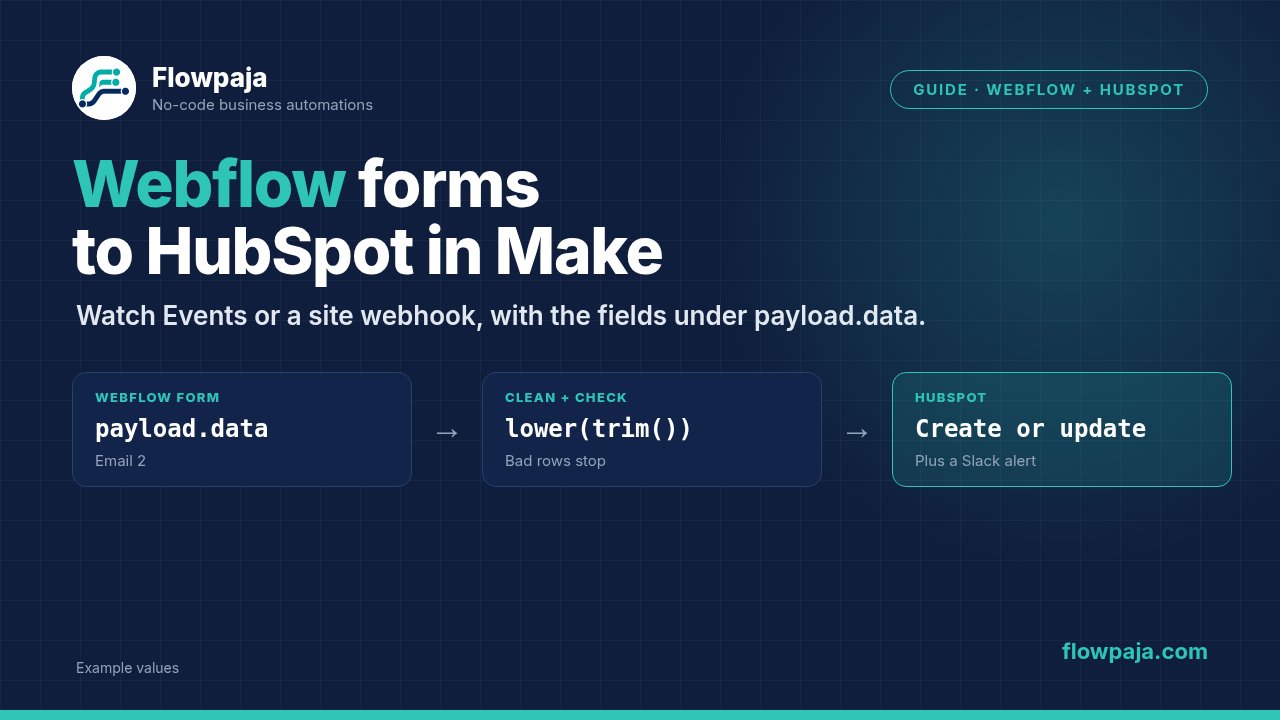
Step 2: Find the field names in payload.data
Click Run once in Make, then submit the form on the published site with fictional data. The bundle looks like this:
{
  "triggerType": "form_submission",
  "payload": {
    "name": "Contact form",
    "siteId": "…",
    "data": {
      "Name": "Jamie Example",
      "Email 2": "Jamie@Example.com ",
      "Company": "Example Ltd",
      "Budget": "$10k+"
    },
    "schema": [ … ],
    "submittedAt": "2026-10-06T09:15:00.000Z",
    "id": "…",
    "formId": "…"
  }
}
Three things trip people up:
- The email isn't at the top level. It's inside
payload.data. Watch Events passes the same webhook payload through, so look in the same place. Map it from there. - The key is the field's Name, not its label or placeholder. Duplicate a field in Webflow and its Name becomes
Email 2. If you rename a field later, the key changes and the mapping in Make goes empty. Fix the Name in Webflow's field settings, then run once again so Make sees the new structure. With a Custom webhook, click Detect new values first. payload.nameis the form's name. A site webhook fires for every form on the site, so add a filter after the trigger: payload.name equal toContact form.
Step 3: Stop bad submissions before HubSpot
Add a filter between the trigger and HubSpot: the email field exists and contains @. Empty submissions and junk without an email stop here and cost nothing beyond the trigger.
Step 4: Create or update the HubSpot contact
Add HubSpot CRM › Create or Update a Contact:
| HubSpot property | Map from Webflow |
|---|---|
| Email (standard property) | `{{lower(trim(1.payload.data.Email 2))}}` (click the field in the mapping panel; don't type the path) |
| First name | Name, or split it with Make's text functions |
| Company name | Company |
| Your custom property, e.g. Lead budget | Budget (use HubSpot's internal option value if it's a dropdown) |
Create or Update a Contact matches on email, so a visitor who submits twice updates one contact instead of creating a second. If you need different steps for new and returning contacts, search first instead. Both patterns, and every "Contact already exists" case, are in Fix HubSpot "Contact already exists" (409) in Make.
Dropdown answers must match the HubSpot property's internal value, or HubSpot answers [400] Property values were not valid. See Google Forms to HubSpot and Slack, Step 2, for the fix.
Step 5: Alert the team in Slack
Add Slack › Send a Message after HubSpot, with the name, company, budget and email. To route big budgets to their own channel, add a router: Budget equal to $10k+ → #sales-hot, everything else → #leads. If the channel is private, the Slack user who connected Make must be a member, or you'll see channel_not_found (fix).
Then right-click the HubSpot module → Add error handler → a Slack message to an alerts channel with the error and the email, followed by Skip. An instant-trigger scenario is switched off after its first unhandled error.
When nothing arrives in Make
| Symptom | Likely cause | Fix |
|---|---|---|
| Test submission, no bundle in Make | Site not published, or form on a custom domain without an active Site plan | Publish; test on the webflow.io domain to rule out the plan |
| Webflow shows no submission either | The form's Action field contains a URL | Clear it so Webflow processes the form again |
| Bundles arrive, HubSpot email is empty | Mapping points to a key that no longer exists (renamed or duplicated field) | Check the key in payload.data, remap, Run once |
| Every lead arrives twice | Watch Events and a site webhook both active, or two webhooks for the same form | Keep one |
| Webflow emails you that the webhook was deactivated | Make didn't answer with 200. Webflow retries up to 3 more times, 10 minutes apart, and can then deactivate the webhook | Fix the scenario, then add a new webhook in Site settings (or ask Webflow support to reactivate the old one) |
| HubSpot module red with 409 | The email already belongs to a contact | Fix the 409 |
A Make custom webhook answers 200 Accepted as soon as the request is in its queue, so Webflow's retries normally only happen when the webhook is missing or its queue is full (Make then answers 400 Queue is full). More checks in Make webhook not receiving data.
Credits
| Path | Credits |
|---|---|
| Valid submission: trigger + HubSpot + Slack | 3 |
| Submission stopped by the email filter | 1 |
| No submissions | 0 (instant trigger, no polling) |
Routers and filters are free. 300 valid submissions a month is about 900 credits, which fits inside the Free plan's 1,000 if this is your main scenario. Check your own numbers in the Make credits calculator.
Start from a tested template
Free: Lead Capture → Google Sheets + Slack, with dedupe. One row and one Slack alert per new email; a repeat email updates its row with no second ping. It starts with a Custom webhook, so you can point a Webflow site webhook at it and map payload.data fields once after importing.
Using a Google Form instead of Webflow? Lead Router ($19) does the HubSpot part for you: exact-email search, create or update, $10k+ budgets to #sales-hot, failure alerts. 30-day money-back guarantee.
No Make account yet? Create a free Make account (affiliate link). Flowpaja may earn a commission if you sign up through it, at no extra cost to you.