 Flowpaja
Watches your form sheet
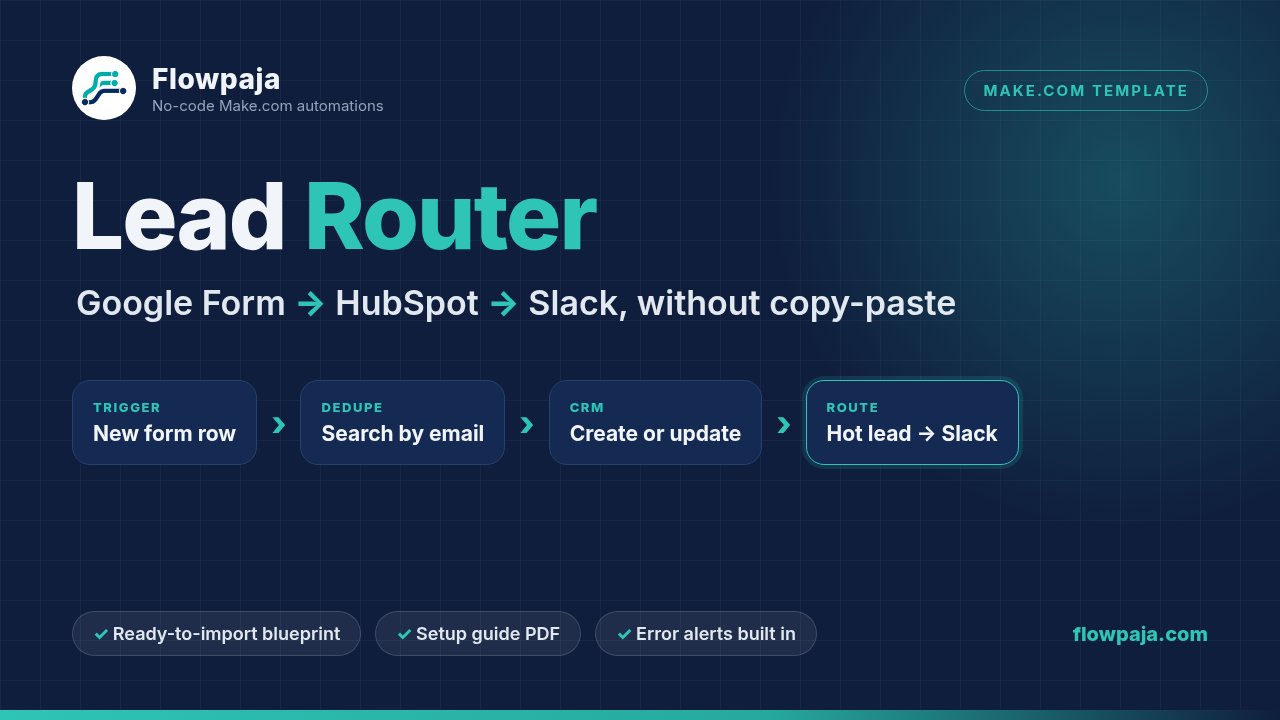
Picks up new rows in the Google Sheet linked to your Google Form.
Stop copy-pasting form leads into your CRM. Lead Router is a ready-to-import Make.com scenario that turns every new Google Form response into one clean HubSpot contact and a Slack message in the right channel. Before it creates anything, it looks up the exact email in HubSpot, so a repeat submission updates the existing contact instead of adding a second one.
One Make scenario: 1 trigger and 16 other modules. You import it into your own Make account and connect your own apps. Nothing runs through Flowpaja.
Picks up new rows in the Google Sheet linked to your Google Form.
Searches HubSpot for the exact email, then creates a new contact or updates the matching one.
$10k+ budgets go to #sales-hot, everyone else to #leads. A blank budget shows as “not given”.
If a HubSpot step fails, a short alert goes to #automation-alerts instead of the lead disappearing.
Repeat submissions update the contact you already have. They don’t create a second one.
#automation-alerts and that row is skipped (the guide shows how to re-run it).Changed in v1.1: earlier versions used a free-text search, where a contact that only partly matched could be updated by mistake. v1.1 switched to the exact email filter. The CHANGELOG includes steps for anyone who imported v1.0.
One zip file (v1.1, updated 25 Sep 2026) with these nine files:
Flowpaja_Lead_Router_blueprint.jsonThe Make scenario blueprint. Account data removed: no connections, IDs or tokens. You connect your own apps.Flowpaja_Lead_Router_Setup_Guide.pdf9-page setup guide: requirements and credits, import and reconnect steps, field mapping table, the budget-value gotcha, test plan, troubleshooting, ideas to extend.google_form_questions.csvThe exact form questions, types, options and how each maps to HubSpot.lead_intake_sheet_template.csvHeader row for the response sheet (columns A–G).hubspot_custom_properties.csvThe 3 custom HubSpot contact properties to create.test_leads_fictional.csv5 fictional test leads with the expected result for each.BONUS_Form_to_CRM_Automation_Checklist.pdfBonus: our Form-to-CRM automation checklist (also available as a free download).README.txtQuick start: what each file is for and where to begin.CHANGELOG.txtWhat changed in each version.Four accounts are enough, and free plans work.
An account where you can create a scenario. The guide shows how to pick a schedule that fits the free plan’s monthly credits.
A form with 6 questions, linked to a response sheet. The exact layout is in the guide and CSVs.
Permission to create 3 contact properties and connect apps. Uses standard search, create and update actions.
Three channels: #sales-hot, #leads, #automation-alerts. Names are editable.
The guide walks through each step with module numbers and a mapping table.
Create the Google Form and response sheet, the 3 HubSpot properties and the 3 Slack channels.
In Make: Create a new scenario → ⋯ menu → Import Blueprint. Connect Google Sheets, HubSpot and Slack in each module.
Compare HubSpot’s internal dropdown values with the form answers and adjust one small formula if needed (about 2 minutes).
Run the fictional test leads (the $10k+ test is required), set a schedule that fits your credits, switch it on.
Worth knowing before you buy.
$10k+ was stored as 10k+$, so HubSpot rejected the label. The template’s default formula fits that portal only. Check your own values and adjust the formula, or hot leads will fail with a [400] error.Want to see how this kind of scenario is built first? Read our step-by-step guide: How to send Google Form leads to HubSpot and Slack with Make.com.
Blueprint, 9-page setup guide, form and HubSpot templates, fictional test leads and a bonus checklist. Delivered as a download on Gumroad.
30-day money-back guarantee: if the template isn't right for you, reply to your Gumroad receipt email within 30 days of purchase for a full refund.
Make, HubSpot, Slack and Google are trademarks of their owners. Flowpaja is independent and not affiliated with or endorsed by them.