 Flowpaja
Typeform response in
Typeform sends each response to a Make custom webhook. Anything that isn’t a form_response event, or has no email answer with an “@”, stops here.
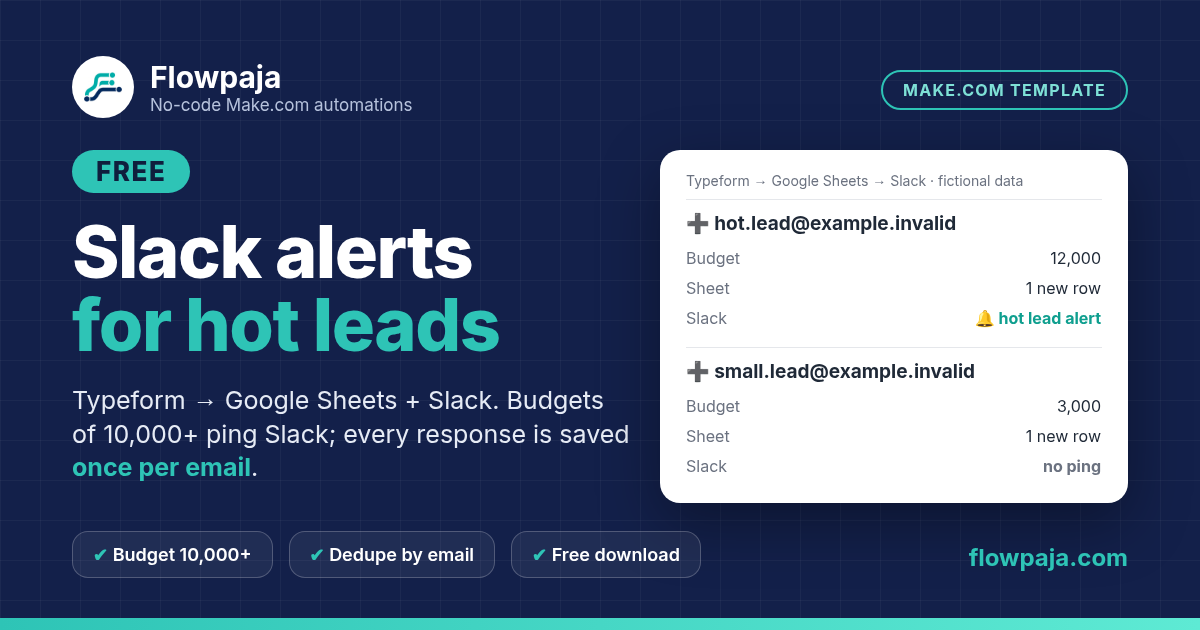
A Slack message for every form response soon gets ignored. This template saves every Typeform response to your Google Sheet, once per email address. It posts to Slack only when the budget answer is 10,000 or more, so your channel shows the leads worth answering first.
This page contains affiliate links, marked “affiliate link”.
Tested in Make on 6 Oct 2026 with fictional data and Typeform-shaped test requests sent to the scenario’s webhook: a new lead with a budget of 12,000 added a row and reached the Slack step (4 credits), and so did a budget of exactly 10,000 (the threshold is inclusive). A budget of 3,000, or no budget answer, added a row without Slack (3 credits). The same email again, in capitals with extra spaces, updated its row with no new row and no Slack (3 credits). A non-response event or a response without an email stopped at the filter (1 credit). Not tested: a real Typeform delivery (no Typeform account was connected), and posting to a real Slack channel (the Slack step ran against a channel that doesn’t exist, so nothing was posted). Send one fictional response to your own test channel first.
One Make scenario with 6 modules (including the router). It runs in your own Make account with your own Typeform, Google and Slack connections. Nothing runs through Flowpaja.
Typeform sends each response to a Make custom webhook. Anything that isn’t a form_response event, or has no email answer with an “@”, stops here.
Google Sheets › Search Rows checks column A of the Leads tab for the email, trimmed and lowercase.
The router reads Search Rows’ Total number of bundles. 0 means a new email: Add a Row, and Slack › Send a Message if the budget is 10,000 or more. More than 0 means a repeat: Update a Row writes the time and the new response token. No new row, no Slack.
No field IDs to look up for a simple form: the template reads the first Email, Short text and Number answers. The README shows how to pick specific questions by field ID.
Three lead templates look similar. They solve different problems.
| You want… | Use |
|---|---|
| Typeform leads saved once, with Slack only for big budgets | This template |
| Any form or app, one Slack alert per new email | Lead capture to Sheets + Slack |
| Google Form responses posted to Slack | Form responses to Slack |
| Leads in HubSpot, with budget routing and error alerts | Lead Router ($19) |
One zip (v1.0, 6 Oct 2026).
Flowpaja_Typeform_Hot_Lead_Alert_FREE_blueprint.jsonThe Make scenario. No connections, IDs or tokens inside. You create your own webhook and connect your own Google and Slack accounts.Leads_sample.csvThe Leads tab with 8 columns and 5 fictional rows (example.invalid addresses).README.mdSetup in 9 steps, three curl test requests (plus a PowerShell tip), credits per response and limits.You need a Make.com account (the Free plan works), a Typeform account, a Google account and a Slack workspace. No Make account yet? Create a free Make account (affiliate link). No Typeform yet? Try Typeform (affiliate link).
Upload the CSV to Google Drive, open it as a Google Sheet and name the tab Leads. Keep the column order A–H.
Create a new scenario › ⋯ › Import Blueprint. Create the webhook in module 1 and paste its URL into your form’s webhook settings. Click Detect new values and submit one fictional response.
Choose the sheet and the Leads tab in modules 2 and 4, your Google connection in module 6, and a private test channel in module 5.
Click Run once, send the three test requests from the README and check the sheet and Slack. Then switch the scenario on.
Measured in our Make test.
A free, deliberately simple template.
Lead Router ($19) takes Google Form leads, looks up the exact email in HubSpot, creates or updates the contact, sends $10k+ budgets to a hot Slack channel and alerts you when a HubSpot step fails. It’s a one-time purchase with a 30-day money-back guarantee. Using it with Typeform means changing the trigger and field mapping yourself.
Building it yourself instead? See Typeform to Make: Sheets, Slack and email and Typeform responses to Google Sheets.
More free templates: Lead capture to Sheets + Slack, Webhook to Sheets with duplicate check, Google Form responses to Slack, Quote Reply Signal and Overdue Invoice Digest.
Questions: flowpaja.fi@gmail.com.
Tools we use for our builds: our tools page.
Make, Typeform, Google, Google Sheets, HubSpot and Slack are trademarks of their owners. Flowpaja is independent and not affiliated with or endorsed by them. Flowpaja develops its templates with AI assistance.