 Flowpaja
Checks the response sheet
On your schedule, Google Sheets › Watch New Rows looks for new rows in the tab Form Responses 1.
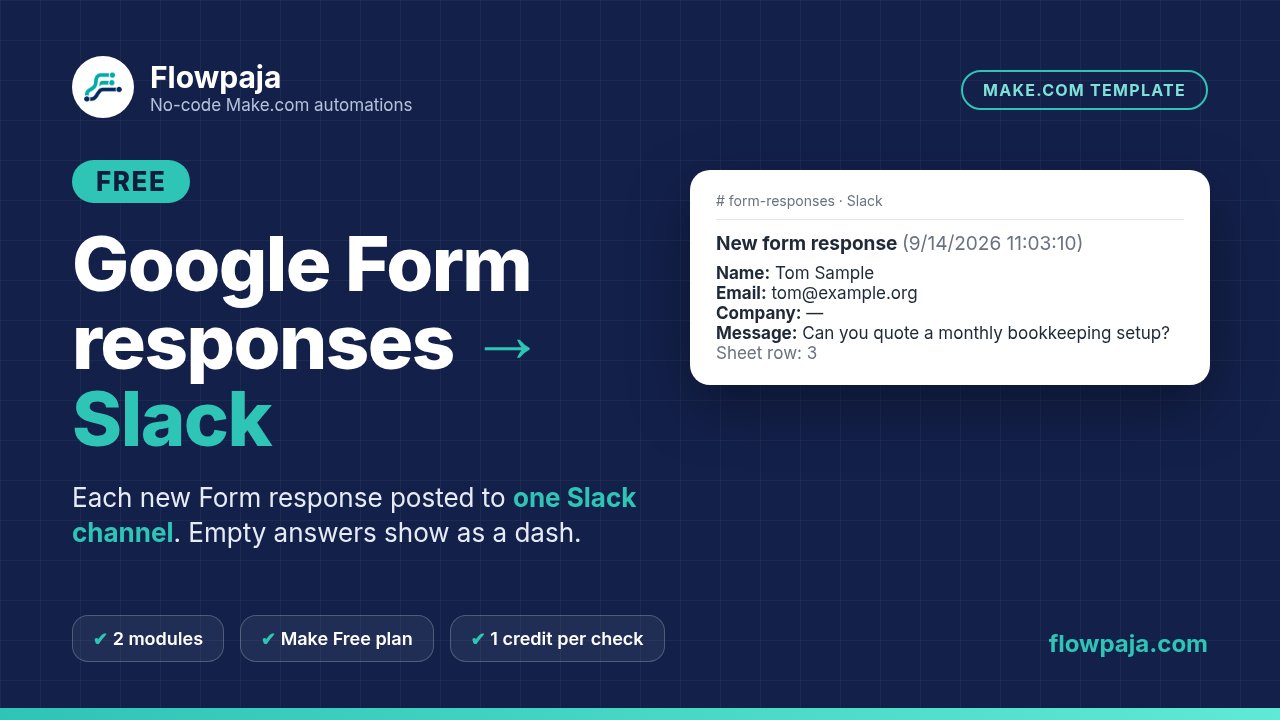
When someone fills in your Google Form, this template posts their answers to a Slack channel you choose. It reads the Form’s response sheet, so you don’t change how you build or share the form. Empty answers show as a dash, so every message has the same layout.
Free download. No sign-up needed. You’ll need your own Make, Google and Slack accounts. The free version works on its own and stays free.
One small Make scenario with 2 modules. It runs in your own Make account with your own Google and Slack connections. Nothing runs through Flowpaja.
On your schedule, Google Sheets › Watch New Rows looks for new rows in the tab Form Responses 1.
Rows with an empty Timestamp are stopped before Slack, so half-deleted rows don’t post.
Name, Email, Company and Message go to one channel. Empty answers show as “—”.
One zip (v1.0, 2 Oct 2026). Tested in Make on fictional data: a row without a Timestamp was filtered out before Slack, and a check with no new rows used 1 credit.
Flowpaja_Form_to_Slack_FREE_blueprint.jsonThe Make scenario. No connections, IDs or tokens inside. You connect your own Google and Slack accounts.SETUP_GUIDE.pdf2 pages: setup in 7 steps, the start point setting, limits and fixes for common problems.Form_to_Slack_EXAMPLE_sheet.xlsxThe 5 response columns with 3 fictional responses, plus a How to use tab.Form_Responses_1_tab.csvThe same rows as CSV, plus a README.txt.You need a Make.com account (the Free plan works), a Google account with Forms and Sheets, and a Slack workspace. No Make account yet? Create a free Make account (affiliate).
In Google Forms: Responses › Link to Sheets. Name the questions Name, Email, Company and Message, or re-map them later.
In Make: Create a new scenario › ⋯ menu › Import Blueprint. Pick the linked sheet and tab in module 1.
Right-click module 1 › Choose where to start › From now on, so older responses are not posted.
Type your channel in module 2, submit a test response, click Run once, then turn on the schedule.
A free, deliberately simple template.
Lead Router ($19) sends each Google Form lead to HubSpot (created, or updated on an exact email match, so no duplicate contacts) and to Slack. It sends $10k+ budgets to #sales-hot, marks repeat submissions “(updated)” and posts error alerts.
Need more than one? Get all 3 paid templates for $39 (opens Gumroad in a new tab) (Lead Router, Polite Invoice Reminder and Quote Follow-Up Assistant).
More free templates: Overdue Invoice Digest and One quote follow-up draft.
New to Make? Create a free Make account (affiliate link: Flowpaja may earn a commission if you later buy a paid plan, at no extra cost to you). Questions: [email protected].
Make, Google, Google Forms, Google Sheets and Slack are trademarks of their owners. Flowpaja is independent and not affiliated with or endorsed by them.