 Flowpaja
Import the blueprint
Import the JSON. Create your own custom webhook in module 1 and keep the URL private.
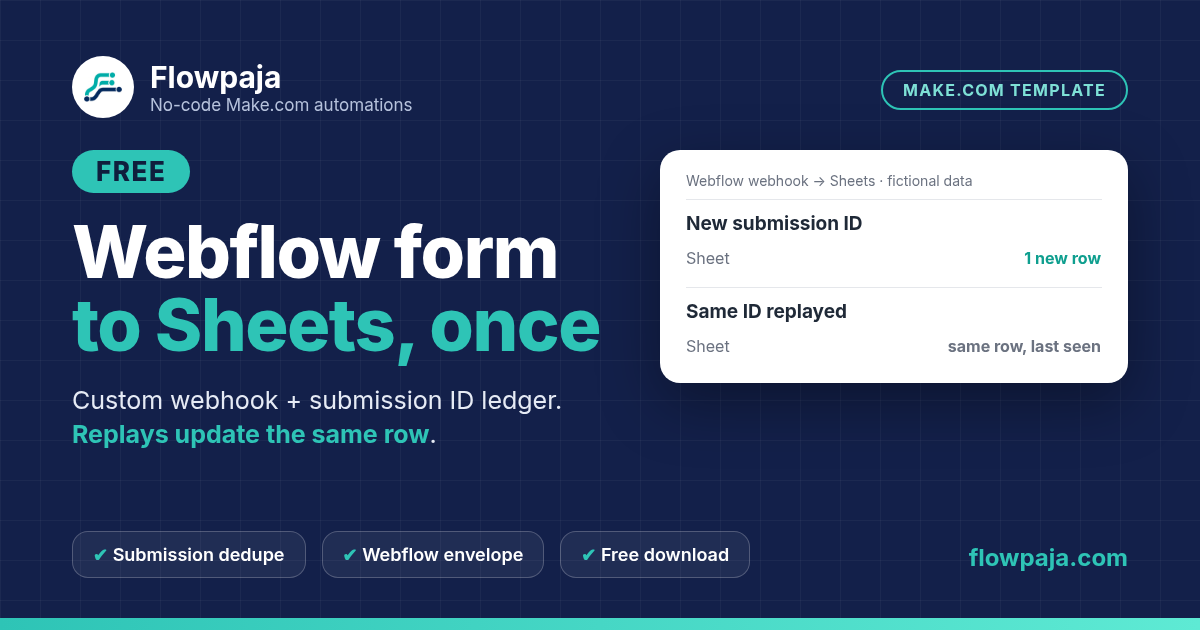
Webhook delivery can be repeated. This template uses a Make Custom Webhook to receive Webflow's form_submission event, reads the nested payload and searches a Sheets ledger before writing.
This page contains an affiliate link, marked “affiliate link”.
Not yet run in a live Make account. Use Detect new values on a real Webflow form_submission event after creating your webhook. Field names are case-sensitive. Planning estimate: 25–40 minutes.
Runs in your own Make account with your own Webhooks, Google Sheets connections. Nothing runs through Flowpaja.
The unique key combines the site ID and submission ID. An unseen key appends a row. A repeated key updates that same row and its last-seen timestamp, while preserving the first received timestamp. Two separate submissions from one email stay separate records.
The setup notes cover the Webflow-specific event envelope, case-sensitive form field names and how to use Detect new values to capture the real payload. They also distinguish a site webhook from a form's custom action, which can deliver a different shape.
Use this for a modest Webflow submission log with one writer. It contains no HubSpot write, Slack alert or customer email. If your goal is one contact row per email instead of one row per submission, read the README's key-choice extension and test it separately.
The download includes a connection-free Make blueprint, setup README, fictional CSV test data and test notes. Import into your own Make account, connect your own apps and run the checks before activation. Nothing runs through Flowpaja.
Short path from the README. Full steps and credits are in the download.
Import the JSON. Create your own custom webhook in module 1 and keep the URL private.
Point Webflow’s form_submission site webhook at your Make URL. Capture one real event with Detect new values.
Map payload.data fields by their exact names. Point Search/Add/Update Rows at your ledger sheet; key is site ID + submission ID.
Send a fictional submission, then replay the same webhook body. Confirm one row, then an updated last-seen timestamp.
Planning estimates, not a timed live-account measurement.
Allow 25–40 minutes once your Webflow site webhook and ledger sheet are ready. This is a planning estimate, not a timed live-account measurement. A new submission or recognized replay is approximately four credits. Actual credits depend on the route, bundle count and retries.
Make Free has 1,000 credits/month, two active scenarios, a 15-minute minimum scheduled interval and a five-minute run limit. The README includes a route-by-route estimate and scheduling guidance.
Choose this download for Webflow v2 form_submission mapping and a submission-ID ledger. Use Webhook to Sheets Dedupe Free for the existing generic webhook starter, or Lead Capture to Sheets and Slack for its separate email-based intake-and-alert workflow.
More free templates: Webhook to Sheets with duplicate check · Lead capture to Sheets + Slack · Webflow form to HubSpot guide.
Questions: flowpaja.fi@gmail.com.
Tools we use for our builds: our tools page.
Make, Webflow, Google and Google Sheets are trademarks of their owners. Flowpaja is independent and not affiliated with or endorsed by them. Flowpaja develops its templates with AI assistance.