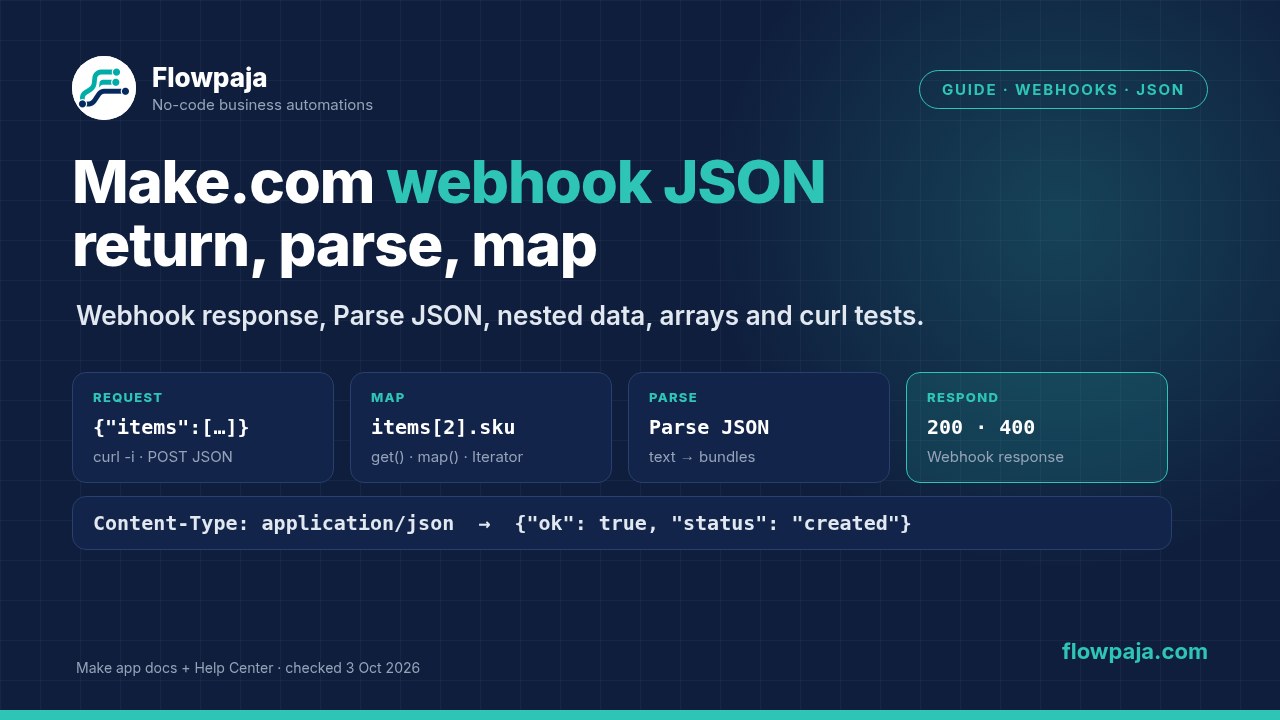
Parse JSON: when JSON arrives as text
A Custom webhook already parses a normal JSON request, so you don't need Parse JSON for that. You do need it when JSON reaches your scenario as a string:
- JSON pass-through is on
- a form tool sends one field whose value is JSON
- an HTTP request returns JSON as text
- an AI module answers with JSON
- a Google Sheets cell holds JSON
Set it up:
- Add JSON › Parse JSON and map the text into JSON string.
- For Data structure, either create one with the generator from a sample, or leave it empty. Then run the scenario once before connecting the next module, and Make builds the structure from the JSON it sees (JSON app docs).
- Map the parsed fields in the following modules.
Collection or array changes everything after it. A JSON string that starts with { (a collection) gives one bundle. A string that starts with [ (an array) gives one bundle per item, so every later module runs once per item and uses credits each time. If you wanted one result, wrap the array in an object on the sending side ({"items": [...]}), or aggregate afterwards.
Parse JSON fails on text that isn't pure JSON. Common causes:
- curly quotes from a word processor
- a trailing comma
- an empty value
- an AI answer wrapped in a
```json code fence or extra sentences
Look at the exact input in the module's bundle, and clean it first: for example replace() to strip the fence, or a filter that skips empty values. Ask AI models for "JSON only". Some offer a structured-output option, covered in our ChatGPT and OpenAI in Make guide.
Parse JSON is a transform module: 1 credit per run, by Make's credit rule.
Nested JSON and arrays
Take this request, which has a nested customer object and an array of items:
{
  "request_id": "req-20261003-0001",
  "customer": {
    "name": "Ana Example",
    "email": "ana@example.com",
    "address": { "city": "Tampere" }
  },
  "items": [
    { "sku": "LOGO-1", "qty": 1, "price": 290 },
    { "sku": "CARD-2", "qty": 2, "price": 45 }
  ]
}
Nested objects: in the mapping panel, open customer, then address, and click city. In a formula, get() takes a dot path, for example {{get(1.customer; address.city)}} (general functions docs). Use raw names, the ones you see when you hover over an item in the mapping panel. They're case-sensitive.
Arrays: pick the approach by what you want out of them.
| Goal | How | Result for the example |
|---|
| One row or message per item | Iterator on items, then your modules | 2 bundles: LOGO-1, CARD-2 |
| A specific item | Map items[] and type an index in the brackets (empty means the first item), or {{get(1.items; 2.sku)}} | CARD-2 |
| All values of one key as text | {{join(map(1.items; sku); ", ")}} | LOGO-1, CARD-2 |
| The value for a given key | {{first(map(1.items; price; sku; LOGO-1))}} | 290 |
| How many items | {{length(1.items)}} | 2 |
Function syntax from Make's Help Center (Mapping arrays, updated 23 April 2026; general and array functions, updated 4 June 2026). Arrays start at 1 in get() and in the mapping index, but slice() counts from 0. Check every formula once with Run once.
An Iterator turns one bundle into many, so everything after it multiplies. By Make's credit rule, 2 items through 3 modules is 6 credits. To get back to one bundle, for example to send one Slack message with all items, close the loop with an Array aggregator or Text aggregator. Iterator vs Aggregator explains both. Our Shopify orders guide shows the one-row-per-line-item version with real order data.
Returning a list as JSON
To answer with several records, for example "your last 5 orders", collect them into one bundle first. Make's JSON docs show the pattern:
- a search module (for example Google Sheets Search Rows, with a Limit)
- Array aggregator, with its target structure set to the Create JSON field
- JSON › Create JSON, with a data structure such as
{"orders": [{"id": "", "total": 0}]} generated from a sample
- Webhook response, with the JSON string as the Body
JSON › Aggregate to JSON does the aggregation and the JSON in one module.
 Flowpaja