 Flowpaja
What you need
- A Make.com account
- Some data that contains a list, such as an order with line items, a set of rows from Google Sheets or the attachments of an email
- Google Sheets and Gmail connections if you want to follow the example
The idea in one paragraph
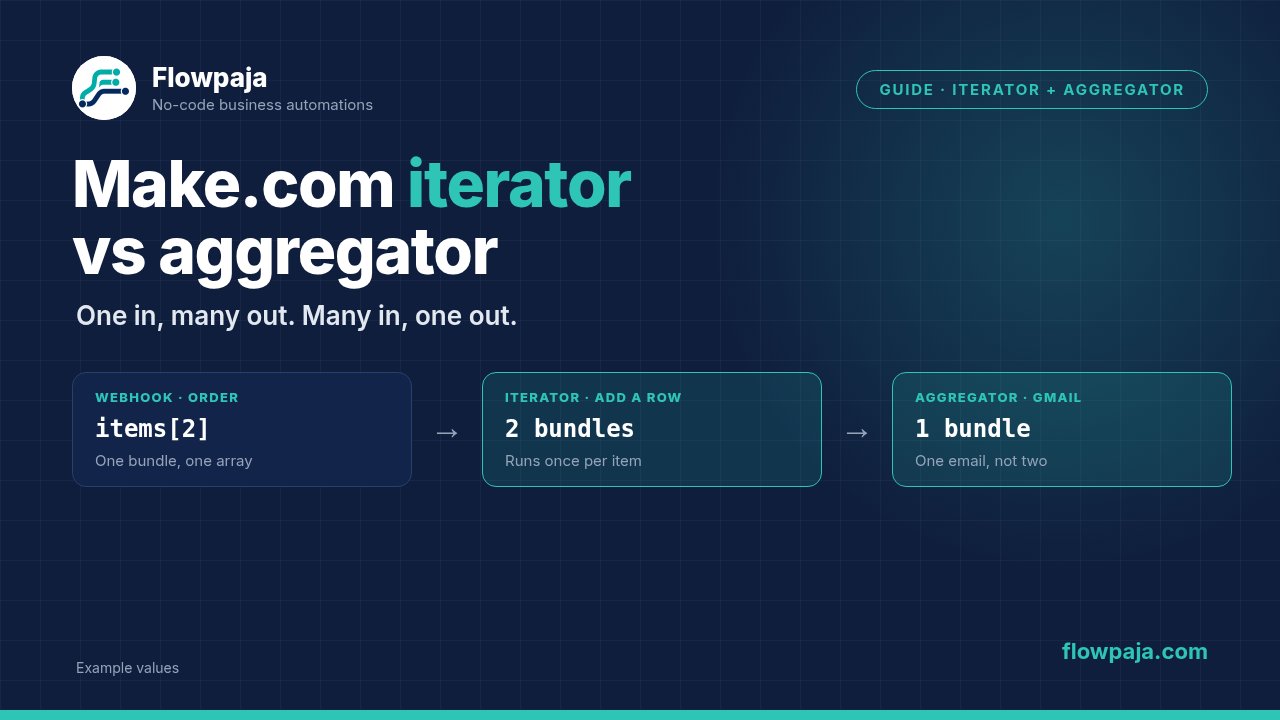
Make passes data between modules as bundles. Most modules take one bundle and return one bundle. An iterator takes one bundle that contains an array and turns each item into its own bundle: one in, many out. An aggregator does the reverse: it takes many bundles and merges them into one: many in, one out. Everything between the two runs once per item, so the position of these modules decides how many times a module runs, and how many credits you use.
Step-by-step: build one scenario that uses both
The example: an order arrives with several line items. You want one row in Google Sheets per item, then one email to the customer with the total and a list of what they ordered.
1. Get data that contains an array
Start with a trigger that delivers an order, such as Webhooks – Custom webhook, or an HTTP – Make a request that returns JSON. A sample payload looks like this:
{"order_id": "A-1001", "email": "[email protected]",
 "items": [{"name": "Desk lamp", "qty": 2, "price": 19.5},
           {"name": "Cable", "qty": 3, "price": 4}]}
After a Run once, Make shows items as an array in the output.
2. Add Flow Control – Iterator
In the Array field, map items. Run once and look at the output: you now see one bundle per item, each with name, qty and price. The module count in the bubble shows two bundles. Everything you add after this point runs twice for this order.
3. Do something per item
Add Google Sheets – Add a Row. Map Order ID from the trigger (still available, since it comes earlier in the scenario) and Name, Qty and Price from the iterator. Two rows are added.
4. Close the loop with an aggregator
Now you need a single result again. Add Tools – Numeric aggregator. Set the source module to the Iterator. For Function choose Sum, and for Value use:
{{2.qty * 2.price}}The aggregator waits for all the bundles from its source, then emits one bundle with the total. Use Tools – Text aggregator the same way for the list of items. Source module: the iterator. Text: {{2.qty}} x {{2.name}}, with a new line as the row separator.
5. Use the aggregated result
After the aggregator, add Gmail – Send an email. To is {{1.email}} from the trigger. Body contents can use the aggregator's result, for example "Your total: {{4.result}}". Because the aggregator produced one bundle, Gmail runs once, not twice.
6. Know when you don't need an iterator at all
Make has functions that work on arrays directly. If all you need is the number of items, {{length(1.items)}}. To join names in a line, {{join(map(1.items; "name"); ", ")}}. To add up one field, {{sum(map(1.items; "price"))}} (that sums the prices as they are, not quantity times price). These run inside a module you already have, with no loop and no extra credits. Use an iterator when each item needs its own module action, such as its own row, its own file upload or its own Slack message.
Quick guide: which tool?
| You want to | Use |
|---|---|
| Do something once per item in a list | Iterator |
| Turn many bundles into one list | Array aggregator |
| Build one block of text, such as an email body | Text aggregator |
| Add up or count values | Numeric aggregator |
| Just read or reshape an array in one place | map(), join(), sum() and length() |
The Iterator and the Array aggregator are under Flow Control; the Text and Numeric aggregators are under Tools.
Common errors and fixes
You get one email per item instead of one in total. The Gmail module sits inside the loop, between the iterator and the aggregator or after the iterator with no aggregator. Add the aggregator and put Gmail after it.
Only the last item is saved, or the aggregator returns just one value. Usually the source module is set wrongly, or the aggregation is being done by a Set variable module that overwrites itself each time. Make sure the aggregator's source module is the iterator or the search that produces the bundles.
The iterator outputs nothing or reports that it expected an array. The field you mapped is not an array: it is text, a single object or empty. Check the output of the previous module. If you have a comma-separated text, split it first (for example with the split() function) and iterate the result.
The scenario carries on even though the search found nothing. That is expected when an aggregator follows the search: by default it outputs one bundle even when no bundles reach it, which is useful for handling "not found" cases. To stop instead, switch on Stop processing after an empty aggregation in the aggregator's advanced settings, or add a filter after it, for example when the aggregated text is empty.
You can't see earlier items' data after the aggregator. After aggregation you have the aggregated result and anything from modules before the loop. Per-item values from inside the loop are gone, unless you aggregated them into an array.
Credit usage is much higher than expected. Every module after an iterator runs once per item. A list of 100 rows through four modules uses many more credits than the same job done with map() inside one module. The History tab shows the real numbers for each run.