 Flowpaja
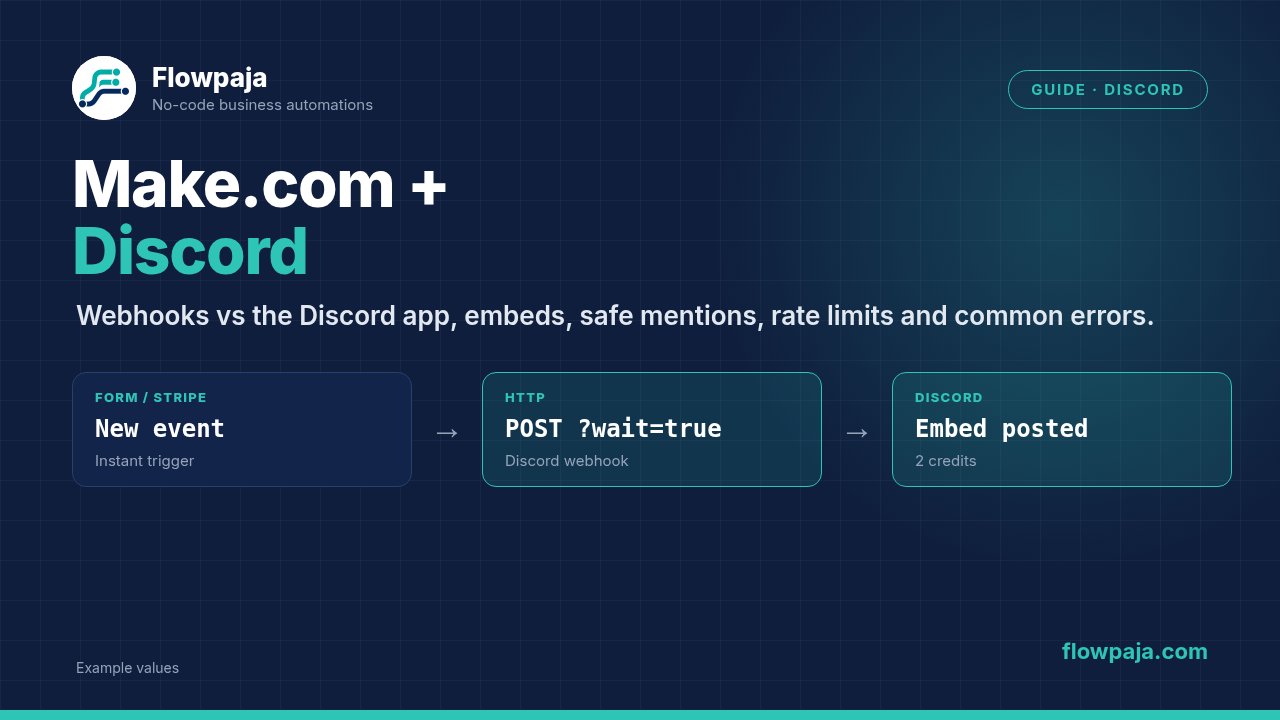
Some links on this page are affiliate links. If you sign up through them, Flowpaja may earn a commission at no extra cost to you.
What you need
- A Make account. The free plan is plenty for a few notifications a day. Sign up here if needed: Make (affiliate link)
- A Discord server where you have the Manage Webhooks permission (for webhooks) or can authorise apps (for the Discord app).
- A source of updates: a form, a Stripe account, or an RSS feed.
Honest limits:
- Discord is built for communities. It's not a good place for sensitive customer data, because anyone in the channel can read it.
- Discord limits how fast you can post (see "Rate limits"). It suits notifications, not bulk messaging.
Webhooks vs the Discord app
| Discord webhook (via HTTP module) | Make's Discord app | |
|---|---|---|
| Setup | Copy a URL from the channel settings | Create a connection, pick the server, allow permissions, click Authorize |
| Post messages and embeds | Yes, to that one channel | Yes, to channels, threads, or as a DM to a server member (Send a Message) |
| Other actions | None | Roles, channels, invites, events, reactions, editing and deleting messages |
| Read messages | No | Limited. With Make's own bot, Watch Channel Messages returns empty content for other people's messages (Discord's message content intent). You need your own Discord app credentials for full content. |
| Custom name/avatar per message | Yes (username, avatar_url) | Posts as the bot |
| Main risk | Anyone with the URL can post to your channel | Bot permissions too broad |
Rule of thumb: for "post an update to a channel", use a webhook. It's the least setup and has the fewest moving parts.
(The Discord app also has Create a Webhook Bot and Send a Message by Webhook Bot, which create and use channel webhooks through the connection. The plain HTTP route below gives you full control over the JSON.)
Step 1: Create a Discord webhook
- In Discord, open the channel → Edit Channel (gear icon) → Integrations → Webhooks → New Webhook (or Create Webhook if it's the first one).
- Give it a name, e.g. "Make notifications", and optionally an avatar.
- Click Copy Webhook URL.
The URL contains a secret token. Treat it like a password. If it leaks, delete the webhook and create a new one.
Step 2: Post a first message from Make
- Create a scenario. For a first test, the HTTP module can run on its own.
- Add HTTP → Make a request:
- Authentication type: No authentication (the token is in the URL)
- URL: your webhook URL, with
?wait=trueadded at the end - Method: POST
- Body content type: application/JSON
- Body input method: Data structure (recommended, see below) or JSON string
- For a quick JSON string test:
{
  "content": "Hello from Make 👋",
  "username": "Flowpaja Bot"
}- In the advanced settings, set Return error if HTTP request fails to Yes. Otherwise a 4xx or 5xx response from Discord doesn't stop the run, and a failed post can look like a success.
- Click Run once. The message appears in the channel.
Why ?wait=true: without it, Discord answers 204 No Content and, according to its docs, a message that isn't saved doesn't return an error. With wait=true, Discord confirms the send and returns the created message, including its ID.
Why Data structure: with Data structure, Make escapes quotes and line breaks in mapped values for you. With JSON string, a form answer containing " breaks the JSON. Use JSON string only for fixed test text.
Step 3: Use embeds for readable messages
Embeds give you a title, description, colour, fields and a footer. The payload looks like this (build the same shape in your data structure, or use it as a JSON string for fixed values):
{
  "username": "Orders",
  "embeds": [
    {
      "title": "New order {{1.order_number}}",
      "url": "{{1.admin_link}}",
      "description": "{{1.item_count}} item(s)",
      "color": 3066993,
      "fields": [
        { "name": "Total", "value": "{{1.total}} {{1.currency}}", "inline": true },
        { "name": "Source", "value": "{{1.source}}", "inline": true }
      ],
      "footer": { "text": "Sent by Make" },
      "timestamp": "{{formatDate(now; "YYYY-MM-DDTHH:mm:ssZ")}}"
    }
  ]
}
Embed rules that often cause errors:
coloris a decimal number, not#2ecc71.3066993is that green in decimal.- Field
valuecan't be empty. Use{{ifempty(…; "n/a")}}. - Discord's limits: 2,000 characters for
content; per embed, 256 for the title, 4,096 for the description, up to 25 fields (name 256, value 1,024), footer 2,048; up to 10 embeds per message and 6,000 characters across all embeds combined. Going over returns 400 Bad Request. Shorten long text withsubstring(). - At least one of
contentorembedsmust have a value, or Discord rejects the message.
Worked examples
A. Form submissions → Discord
- Webhooks → Custom webhook (your form sends to it), or your form tool's instant trigger. New to webhooks? See the Make webhook tutorial.
- Filter:
messageexists. - HTTP → Make a request to the Discord webhook, with an embed: title "New form message", fields for name and topic, and the message as the description (shortened with
substring()).
Credits per submission: webhook 1 + HTTP 1 = 2 credits. Leave out the email address, unless the channel is private and only for staff.
B. Stripe payments → Discord
- Stripe → Watch Events (instant), event type e.g.
payment_intent.succeededorcheckout.session.completed. - HTTP → Make a request with an embed: "Payment received", amount and currency.
- Stripe amounts are in the smallest currency unit, e.g. cents for EUR or USD. Show them as
{{formatNumber(1.amount / 100; 2)}}. - Zero-decimal currencies such as JPY or KRW are already in whole units, so don't divide those by 100. Stripe's docs list them all.
- Stripe amounts are in the smallest currency unit, e.g. cents for EUR or USD. Show them as
Credits per payment: 2 (trigger + HTTP). Don't post customer names or emails into a public channel.
C. RSS feed → Discord
- RSS → Watch RSS feed items, scheduled every few hours, with a maximum of e.g. 5 items per run.
- HTTP → Make a request:
content=New post: {{1.title}} {{1.url}}.
Credits:
- RSS is a polling trigger: 1 credit per check, even with nothing new, plus 1 per posted item.
- Every 4 hours ≈ 180 checks a month, plus the posts.
- Every 15 minutes ≈ 2,880 checks, which is more than the free plan's 1,000.
Keep notifications useful (and safe)
A channel that pings people for every small event soon gets muted. A few habits help:
- Block unwanted pings from user content. If a form answer contains
@everyoneor@here, Discord may ping the whole server. Add this to the payload, so mentions in the text are shown but don't notify anyone:
"allowed_mentions": { "parse": [] }- Ping on purpose only. If an urgent alert should notify one role, put the mention in
content(<@&ROLE_ID>) and allow only that role:
"allowed_mentions": { "parse": [], "roles": ["ROLE_ID"] }- One channel per kind of update. For example
#orders,#formsand#blog, so people can mute what they don't need. - Summaries over streams. For frequent events, a daily digest built with an aggregator is often more useful than 40 separate messages.
Rate limits
Discord applies rate limits per route (each webhook and each channel has its own bucket) and a global limit of 50 requests per second per bot. Discord doesn't publish fixed numbers for each webhook. It tells you the current limits in response headers, and asks developers not to hard-code them. When you hit a limit, Discord answers 429 Too Many Requests, with a retry_after value telling you how long to wait.
In Make:
- Don't post 50 items in one run. Lower the trigger's maximum, or combine items into one message with an aggregator.
- Add a Retry error handler (formerly Break) on the HTTP module for 429 and 5xx errors, with Store incomplete executions turned on. Error handlers don't use credits.
- If you post bursts often, add Tools → Sleep (e.g. 1–2 seconds) between posts. Each Sleep run also uses a credit.
- Fix broken webhook URLs quickly. Discord temporarily blocks IP addresses that send too many invalid requests (401, 403, 429), so don't leave a scenario hammering a deleted webhook.
Using Make's Discord app instead
If you choose the Discord app in Make:
- Add a module, click Create a connection, select your server, allow the message and channel permissions, and click Authorize.
- Make sure the bot can View Channel, Send Messages and Embed Links in the target channel.
- Use Discord → Send a Message, choose Send a Message to a Channel (or to a thread, or a DM to a member), and pick the channel. Embeds have their own fields in the module.
Good for: posting to many channels without managing many webhook URLs, or jobs that need more than posting. Downside: the bot needs the right permissions in every channel, and those are easy to break when roles change. To read message content with Watch Channel Messages, you need a connection with your own Discord app (bot token, client ID and secret) and the message content intent switched on in Discord's developer portal.
Common errors
| Error | Cause | Fix |
|---|---|---|
| 404 Unknown Webhook | Webhook deleted, or URL copied wrong | Create a new webhook; paste the full URL |
| 401 Invalid Webhook Token | Token part of the URL wrong | Re-copy the URL |
| 400 Cannot send an empty message | No content and no embeds, or the mapped values are empty | Add a filter (e.g. message exists); use ifempty() |
| 400 Invalid Form Body | Bad embed: colour as text, empty field value, text too long | Colour as a decimal number; fill empty values; shorten text |
| 400 "The request body contains invalid JSON" | Quotes or line breaks in mapped text broke a JSON string | Switch Body input method to Data structure |
| 403 Missing Permissions (Discord app) | Bot lacks Send Messages or Embed Links in the channel | Fix the role permissions for that channel |
| Empty message content in Watch Channel Messages | Make's bot can't read others' message content | Use a connection with your own Discord app and the message content intent |
| 429 Too Many Requests | Rate limit | Fewer posts per run; aggregate; Retry; Sleep |
| Run shows success but no message | Return error if HTTP request fails is off, or no wait=true | Turn the option on; add ?wait=true; check the status code |
More error types and handlers: Make error cheat sheet.
Related guides: Make webhook tutorial · All Make integration guides