 Flowpaja
Short answer
Choose documentation by the actual module and app family rather than a similarly named service. List the source trigger and destination action. Test those two modules before adding intermediate logic. Before enabling the scenario, inspect the destination using a fictional input and compare the result with the intended business outcome.
Key facts
- Check the app's official modules and required connections.
- A service having an API does not prove a particular native module exists.
- Old and new app families can have different mappings.
Start here
- Make.com for beginners: scenarios, modules, bundles, triggers, filters, credits and error handlers, explained simply.
- 20 Make automation examples: real small-business scenarios grouped by task, each linked to the guide or template that builds it.
- Make webhook tutorial: create a custom webhook, test it with curl, map the data and send a response.
- Tools I use with Make.com: which forms, sheets and messaging tools work well with Make, and their limits.
AI
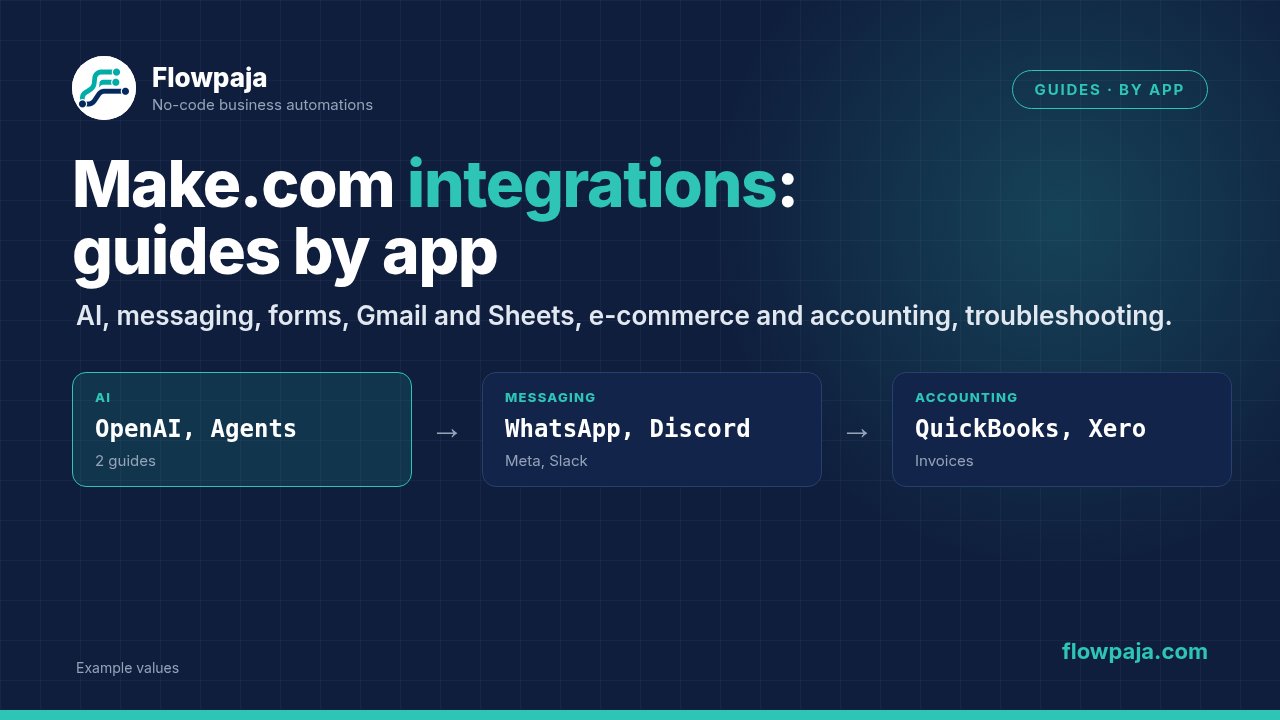
- Make.com + ChatGPT (OpenAI): connect OpenAI, get structured output, and classify emails, summarise forms or draft replies.
- Make AI Agents: what agents are, how they use modules and scenarios as tools, and when a normal scenario is the better choice.
- Make MCP server: let Claude, ChatGPT and other AI apps run your Make scenarios as tools; Free vs paid, setup, timeouts and troubleshooting.
- Claude and Gemini in Make: use Claude or Gemini with no API key or your own, what Make's AI Provider includes, and what each route costs in credits.
Messaging and social
- WhatsApp automation: connect the WhatsApp Business Cloud app, use templates and the 24-hour window, and send order confirmations from a sheet.
- Facebook Lead Ads and Instagram: leads to Google Sheets with a follow-up email, and Instagram posts from a content sheet, within Meta's rules.
- Discord automation: post form, Stripe and RSS updates with webhooks and embeds, and stay within rate limits.
- Telegram bot: connect a BotFather token, get instant updates with Watch Updates, send alerts to a group and answer commands or reply with AI.
- YouTube automation: upload videos and Shorts from Google Drive, announce new videos in Slack and Sheets, and stay within YouTube's API quota.
- X (Twitter): Make's X app is gone; post to X through Buffer from a sheet or RSS feed, and cross-post to Bluesky and Mastodon.
- Slack channel_not_found: add the app to the channel, handle private channels and use the channel ID.
Forms
- Tally to Google Sheets: instant trigger, field mapping, file fields and no duplicate rows.
- Tally to HubSpot: create or update HubSpot contacts from Tally submissions, with dropdown mapping and no duplicate contacts.
- Typeform to Make: Typeform responses to Sheets, Slack and email.
- Typeform responses to Google Sheets: map answers by question, handle optional questions and stop duplicate rows.
- Typeform to HubSpot: what Typeform's native HubSpot integration does, its limits, and when to add Make for deals, notes and routing.
- Fillout vs Tally vs Typeform: free plans, native Sheets and HubSpot, conditional integrations and the Make trigger for each form builder.
- Form leads to Pipedrive: search the person by email, create a lead or deal, and fix Pipedrive API v2 mapping errors.
Gmail, Google Sheets and connections
- Send a Gmail email for new rows: email someone each time a row is added.
- Save Gmail attachments to Google Drive: filter by sender or subject, file them in monthly folders and rename them.
- PDF automation: create PDFs from a Google Docs template, read and extract invoice fields with Make AI Content Extractor, and see when you need a PDF app.
- Receive webhook data in Google Sheets: turn incoming webhooks into rows.
- Search Rows returns nothing: why a search finds no rows, and how to handle "not found" with Total number of bundles.
- Watch New Rows not triggering: why new rows don't start your scenario.
- Google Sheets date errors: fix date serials like 46291, failing
parseDate()and time zone shifts. - Google connection errors: fix expired tokens, missing permissions and wrong accounts for Gmail and Sheets.
- OAuth redirect URLs: the callback URL to paste for each app, your own Google OAuth client, and redirect_uri_mismatch fixes.
E-commerce and accounting
- Shopify orders to Google Sheets: log orders in a sheet without duplicates, including line items and refunds.
- WordPress and WooCommerce: connect with the Make Connector plugin, create drafts from a sheet, and send new orders to Sheets and Slack.
- QuickBooks and Xero invoices: create invoices from a sheet or a Stripe payment, sync paid status, and avoid duplicates.
Troubleshooting and costs
- Webhook not receiving data: a checklist for webhooks that wait forever, from the URL to the queue.
- Scenario stopped or disabled: why Make switches scenarios off, and how to get them running again.
- Make error cheat sheet: the common error types, HTTP status codes and app errors on one page, with the first fix to try.
- Make error handlers: when to use Retry, Skip, Resume, Commit and Rollback.
- Iterator vs aggregator: how to split arrays into bundles and combine them again.
- Make credits explained: what uses credits, how to estimate your monthly usage, and 12 ways to use fewer.
Want a head start? Browse the ready-made Make.com templates.