 Flowpaja
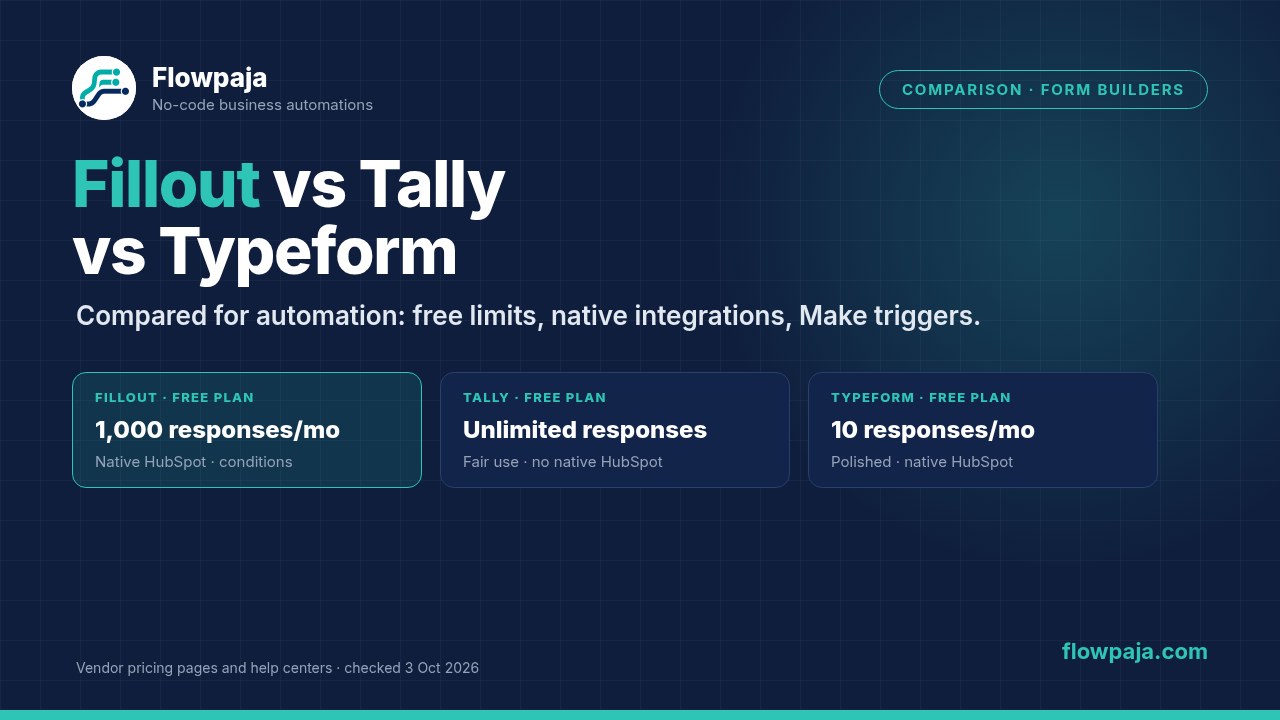
The comparison at a glance
This page compares the three builders on what happens after someone clicks submit: free limits, native integrations, and how they plug into Make. It doesn't cover design or question types in depth.
| Fillout | Tally | Typeform | |
|---|---|---|---|
| Free plan responses | 1,000 a month | Unlimited, within fair use | 10 a month |
| Cheapest paid plan | Starter: $15/mo billed annually, 2,000 responses | Pro: $24/mo billed yearly, or $29 paid monthly | Basic, 100 responses: we saw $25 or $28/mo billed yearly ($29 or $39 monthly), as Typeform is testing prices |
| Native Google Sheets | Yes, but only into a new sheet it creates | Yes | Yes |
| Native HubSpot | Yes: contacts (updated by email), companies, deals | No | Yes: contacts, companies, deals |
| Run an integration only if… | Yes, a condition on any integration | We didn't find it in Tally's integration docs; a Make filter does it | Not described for the native HubSpot integration; Automations can filter (paid add-on) |
| Webhooks | Yes, free | Yes, free | Yes; the pricing page lists them from Basic |
| Make trigger | Fillout Forms › Watch New Responses (instant) | Tally › Watch New Responses (instant) | Typeform › Watch Responses (instant and polling versions) |
| Hidden fields / URL parameters | Free | Free | Free ("URL parameters") |
Sources: each vendor's pricing page and help center (3 October 2026). Typeform webhooks: Typeform's developer docs and pricing page, which lists webhooks from Basic up; we didn't find a statement for the Free plan. Fillout Salesforce is a Team and Enterprise feature.
Fillout: the most built-in automation
- Free plan: unlimited forms and seats, 1,000 responses a month, and "most integrations (Airtable, Google Sheets, Notion, Webhook, HubSpot, Mailchimp and 50+ more)", REST API access and hidden fields. Viewing partial submissions and preventing duplicate submissions start at Business ($75/mo billed annually). Lead enrichment is part of the paid Conversion Kit add-on (Fillout's help names Apollo as the data source; the pricing page still says Clearbit).
- Native HubSpot: drag HubSpot properties into the form; existing contacts are updated when the email matches. You can also create a company (an email or URL mapped to Company Domain is cut down to the domain) and a deal in a chosen pipeline and stage.
- Conditions: any Fillout integration can run only when a condition is met, based on answers, URL parameters, calculations, enriched emails or quiz scores. That covers "only create a deal for big budgets" without Make.
- The catch with Google Sheets: Fillout's help says it syncs to a sheet it creates; existing sheets aren't supported, and if you disconnect and reconnect, new entries go to a brand-new sheet. Date-time answers are written in UTC.
- Pricing quirk to know: going over your response limit doesn't stop the form. Fillout's pricing FAQ says forms keep collecting, and you upgrade, buy bulk submissions or wait for the monthly reset.
Tally: the most generous free plan
- Free plan: unlimited forms and submissions within Tally's fair use guidelines, with conditional logic, calculations, file uploads (up to 10 MB a file) and hidden fields. Tally's GDPR page says all form data is stored in Europe.
- Native integrations: Google Sheets, Notion, Coda, Airtable, Slack, Discord, Linear and Attio, plus webhooks. There's no native HubSpot integration, and HubSpot's own tool for non-HubSpot forms can't read Tally's iframe embeds.
- Make: Tally's Make integration and webhooks are free for all Tally users. For CRMs you'll usually need it: see Tally to HubSpot with Make.
- Watch out: dropdown and multiple-choice answers arrive in Make as option IDs, not text. Our Tally to Google Sheets guide shows the fix.
- Try Tally (affiliate link).
Typeform: the most polished, the smallest free plan
- Free plan: 10 responses a month across all forms, according to Typeform's help center (updated 30 September 2026). Integrations, logic and URL parameters are included. Paid plans start with Basic at 100 responses a month.
- Native HubSpot: Typeform's HubSpot article and HubSpot's Marketplace listing say it works on the Free plan, but Typeform's Free plan article also lists HubSpot among paid-only integrations, and Typeform says it's testing its plans, so check the Connect panel in your account. It creates or updates contacts by email, writes companies and deals, and can do HubSpot source tracking. It can't map tickets or custom objects, or questions such as matrix and ranking. Details in Typeform to HubSpot: native vs Make.
- Make: pick the Watch Responses module with the INSTANT tag; the other one polls and uses credits on every check. Choice answers arrive as their labels. See Typeform to Make.
- Try Typeform (affiliate link).
Affiliate disclosure: links marked "affiliate link" include our partner code for Tally, Typeform or Make. If you sign up or later buy a paid plan through them, Flowpaja may earn a commission at no extra cost to you. Fillout links on this page are plain links. More on the tools page.
Which one should you pick?
| If you… | Pick | Why |
|---|---|---|
| Need leads in HubSpot without another tool, maybe with a deal only for some answers | Fillout | Native contacts, companies and deals, plus per-integration conditions, on the free plan |
| Collect a lot of responses and want to pay nothing | Tally | Unlimited free submissions within fair use; add Make for a CRM |
| Care most about the respondent experience and run a smaller number of high-value forms | Typeform | Polished conversational forms and a mature HubSpot integration, but budget for a paid plan |
| Need data in the EU | Tally | Tally's GDPR page says all form data is stored in Europe; check the others' docs for your plan |
| Already use Make for everything | Any of the three | All three have an instant Make trigger, so pick on the form itself |
Choosing the automation tool too? See Make vs Zapier vs n8n.
Where Make still helps with Fillout
Fillout's native integrations cover a lot, so add Make only for the gaps:
- An existing Google Sheet. Native sync can't write to a sheet you already have; Make's Google Sheets › Add a Row can.
- Several steps in order: for example, create the HubSpot contact, then a note with every answer, then a Slack alert to the right person, with error handling and a run history.
- Apps Fillout doesn't connect to natively, or Salesforce below the Team plan.
Fillout's app in Make is maintained by Fillout and has one module: Fillout Forms › Watch New Responses, an instant trigger. If you don't have a Make account yet, create a free Make account (affiliate link). The Free plan includes 1,000 credits a month and 2 active scenarios (Make pricing page, 3 October 2026).
Fillout to an existing Google Sheet with Make
- In Make, create a scenario and add Fillout Forms › Watch New Responses. Click Create a webhook, then Create a connection and sign in to Fillout. Fillout's own guide then has you choose your submission webhook.
- Click Run once and submit the form with fictional data, such as "Ana Example" and ana@example.com.
- Add Google Sheets › Add a Row, pick your existing spreadsheet and sheet, and map each column. Put the submission ID in its own column, so you can spot duplicates later.
- Fillout's API docs describe a submission as a
questionslist, where each item has anid,name(the question text),typeandvalue, plusurlParametersfor hidden fields. If your trigger output shows that list, pick an answer by question name, for example{{first(map(1.questions; "value"; "name"; "Email"))}}, where1.questionsis the list from the trigger, selected in the mapping panel. Test the formula with Run once, and keep question names stable. - In the scenario settings, turn on Store incomplete executions, then switch the scenario on. Fillout's guide sets it to run Immediately as data arrives.
That's 2 credits per response (trigger plus one row), so the Free plan's 1,000 credits cover about 500 responses a month if nothing else uses them. More on this in Make credits explained. The same pattern with Typeform is in Send Typeform responses to Google Sheets.
Common gotchas
| Builder | Gotcha | What to do |
|---|---|---|
| Fillout | Native Google Sheets reconnect starts a new sheet | Don't disconnect a live form, or use Make for a fixed sheet |
| Fillout | A HubSpot custom property doesn't appear | Tick "Use in forms, and bots" on the property in HubSpot, then refresh fields in Fillout |
| Tally | Dropdown answers arrive as IDs in Make | Map the ID to the option text first |
| Typeform | Free plan stops at 10 responses a month | Test on Free, launch on a paid plan |
| Typeform | The polling Watch Responses module uses credits on empty checks | Use the instant one |
| All | Make scenario switched itself off | Turn on Store incomplete executions; see webhook not receiving data |
Sources checked (3 October 2026)
- Fillout: pricing, help center articles on integrations, HubSpot, HubSpot companies and deals, conditional integrations, Google Sheets, Make, webhooks, partial submissions, lead enrichment, fair use, API: submission format
- Tally: pricing, plans and pricing, integrations, Make integration, GDPR
- Typeform: pricing, Free plan, HubSpot integration, automations with HubSpot, webhooks
- Make: Fillout Forms app, Fillout Forms modules, Tally app, Typeform app, pricing