 Flowpaja
Does Tally have a native HubSpot integration?
No, not as of 3 October 2026. Tally's integrations page lists direct integrations with Google Sheets, Notion, Coda, Airtable, Slack, Discord, Linear and Attio, plus webhooks. HubSpot isn't one of them. Tally reaches HubSpot through automation tools: Zapier, Make, n8n and others on the same page.
What about HubSpot catching the form by itself? HubSpot's non-HubSpot forms tool collects submissions from forms on your own site, but HubSpot's Knowledge Base says the form must be a static HTML form and "must not be in an <iframe>". Tally's developer docs say an inline embed renders the form inside an iframe. So that route doesn't work for Tally. (If you search "Tally HubSpot integration" you'll also find TallyPrime, the accounting software. That's a different product.)
Your realistic options:
| Option | Good for | Watch out for |
|---|---|---|
| HubSpot's own forms instead of Tally | Simple lead forms where HubSpot tracking matters most | You give up Tally's form builder and design |
| Zapier | A quick "new response → create contact" with a ready template | Zapier Free is limited to 100 tasks a month and two-step Zaps (checked 3 Oct 2026) |
| Make (this guide) | Create-or-update by email, dropdown translation, notes, deals and routing in one scenario | A small learning curve; field mapping needs one formula |
| Tally webhook + your own code | Developers who already run a server | You handle retries, signatures and HubSpot auth yourself |
Comparing the automation tools in general? See Make vs Zapier vs n8n.
When Make is worth it, and when it isn't
- Use Make when the same person might submit twice (you want an update, not an error), when you have dropdowns or checkboxes that must land in HubSpot dropdown properties, or when one submission should do more than one thing: contact, note, deal, Slack alert.
- Skip Make if a HubSpot form does the job, or if you already pay for Zapier and only need "create a contact" with no logic.
- Cost: the scenario below uses about 3 Make credits per submission. Make's Free plan includes 1,000 credits a month and 2 active scenarios (Make pricing page, 3 October 2026). Tally's Make integration and webhooks are free for all Tally users, and contacts and custom properties work in HubSpot's free tools.
What you need
- A Tally (affiliate link) form with at least an email question. Tally's free plan has unlimited forms and submissions, within Tally's fair use guidelines.
- A HubSpot account where you can create properties. Make's docs say a Super Admin must pre-approve the Make app before anyone can connect HubSpot, including after Make adds new scopes.
- A Make account. No account yet? Create a free Make account (affiliate link).
Affiliate disclosure: links marked "affiliate link" include our partner code for Tally or Make. If you sign up or later buy a paid plan through them, Flowpaja may earn a commission at no extra cost to you. More on the tools page.
The scenario at a glance
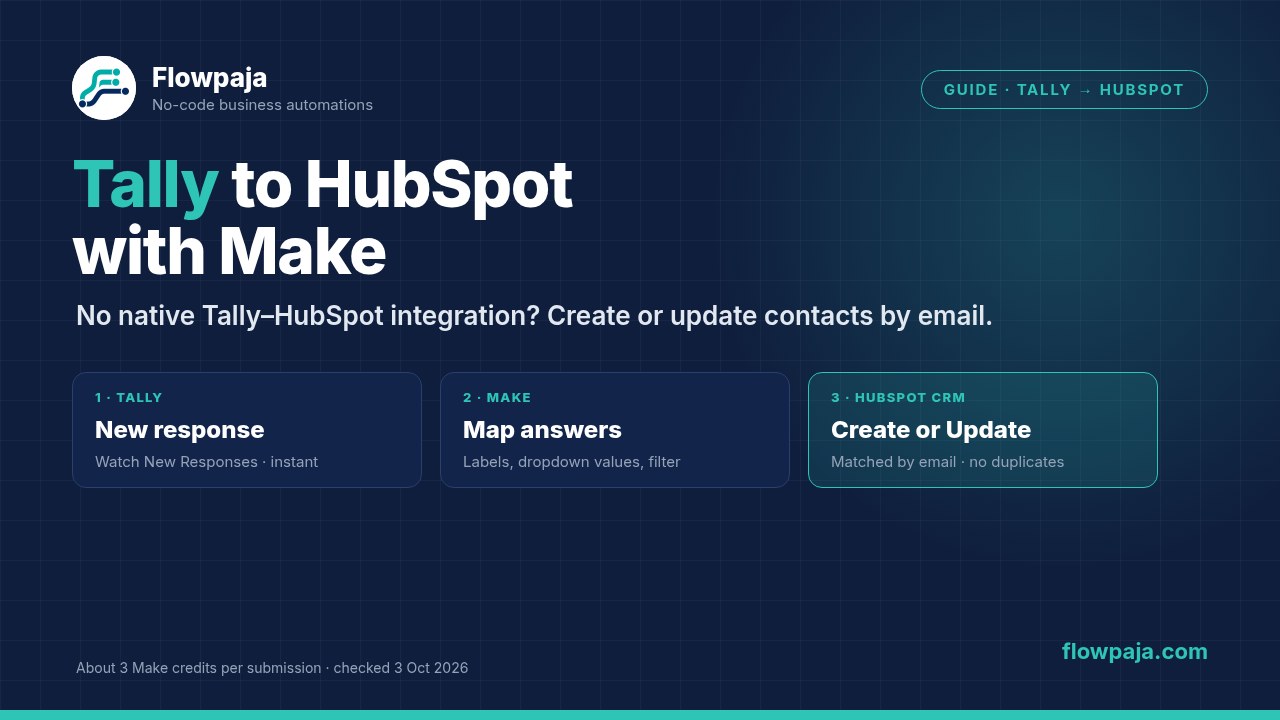
Tally › Watch New Responses → Tools › Set multiple variables (pick answers by label) → filter: email exists → HubSpot CRM › Create or Update a Contact → optional HubSpot CRM › Create an Engagement (a note with the full answers).
Step 1: Prepare HubSpot properties
- Email, First name, Last name, Phone number and Company name already exist as default contact properties. Use them.
- For anything else, create custom contact properties under Settings › Properties, for example "Lead budget" (dropdown) and "Lead message" (multi-line text). The number of custom properties you can create depends on your HubSpot subscription.
- For UTM or source tracking, add Tally hidden fields (type
/hiddenin the form editor) and store them in your own custom properties. - Dropdown gotcha: every option has a label and an internal value. HubSpot's developer docs say the internal value "must be used when setting the property value through the API". Open each dropdown property and note the internal values.
Step 2: Add the Tally trigger
- In Make, create a scenario and add Tally › Watch New Responses. Make marks it as an instant trigger, so it runs when a response arrives, with no polling.
- Click Create a webhook, then Create a connection. Choose Tally OAuth (sign in to Tally) or Tally Personal API Key (create a key in Tally under Settings › API keys).
- Pick your form and save. Click Run once, then submit the form with fictional data, such as "Ana Example" and ana@example.com.
Prefer a raw webhook? You can point Tally's webhook at a Make Custom webhook instead. Our Tally to Google Sheets guide shows both options and the full payload.
Step 3: Pick each answer by its label
Tally sends answers as a list of fields (each with a label, type and value), not as named fields. Add Tools › Set multiple variables and pick answers with map(). Here 1.fields stands for the fields list from the trigger; select it in the mapping panel rather than typing it.
email:{{lower(trim(first(map(1.fields; "value"; "label"; "Email"))))}}first_name:{{first(map(1.fields; "value"; "label"; "First name"))}}budget_text: dropdowns and multiple-choice questions return option IDs, not text. Turn the ID into the option text as shown in step 5 of our Tally to Google Sheets guide.
The label must match the question exactly. If you rename a question in Tally, the variable comes back empty, so keep labels stable.
Then add a filter after this module: email Exists. The HubSpot module matches on email, so a response without one should stop here.
Step 4: Create or update the HubSpot contact
- Add HubSpot CRM › Create or Update a Contact and connect HubSpot. Make describes the module as: "Creates a new contact if the specified email address in the properties does not exist; otherwise, updates the existing contact."
- Map
emailto the standard Email property, not a custom "work email" field. HubSpot deduplicates contacts by the Email property. - Map first name, last name, phone, company and your custom properties.
- Dropdowns: translate the Tally text to the HubSpot internal value with
switch(), for example{{switch(budget_text; "Under $1k"; "under_1k"; "$1k–$5k"; "1k_5k"; "$5k+"; "5k_plus")}}. Use your property's real internal values. - Lifecycle stage: HubSpot's Knowledge Base says tools such as the API can only move lifecycle stage forward. Setting "Lead" won't downgrade an existing Customer. Test this with one existing contact before relying on it.
Already built this with Search for Contacts plus a router to Create or Update? That works too, and it's the pattern in our Google Forms to HubSpot guide. The single upsert module is simpler and saves a credit.
Step 5 (optional): Add a note with all the answers
Long answers don't fit neatly into properties. Add HubSpot CRM › Create an Engagement as a note on the contact, using the contact ID from step 4's output, with a body like "Tally form: Contact · Budget: $5k+ · Message: …". Check in a test run that step 4's output includes the contact ID; Make's docs only spell out the returned ID for its Create modules, so if it's missing, add HubSpot CRM › Search for Contacts by email and take the ID from there. Only create the note when you need it: Tally retries a webhook if it doesn't get a success response within 10 seconds, so a rare duplicate delivery updates the contact harmlessly but would add a second note.
Want a deal as well? Add HubSpot CRM › Create a Deal and Create an Association to link it to the contact. Put a filter in front, for example budget equal to "$5k+", so not every newsletter-style signup becomes a deal.
Step 6: Test, add error handling and switch on
Test four cases with fictional data:
- a new email (a contact is created)
- the same email again with a changed answer (the same contact is updated, with no duplicate)
- each dropdown option (catches a wrong internal value)
- an existing contact with an optional answer left blank (check the old value is still there; Make's
erasekeyword is the way to clear a value on purpose)
- In the scenario settings, turn on Store incomplete executions, so failed runs are saved instead of lost. With an instant trigger, the "errors before deactivation" setting doesn't protect you.
- Optional: add an error route on the HubSpot module that posts to Slack or emails you with the respondent's email. See Make error handlers.
- Switch the scenario on and check History after the first real submissions.
Credits per submission
Make counts one credit per module action; filters, routers and error handlers don't use credits (Make pricing page, 3 October 2026).
| Setup | Modules that run | Credits per submission |
|---|---|---|
| Minimal | Trigger + Create or Update a Contact | 2 |
| Recommended | Trigger + Set multiple variables + Create or Update a Contact | 3 |
| With a note | Recommended + Create an Engagement | 4 |
| With a deal | With a note + Create a Deal + Create an Association | 6 |
At 3 credits per submission, 1,000 Free credits cover roughly 330 submissions a month, if nothing else uses them. More in Make credits explained.
Common problems and fixes
| Problem | Likely cause | Fix |
|---|---|---|
| Can't create the HubSpot connection | The Make app isn't approved in your HubSpot account | Ask a HubSpot Super Admin to approve it, then reconnect |
| "Property values were not valid" (HTTP 400) | A dropdown label sent instead of its internal value | Translate with switch() to the internal values |
| Dropdown arrives as a long ID | Tally sends option IDs | Map the ID to the option text first (step 3) |
| Empty properties in HubSpot | A question label changed in Tally | Update the label in map() |
| Two contacts for one person | Different email addresses, or a custom email property mapped | Map the standard Email property; lower-case and trim it |
| Scenario never runs | Scenario off, or the webhook was removed in Tally | Switch it on; check the form's Integrations tab. See webhook not receiving data |
| Scenario switched itself off | An error without stored incomplete executions | See scenario stopped or disabled |
Other error messages: Make error cheat sheet.
The other direction: prefill Tally from HubSpot emails
Tally's Help Center shows how to put HubSpot personalization tokens into a Tally form link in a marketing email, for example https://tally.so/r/xx?email={{personalization_token(...)}}&source=email. The values land in Tally hidden fields. Tally notes that tokens can't be added to HubSpot CTAs, so it suggests linking an image instead. Combined with this scenario, the answers flow back into the same HubSpot contact.
Sources checked (3 October 2026)
- Tally: integrations, Make integration, webhooks (10-second timeout and retries), hidden fields, populate hidden fields with HubSpot, developer resources (iframe embeds), pricing
- Make: Tally app, HubSpot CRM app, Tally + HubSpot CRM modules, general functions (switch, erase), pricing
- HubSpot: use non-HubSpot forms, deduplication of records, create and edit properties, lifecycle stages, properties API (internal values)
- Zapier: Tally + HubSpot templates, pricing