 Flowpaja
Do you need Make at all? The native options first
Check these before you build anything. If one covers your form and you don't mind how it handles repeat submissions, you're done.
| Option | What it does | Watch out for |
|---|---|---|
| Pipedrive Web Forms | Embeddable forms that create leads or deals directly in Pipedrive | Part of the LeadBooster add-on (listed in the Premium plan, or as an add-on "starting from $32.50"); setup needs deals admin permission |
| Typeform's Pipedrive integration | Creates a deal in a chosen pipeline and stage | Typeform's help says every submission creates new records and it doesn't check for or update existing people, organizations or deals. Choice options must match Pipedrive's exactly. Plan: the Pipedrive article says a free Typeform account is enough, but Typeform's Free plan article also lists Pipedrive among paid-only integrations and says Typeform is testing its plans, so check the Connect panel in your account. |
| Fillout's Pipedrive integration | Creates deals, people and organizations, and can run only when a condition is met | Fillout's help doesn't say whether it matches existing people; test with a repeat email |
| Tally, Google Forms | No direct Pipedrive connection (Pipedrive isn't in Tally's integrations list) | Use Make with the form's trigger, or with the Google Sheet that Google Forms writes to |
| Pipedrive Automations | If-then rules on deals, people, leads, organizations, activities and projects, with actions such as email, Slack and webhooks | Growth plan and up, and they start from events inside Pipedrive, not from outside forms |
Use Make when you need any of these: no duplicate people, leads from a form with no native connection, a note with every answer, or extra steps such as a Slack alert or a Google Sheets log.
Lead or deal: which should a form create?
Pipedrive keeps unqualified enquiries in the Leads Inbox and moves them into a pipeline when you click "Convert to deal". For most contact and quote forms, create a lead, and create a deal only for forms that mean real buying intent, such as an accepted quote or an order request. Three API facts shape the build:
- A lead must be linked to a person or an organization, so the person has to exist first.
- Leads don't have their own custom fields; they use the deal fields.
- Leads created through the API get "API" as their source and origin, which makes form leads easy to filter.
What you need
- Make: create a free Make account (affiliate link). The Free plan includes 1,000 credits a month and 2 active scenarios (Make pricing page, 3 October 2026).
- Pipedrive: the pricing page shows no free plan, but a 14-day free trial with no credit card. Plans start at Lite, US$14 per seat per month billed annually. Automations start at Growth, US$39 per seat per month billed annually.
- A form: Google Forms, Tally (affiliate link), Typeform (affiliate link), Fillout, or your own site form posting to a Make webhook. Not sure which form tool? See Fillout vs Tally vs Typeform.
Affiliate disclosure: links marked "affiliate link" include our partner code for Make, Tally or Typeform. If you sign up or later buy a paid plan through them, Flowpaja may earn a commission at no extra cost to you. Pipedrive links on this page are plain links. More on the tools page.
The Make scenario, step by step
The scenario has five steps. Keep it switched off and use Run once with fictional data (for example "Ana Example", ana@example.com) after each step.
1. Trigger: your form
| Form | Make trigger | Type |
|---|---|---|
| Tally | Tally › Watch New Responses | Instant |
| Fillout | Fillout Forms › Watch New Responses | Instant |
| Typeform | Typeform › Watch Responses, the one with the INSTANT tag | Instant |
| Your own site form | Webhooks › Custom webhook (see the webhook tutorial) | Instant |
| Google Forms | Google Sheets › Watch New Rows on the form's response sheet | Polling: one credit per check, every 15 minutes at the shortest on Free |
Tally choice answers arrive as option IDs, so translate them first (our Tally to HubSpot guide shows how). If new Google Sheets rows aren't picked up, see Watch New Rows not triggering.
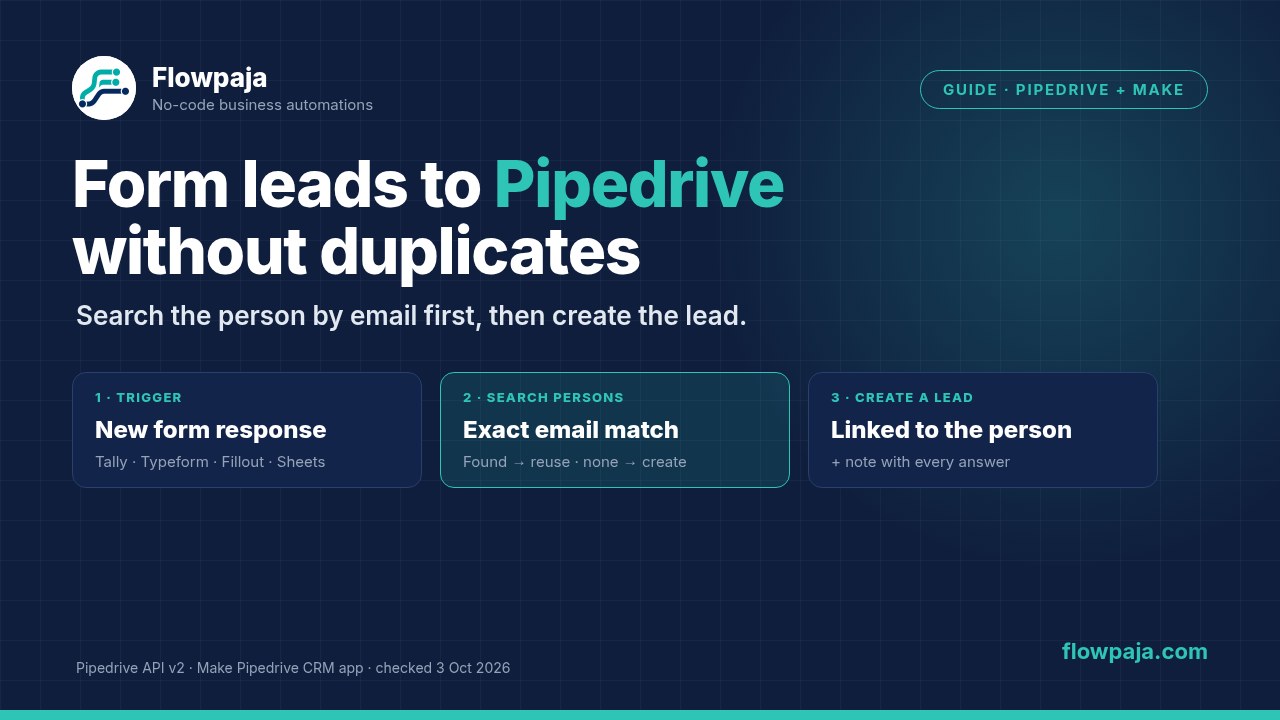
2. Pipedrive CRM › Search Persons by email
Add Pipedrive CRM › Search Persons and click Create a connection (Make connects via Pipedrive OAuth). Set the search term to the form's email, trimmed ({{trim(1.email)}}, using your own field). Limit the search to the email field and turn on exact match if the module shows those options. Pipedrive's persons search supports both, and its exact match isn't case-sensitive. Set the limit to 1.
Check what happens when there's no match. Run once with an email that isn't in Pipedrive. If the run stops at the search and nothing after it runs, brand-new people will never be created. In that case, replace the search with Pipedrive CRM › Make an API Call: method GET, Pipedrive's v2 persons search (/api/v2/persons/search in Pipedrive's API reference; follow the module's hint for which part of the URL to type), with query parameters term = the email, fields = email and exact_match = true. It returns a response every time: body.data.items is empty when no one matches, and otherwise the first item's item.id is the person ID.
3. Router: existing person or new person
Add a Router with two routes:
- Existing person, with the filter "person ID from step 2 exists". Use that ID in the next steps.
- New person, with the filter "person ID from step 2 does not exist". Add Pipedrive CRM › Create a Person: Name from the form and the email as the primary email (in Pipedrive's v2 API, emails are a list of value, primary and label). Add the phone only if the form has one. Check the module's output in a test run and use its ID in the next steps.
Make routes don't join back together, so steps 4 and 5 go on both routes. Build them once, then copy and paste. Routers and filters use no credits.
4. Pipedrive CRM › Create a Lead (or Create a Deal)
- Title: something you can scan, such as
Website form: {{name}}. It's the only required field. - Person: the person ID from step 2 or step 3.
- Owner, labels and value: optional. Pick them from the module's lists rather than typing names (more on IDs below).
For a deal, use Create a Deal and add the pipeline and stage. List Pipelines and List Stages show the IDs.
5. Pipedrive CRM › Create a Note with every answer
Long answers and optional questions belong in a note, not in custom fields (see the errors below). Add Create a Note on the new lead or deal, using the ID from step 4's output, with content like Form: Contact · Budget: {{ifempty(budget; "not given")}} · Message: {{message}}. Then add error handling (right-click a Pipedrive module › Add error handler) and turn on Store incomplete executions in the scenario settings, so a failed lead waits for you instead of disappearing. This matters more with instant triggers: Make's help says a scenario that starts with one is deactivated at the first error, whatever "Errors before deactivation" is set to. See Make error handlers explained.
What it costs in credits
Each module that runs uses one credit: trigger 1 + search 1 + (Create a Person 1, new people only) + lead 1 + note 1 = 4 credits for a known person, 5 for a new one. The Free plan's 1,000 credits cover roughly 200 new leads a month if nothing else uses them, fewer with a polling Google Sheets trigger. See Make credits explained.
Pipedrive API v2: the errors you'll actually see
Make's Pipedrive docs say its old API v1 modules are deprecated, and they gave 31 July 2026 as the date until which existing scenarios would keep running. The current modules use Pipedrive API v2, which validates data more strictly. Most "it worked before" failures come from this. One exception: Make's docs say the Leads modules still call v1.
| Error or symptom | Cause | Fix |
|---|---|---|
| Expected 'number' as option ID for multi options custom field | A dropdown or multiple-option field got text, or a number sent as text | Send the option's ID, not its label, as a number: wrap mapped values in parseNumber(). List Deal Fields shows each option's ID. |
| Expected non-empty 'string' as short text custom field value | An optional form question was left blank | Don't send empty custom fields. Use ifempty(answer; "not given") for text, or keep optional answers in the note. For number fields, Make's docs say null, ignore and erase are all rejected, and 0 is saved as zero. |
| This value should be of type integer / Label not found | Labels sent as a comma-separated string, such as "3,7" | Send an array of integer IDs, such as [3, 7]. Lead labels have their own IDs (UUIDs in Pipedrive's lead API), so pick them from the module's list. |
| "owner_id" must be a number | Owner mapped as text | Pick the owner from the list, or wrap the value in parseNumber() |
| 404: undefined on a v2 module | An older connection is missing scopes, or a header is missing in Make an API Call | Make's docs suggest reconnecting the Pipedrive account. For API calls, send Accept: application/json. |
| Owner name or person email missing from output | v2 returns IDs for related records, not their details | Turn on Extend output in Get a Deal, Get a Person or Get an Activity (extra API calls), or add a Get module |
| Lead can't be created without a person | No person or organization ID was mapped | Map the ID from step 2 or 3; check the route that ran |
Other Make errors: Make error cheat sheet. If the whole scenario switched itself off, see webhook not receiving data.
Duplicates that still slip through
- Same person, two submissions seconds apart. Both runs can search before either has created the person. Turn on Process data in order in the scenario settings. Make then finishes each run before starting the next, even for webhooks. The catch: while an incomplete execution is waiting, new runs pause until you resolve it.
- A different email. An exact email search can't know that ana@work.com and ana@gmail.com are the same person. Pipedrive has a merge tool for those (for leads: the lead's detail view › … › Merge).
- Duplicates already in Pipedrive. With a limit of 1, the search picks one of them. Merge the existing duplicates once, then let the scenario keep them from coming back.
The other direction: Pipedrive to Slack, Sheets and more
To react when something changes in Pipedrive, such as a deal being won, use Pipedrive CRM › Watch New Events. Make lists it as the only instant trigger among the app's nine; the other eight, such as Watch Deals and Watch Persons, poll on a schedule. On Growth and up, a Pipedrive Automation can also send a webhook to a Make custom webhook when its own conditions are met. More app guides: Make integrations. Comparing tools first? See Make vs Zapier vs n8n.
Sources checked (3 October 2026)
- Pipedrive: pricing; Knowledge Base articles on Automations (updated 3 Sep 2026), Web Forms (updated 3 Sep 2026) and the Leads Inbox (updated 23 Sep 2026); API reference (Add a lead, v2 persons search, v2 Add a person)
- Make: Pipedrive CRM app docs (updated 24 Jun 2026, including the v1 to v2 migration notes), Pipedrive CRM modules, pricing, scenario settings
- Forms: Typeform to Pipedrive, Typeform Free plan, Fillout to Pipedrive, Tally integrations