 Flowpaja
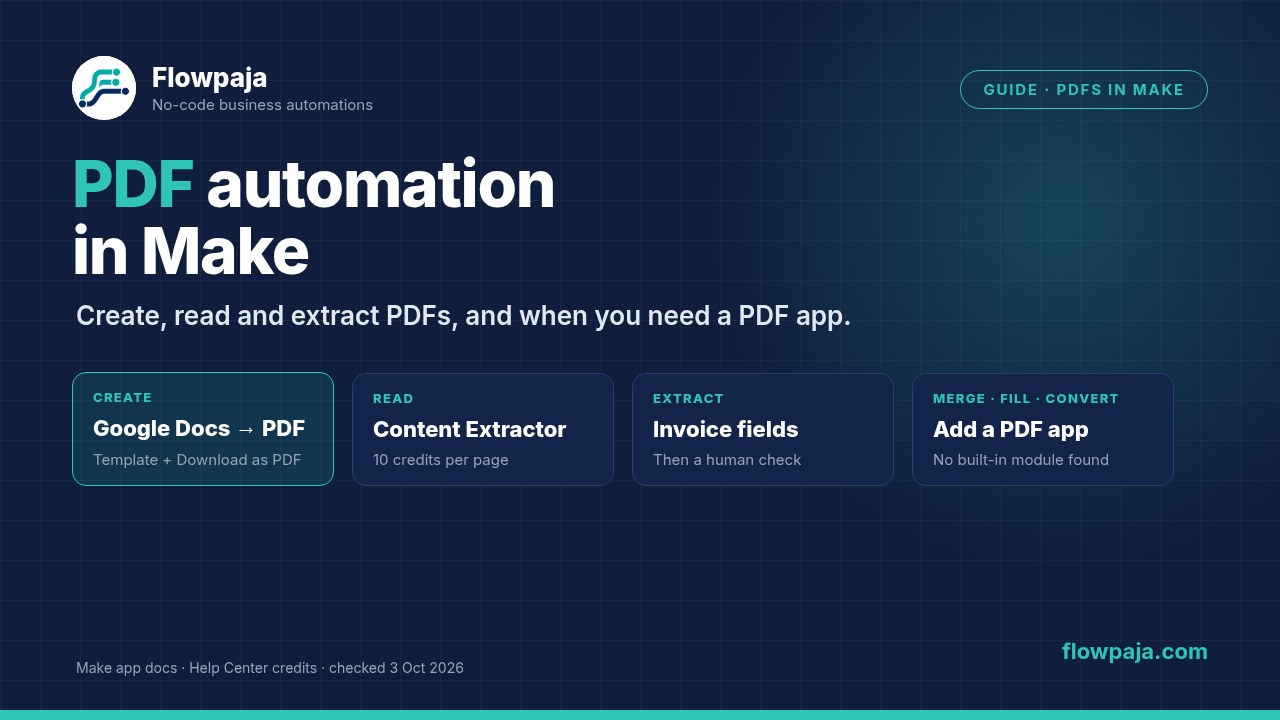
What Make can do with PDFs on its own, and when you need an app
| Job | Without a PDF app | Add an app when… | Apps with a Make module for it |
|---|---|---|---|
| Create a PDF from a template | Google Docs: Create a Document from a Template, then Download a Document as PDF | You need designed layouts, HTML/CSS templates or high volume | APITemplate.io, CraftMyPDF.com, Documint, DocuGenerate, PDF Generator API, PDF4me, PDFMonkey |
| Turn HTML or a web page into a PDF | None found | Always | APITemplate.io, CloudConvert, iLovePDF, PDF.co, PDF Generator API, PDF4me |
| Extract text, including scanned PDFs | Make AI Content Extractor: Extract text from a document | You parse the same layout at volume, or need lower cost per page | Docparser, iLovePDF, Parseur, PDF.co, PDF4me |
| Pull invoice or receipt fields | Content Extractor: Extract information from an invoice / from a receipt | Your documents aren't invoices or receipts and the AI step isn't reliable enough | Docparser, Parseur (template-trained parsers) |
| Merge, split or compress | None found | Always | CloudConvert, iLovePDF, PDF.co, PDF4me |
| Fill a fillable PDF form | None found | Always | CraftMyPDF.com, PDF.co, PDF4me |
| Convert a PDF to images or Office files | None found | Always | CloudConvert, iLovePDF, PDF.co, PDF4me |
Sources: apps.make.com docs for each app, checked 3 October 2026. "None found" means we found no built-in Make module for the job. You could still script it in the Make Code app (not on the Free plan, per Make's pricing table), but we haven't tested that.
Create PDFs
If you don't have a Make account yet, create a free Make account (affiliate link). The Free plan includes 1,000 credits a month and files up to 5 MB (Make pricing page, 3 October 2026).
Affiliate disclosure: links marked "affiliate link" include our partner code. If you sign up or later buy a paid plan through them, Flowpaja may earn a commission at no extra cost to you. Links to PDF apps on this page are plain links. More on the tools page.
Free route: Google Docs template to PDF
- Make the template in Google Docs, with tags where the data goes:
{{client}},{{invoice_no}},{{amount}},{{due_date}}. - Google Docs › Create a Document from a Template: pick the template and map a value to each tag under Values. Make's docs say to type tag names without the curly braces. Set a title and a folder.
- Google Docs › Download a Document: map the new document's ID from step 2 (check the field name in a test run) and set Type to PDF. Make describes Type as "the target file format", and Google lists PDF as an export format for Docs. The output is a file you can map into Gmail, Drive or any file field.
Alternative: Google Drive › Download a File can do the same conversion with its "Convert Google Documents/Spreadsheets/Slides/Drawings Files to Format" option. Cost: about 2 credits per PDF. Each run also leaves a Google Doc behind; keep it as your editable copy, or add Google Docs › Delete a Document.
Designed PDFs from HTML: when Google Docs isn't enough
Choose a template service when you need pixel-precise layouts, tables that break across pages, charts or barcodes, or a lot of documents. You design the template in the vendor's editor or in HTML/CSS, then send data from Make. The generate modules, per Make's app docs: APITemplate.io (Create a PDF, Create a PDF from HTML), CraftMyPDF.com (Generate a PDF Document, Generate an Invoice PDF), Documint (Create a document; a paid Documint account is needed), DocuGenerate (Generate a Document), PDF Generator API (Generate document, HTML to PDF) and PDFMonkey (Generate a Document, plus a Watch Documents trigger). Some return a link or finish asynchronously, so check a test run's output for file data before you attach it. If you only get a URL, fetch the file with HTTP › Download a file.
Worked example 1: one invoice PDF per row, emailed to the client
An Invoices sheet has one row per invoice and a Status column. When you set Status to Ready, the scenario creates the PDF, drafts the email with the PDF attached, and marks the row:
- Schedule it, for example hourly on weekdays.
- Google Sheets › Search Rows with Status equal to
Ready. Each row comes out as its own bundle, so you don't need an Iterator. - Google Docs › Create a Document from a Template, with your tags mapped and the title
Invoice {{invoice_no}}. - Google Docs › Download a Document, with Type set to PDF.
- Gmail › Create a draft email: To is the client's email. Under Attachments, File name is
Invoice-{{invoice_no}}.pdfand Data is the file data from step 4. The draft is your check before anything reaches a client. Once the drafts look right, you can switch to Gmail › Send an email, which has the same Attachments field. - Google Sheets › Update a Row: set Status to
Draftedand save the date, so the row isn't picked up again.
Cost: 1 credit per run for Search Rows, plus about 4 per invoice. Twenty invoices come to about 80 credits a month, plus the scheduled runs, which cost a credit even when they find nothing. See Make credits explained.
Using our Invoice Reminder template? It sends polite reminder emails for unpaid invoices in your sheet. It doesn't create or attach PDFs, so build the steps above as a separate scenario. How the reminders work: invoice reminders from Google Sheets.
Many PDFs in one email: the Array aggregator pattern
A frequent Make Community question: one PDF per row, all attached to one email. The shape that works:
- Search Rows, then Create a Document from a Template and Download a Document (PDF) for each row.
- Flow Control › Array aggregator, with Source Module set to Search Rows, the module that produces the bundles, not the download module.
- Add Gmail › Send an email after the aggregator. Then reopen the aggregator and set Target structure type to the Gmail Attachments field. Make's docs say the dropdown lists the "Array of Collections" fields of the modules that follow. Map File name and Data from the download step.
- In Gmail, switch on Map for Attachments and map the aggregator's Array.
Gmail runs once, with every PDF attached. Make's file limit applies to each file, and Gmail has its own attachment limits, so link a Drive folder if the email gets too big. See Iterator vs Aggregator.