 Flowpaja
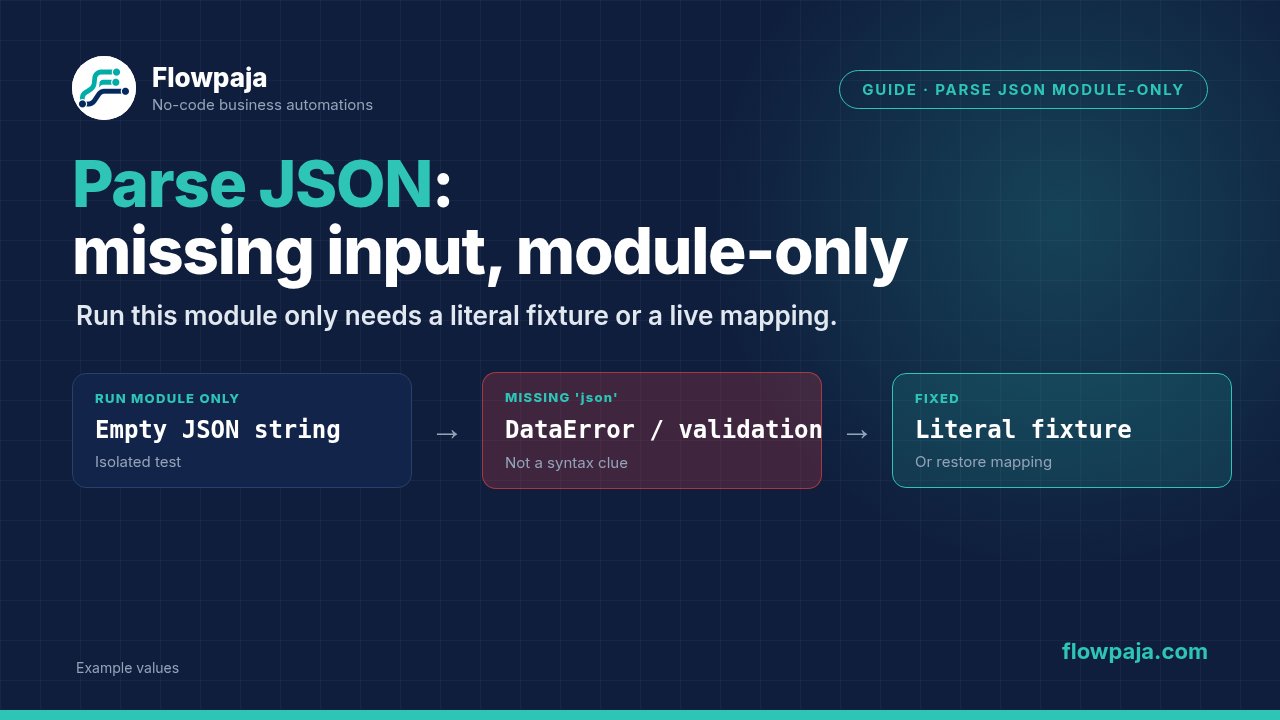
JSON > Parse JSON needs a nonempty JSON string. A mapping token that points to an upstream module is a reference, not a saved copy of its previous result. If you run only the parser, start by inspecting the input you supplied for that isolated call. Do not rebuild the AI prompt until you know the parser received text.
A reported validation error is BundleValidationError, followed by Missing value of required parameter ‘json’. The useful distinction is the missing parameter. It does not prove the text contained a bad comma, a markdown fence or an invalid schema. Make could not obtain the required input. The official missing-data guidance distinguishes missing required values from successful module output.
This guide covers isolated testing and mapping scope. The existing Flowpaja general JSON troubleshooting page covers broader syntax problems. Here the first job is to make one known input reach one parser without accidentally replaying a live workflow.
Capture the evidence before changing the module
Open the failed execution and select the parser's input. Record the JSON string value, the module number referenced by the mapping, and whether the run was a full scenario run or Run this module only. Those three facts separate most investigations.
An empty input means the source value was not available or was empty. A visible literal such as {"subject":"Fixture"} means the parser had text and the next issue is syntax or data structure. A collection shown as several fields is not necessarily a JSON string. You may have mapped a parsed object into a text field rather than the text you meant to parse.
Also check which run you are looking at. A green AI module in yesterday's execution does not establish an input for today's isolated parser run. Keep the execution timestamp and input fixture together. If you later describe a test as passing, attach the parser input and output from that same test, rather than screenshots from different runs.
Fix 1: give the isolated parser a literal fixture
Use a disposable scenario or an inactive copy. Keep Gmail, CRM creates, file uploads and other side effects disconnected while learning the parser's input shape.
- Open JSON > Parse JSON and save the current mapping somewhere you can restore it.
- Put this literal JSON text into JSON string:
{"subject":"Fixture acknowledgement","body_text":"This is fictional test content."}- Create or select a data structure containing Text fields
subjectandbody_text. If those fields are mandatory for the next step, mark them required. - Save the module. Use its context-menu Run this module only action.
- If Make asks for values for mapped inputs, supply the actual fixture text.
- Inspect the input bubble. Confirm the literal JSON is present before inspecting output.
- Confirm the output exposes the two fields. Do not attach a sending module as a parser test.
This is a controlled test specification, not a claim that your account has already passed it. If a literal fixture also fails with a missing input, check that you edited the executing module rather than another copy. If it fails with a syntax error, inspect the exact text for smart quotes or incomplete copying.
Fix 2: restore the source mapping deliberately
Once the literal works, restore the mapping and run the upstream path in a test scenario. Inspect the producing module's actual output. Map the scalar text that contains JSON, not its complete output collection, a display label or a guessed property name.
For OpenAI > Generate a completion, available output depends on the selected settings. If a response is already parsed, its fields are not interchangeable with a raw JSON text response. Decide whether you want raw text followed by Parse JSON, or already-structured output with validation of the required fields. Do not blindly add a second parser to an object.
In Flowpaja's draft-kit candidate, the raw AI result is mapped to Parse JSON, then nonempty content filters protect Gmail. That is a deliberate boundary: the recipient comes from the form, and the AI contributes only subject/body text. The blueprint still requires import and real-account validation before sale; a plausible mapping is not proof of an executed workflow.
If the producer sometimes returns no content, give that case its own held/failure route. Replacing missing content with {} can hide the original problem and move failure downstream. A default empty object is useful only when an empty object is acceptable business input. It is not a repair for a required email subject.
Fix 3: use an output fixture without changing its meaning
Make documents simulating module output with Parse JSON. An exported bundle can help reproduce a scenario without calling the original service again. The important step is distinguishing the output bundle's wrapper from the JSON string inside it.
Suppose the producer's downloaded output is:
[{"result":"{\"subject\":\"Fixture\",\"body_text\":\"Hello\"}"}]The outer array contains one bundle-shaped object. The result property contains the inner JSON text. Parsing the whole export gives you an object with a result field; it does not directly give you subject and body_text. Choose the layer that matches the module you are replacing.
To reproduce a complete upstream bundle, parse the wrapper in a fixture module and remap downstream references to that fixture module. To test only the inner parser, supply the inner string directly. Keep the two tests separate. Adding an Iterator or aggregator does not repair a missing JSON parameter.
Keep mappings valid when substituting a trigger
Deleting a webhook and inserting a fixture parser can leave downstream tokens pointing at the deleted module. The labels may still look familiar, but the referenced source is no longer part of the route.
I keep the original scenario intact and use a test copy. In that copy, I replace only the boundary under investigation and remap each affected field explicitly. The community discussion about repeating a test with the same data illustrates this mapping issue; it is not evidence that a copied scenario is safe to run against production accounts.
For webhook testing, another option is a fictional request to the test webhook. Start listening with Webhooks > Custom webhook, then use Detect new values when updating its recognized input shape. Keep any write modules pointed at test resources. A schema sample should contain realistic keys and types, but no real customer data or credentials.
Scenario run replay is also a test option, documented by Make. It executes the current scenario using earlier trigger data. That can repeat writes, drafts or sends. A replay is not a read-only inspection of history. Before using it, disconnect side effects or verify the relevant stable-key ledger rule.
Common errors and what each one means
Missing required json: inspect input availability and mapping scope. Supplying valid-looking text elsewhere in the editor does not fix an empty executing input.
Nonempty text that is not JSON: inspect the exact producer output. A JSON-only instruction and a supported response format can help, but still validate the actual response. Do not remove random characters until the fixture's meaning changes.
JSON parses but required business fields are absent: syntax and business validation are separate. The object { "subject": "Fixture" } is valid JSON but does not provide a required body. Reject or hold it before creating a draft.
One fixture produces several bundles: a root array is different from a root object. Make's JSON documentation describes that distinction. Downstream actions may run once per output bundle; limit fixture size and check cardinality before connecting a write.
A field name changed: regenerate/check the intended data structure and update mappings. Do not assume a previous schema includes a new key just because one response happens to contain it.
Use error handlers for the right boundary
The current handler names are Retry, Skip, Resume, Commit and Rollback. Retry stores work for another attempt; it is useful for a transient service failure, not for a deterministic missing input. Skip removes the failing bundle and can make the run appear successful, so do not report business success merely because the scenario ended green.
A missing parser input should be investigated where the value becomes empty. If the AI request itself failed transiently, Retry belongs on that request with a bounded policy. If AI returned invalid content, hold the submission and log the validation problem. Do not Resume with an invented message and create a customer draft that appears legitimate.
Rollback does not undo nontransactional Gmail or Sheets side effects. Avoid placing parser experiments after a create action. Validate first, reserve the stable submission key, then allow the downstream action only when the required content is present.
Credits for focused testing
Use an explicit planning count. A single Parse JSON test is one standard-module execution under the one-credit assumption; a variable fixture plus parser is two. Adding a downstream draft makes that another executed module and a mailbox side effect. AI credits and provider token fees depend on the selected model/connection; measure them separately.
Make Free includes 1,000 credits per month, two active scenarios, a fifteen-minute minimum scheduled interval and five-minute maximum execution. A one-credit poll every fifteen minutes is 2,880 checks in thirty days. An isolated parser fixture needs no polling schedule. Do not leave a test watcher active merely to produce parser inputs.
Acceptance checklist
Run four fictional cases: the complete two-field object, empty input, malformed nonempty JSON, and valid JSON missing a required field. Record the observed boundary for each. Empty input should fail required-input validation; malformed JSON should fail parsing; missing business content must not reach Gmail. A successful complete fixture should expose the expected fields.
Finally restore the producer mapping and repeat with a full test route. Check both input and output at every changed boundary. The isolated test proves how the parser handles a supplied fixture; the full-route test proves that your source actually supplies that fixture's shape. Keep those claims separate in your delivery notes.
Next step: use the existing Webhook → Sheets duplicate-check template when you need a small, inventory-listed workflow for practicing captured inputs and stable keys.
No Make account yet? Create a free Make account: affiliate link. Flowpaja may earn a commission at no extra cost to you.