 Flowpaja
Import the blueprint
Create a new scenario in Make, choose Import blueprint and pick the JSON from the ZIP. No connections or IDs are inside.
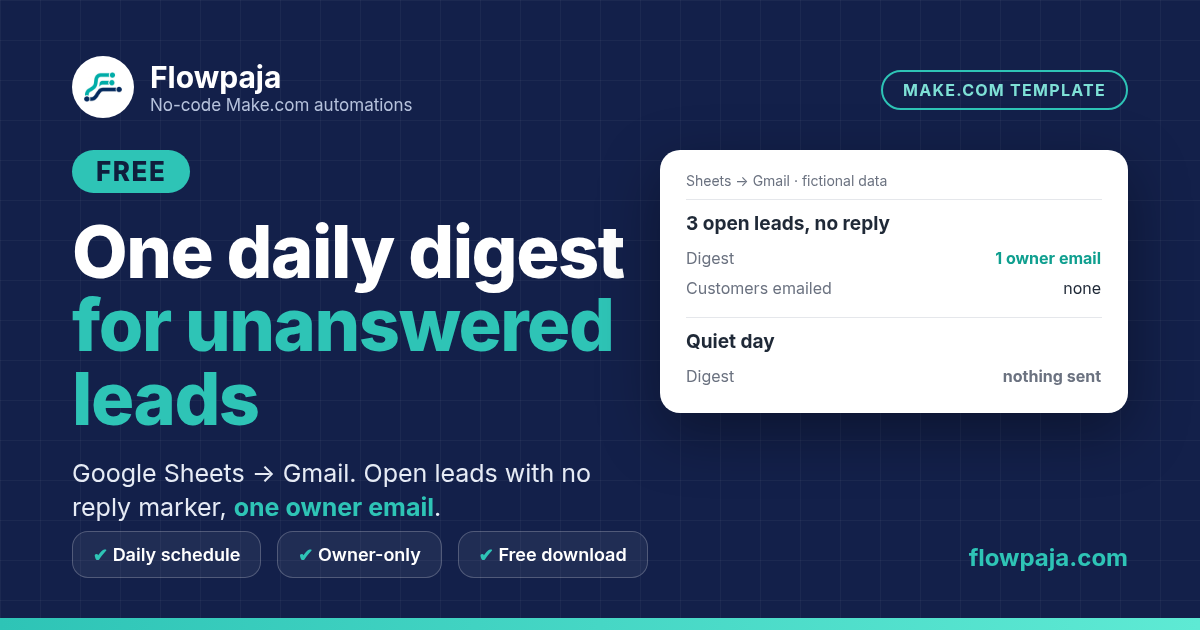
An unanswered enquiry can disappear among newer rows. This scenario checks a maintained lead-status sheet once daily, selects open leads without a reply marker that are at least N complete days old, and gathers them into one Gmail email to the owner.
This page contains an affiliate link, marked “affiliate link”.
Not yet run in a live Make account. Import the blueprint, connect your own Sheets and Gmail, and run the README checks on fictional data before enabling. Planning estimate for setup: 20–35 minutes once the sheet and owner mailbox are ready.
Runs in your own Make account with your own Google Sheets, Gmail connections. Nothing runs through Flowpaja.
The default waiting period is three days. The sheet supplies the received timestamp, status and reply marker; the template does not examine Gmail conversations or guess whether a lead has replied. Mark a reply or close the lead in the sheet to remove it from future digests.
The aggregator combines qualifying rows before the Gmail action, so a run does not send one email per lead. A quiet day sends nothing. Unresolved leads may appear again tomorrow; that is the purpose of an owner work list.
Use this for a small, actively maintained sheet, with no more than 100 open rows under the default scan cap. It is not a bulk customer follow-up system, a quote-reminder sequence or a replacement for reply synchronization. Larger datasets need a tested scan and pagination design before using this download.
The download includes a connection-free Make blueprint, setup README, fictional CSV test data and test notes. Import into your own Make account, connect your own apps and run the checks before activation. Nothing runs through Flowpaja.
Short path from the README. Full steps and credits are in the download.
Create a new scenario in Make, choose Import blueprint and pick the JSON from the ZIP. No connections or IDs are inside.
Create a tab with the columns from sample.csv (received time, status, reply marker and the other fields in the README). Keep it small: default scan cap is 100 open rows.
Map your spreadsheet in the Search Rows module and set the fixed owner address in the settings module. Never map a lead email as the recipient.
Use an At specified times daily schedule. Test an empty sheet, a quiet day and a day with qualifying rows before switching on.
Planning estimates, not a timed live-account measurement.
Allow 20–35 minutes once your maintained lead-status sheet and owner mailbox are ready. This is a planning estimate, not a timed live-account measurement. For a run with a digest, plan for roughly C + 4 credits, where C is the number of unreplied rows whose dates are parsed. Actual credits depend on the route, bundle count and retries.
Make Free has 1,000 credits/month, two active scenarios, a 15-minute minimum scheduled interval and a five-minute run limit. The README includes a route-by-route estimate and scheduling guidance.
Use this download for an internal list of unreplied leads. Choose Quote Follow-Up Free for its quote workflow, or Free Overdue Digest when the records are unpaid invoices rather than leads.
For quote-stage follow-up, review Quote Follow-Up. If your records instead represent invoices and you need reminder workflows, review Invoice Reminder. Those use different records and actions; this owner digest does not send customer chasers.
More free templates: Free Overdue Digest · One quote follow-up draft · Quote Reply Signal.
Questions: flowpaja.fi@gmail.com.
Tools we use for our builds: our tools page.
Make, Google, Google Sheets and Gmail are trademarks of their owners. Flowpaja is independent and not affiliated with or endorsed by them. Flowpaja develops its templates with AI assistance.