 Flowpaja
Import the blueprint
Create a new scenario, choose Import blueprint and pick the JSON from the ZIP. Leave it disabled while you configure it. No connections or IDs are inside.
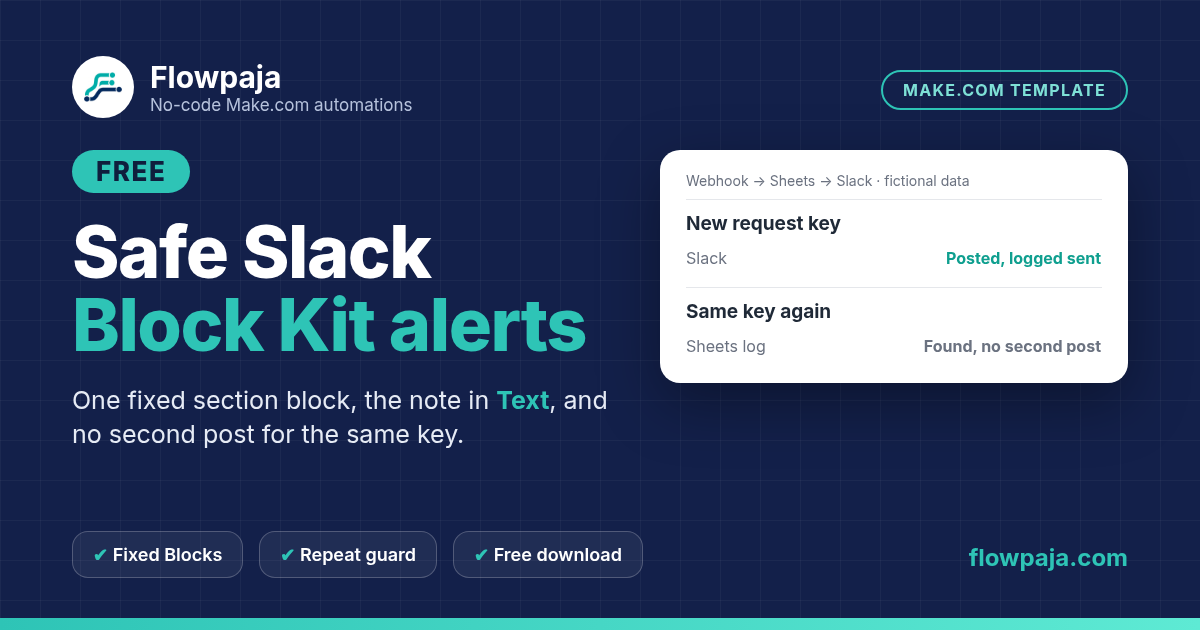
Hand-built Blocks break on quotes, line breaks and long text. This scenario keeps one fixed section block, puts the request details in Text, rejects empty or over-long notes before Slack, and checks a small Sheets log so the same request key is not posted twice.
This page contains an affiliate link, marked “affiliate link”.
Run in Make on 9 Oct 2026 with fictional data. In that run: about 5 credits per sent alert, 3 for a repeat key (no second post), 1 for a rejected note, and 4 when Slack rejects the Blocks (held for review, no sent row).
Runs in your own Make account with your own Webhooks, Google Sheets and Slack connections. Nothing runs through Flowpaja.
The note is checked first: a trimmed note must not be empty, and the original note can have at most 1,000 characters. That limit is this template's own policy, not a Slack maximum. Rejected notes stop before Sheets and Slack and stay visible in scenario history.
Blocks stay a fixed literal array. The request key and the validated note go into Text, so quotes and line breaks cannot break the Block Kit JSON. After Slack accepts the message, the scenario logs the key as sent with the Slack message reference.
A Slack failure goes to a Break handler with automatic completion off, so you inspect the channel before any manual retry. The Sheets lookup is a short repeat guard, not an atomic uniqueness lock: keep one scenario per log and process data in order.
The download includes a connection-free Make blueprint, setup README, fictional sample cases, a credit estimate and test notes.
Short path from the README. Full steps, sample cases and credits are in the download.
Create a new scenario, choose Import blueprint and pick the JSON from the ZIP. Leave it disabled while you configure it. No connections or IDs are inside.
Add your own Custom webhook in module 1 and capture one sample JSON object. Create an Alert log sheet with request_key, status, note and message_reference, all as plain text.
Point both Sheets modules at the log. Keep Search Rows matched on the key with Limit 2 and the Total number of bundles = 0 filter. Pick a private test channel and invite the bot.
Leave Blocks as the supplied literal array. In module 5 (Retry), Automatically complete execution must be No. Turn on Process data in order and Store incomplete executions.
Run the README cases one at a time in a disposable copy: new key, quoted note, repeat, empty note and 1,001 characters. Compare the channel and the log with TEST_NOTES.md.
Credits measured in one fictional-data run; setup time is an estimate.
Measured in the 9 Oct 2026 run (scenario operations): 5 credits for a sent alert, 3 for a repeat key, 1 for an empty or too-long note, and 4 when Slack rejects the Blocks. Your numbers can differ by account and route; check scenario history.
Setup takes roughly 20 to 40 minutes once your sheet and private channel are ready. That is a planning estimate, not a timed measurement. Make Free has 1,000 credits/month and two active scenarios.
Use this when you need one predictable internal Slack alert per request. If invalid_blocks is the error you are fixing in your own scenario, read Slack invalid_blocks in Make first.
For a broader form-to-CRM process with a Slack handoff, see the paid Lead Router template.
More free templates: Free Overdue Digest · Webhook to Sheets dedupe · Lead capture with dedupe.
Questions: flowpaja.fi@gmail.com.
Tools we use for our builds: our tools page.
Make, Google, Google Sheets and Slack are trademarks of their owners. Flowpaja is independent and not affiliated with or endorsed by them. Flowpaja develops its templates with AI assistance.