 Flowpaja
Short answer
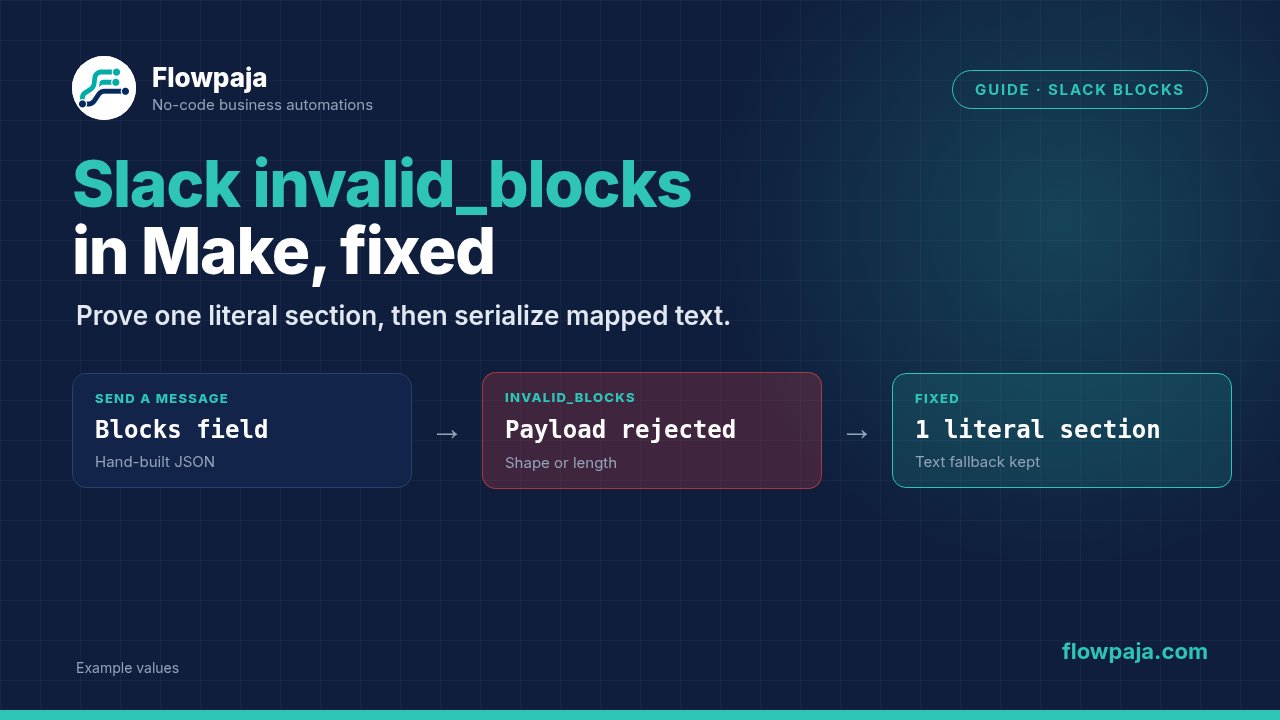
Slack's invalid_blocks means the supplied Block Kit payload is invalid. In Make's Send a Message module, test one small blocks array before adding mapped values. Check block structure, text-object types and length limits. Serialize dynamic text safely instead of hand-building JSON. Keep a plain Text fallback, and correct the payload before retrying the same rejected message.
What the error means
Slack's chat.postMessage reference distinguishes Block Kit errors from channel-access failures:
invalid_blocks
invalid_blocks_format
The first concerns invalid blocks; the second can identify an unsuitable JSON or Block Kit format. Record the exact response rather than treating both as authorization problems. channel_not_found and not_in_channel belong to a different diagnostic path.
Make's Slack → Send a Message module exposes Text and Blocks separately. Text is a useful fallback and accessibility representation. Blocks supplies the visual layout. Sending a whole chat.postMessage envelope where the field expects blocks, or sending text that merely resembles a JSON array, can cross the wrong serialization boundary.
Valid JSON is necessary but not sufficient. A section block still needs an accepted text object or valid fields, and Slack imposes limits on those contents. A payload can parse locally while failing Block Kit validation.
60-second checks
- Confirm the exact Slack error and the failed module. Verify a plain Text message works in the same channel before debugging blocks.
- Inspect Blocks in the failed input. Determine whether it contains an array of blocks, an entire API envelope, or an extra quoted JSON string.
- Start with one literal section block and a short text value. Remove buttons, accessories and mapped data until that succeeds.
- Check the section text length and object type. Slack documents a maximum of 3,000 characters for a section's text.
- Inspect mapped text for quotes, newlines and backslashes that could break hand-built JSON. Use structured serialization instead of deleting punctuation from the user's text.
Do not change channel permissions when a working plain message has already established access. Keep the payload and destination tests separate.
Fix it step by step
1. Prove the destination with Text
Use a private disposable Slack channel that you control. Add the connected bot if the connection requires membership. In Send a Message, confirm Connection, Channel ID or name and Channel type.
Set Text to P11-BK01 test alert for jordan@example.invalid. Leave Blocks empty for this first message. Run once and confirm it appears in the intended test channel.
This establishes the channel and connection baseline. If it fails with channel_not_found or not_in_channel, use the existing channel-access guide before changing the visual payload. A payload repair cannot grant a bot access to a private channel.
2. Add one literal block
Use a blocks array containing one section:
[
  {
    "type": "section",
    "text": {
      "type": "plain_text",
      "text": "P11-BK01 needs review"
    }
  }
]
Keep Text populated with the meaningful fallback sentence. In the native module, Blocks represents the blocks payload; do not include channel, token or other chat.postMessage fields inside the section array.
For a raw Slack API call, the overall JSON body instead includes separate channel, text and blocks properties. Those are two interfaces to the same message concept with different outer envelopes. Never copy the outer API envelope into the native Blocks field merely because the inner array is identical.
3. Validate the block's schema
A section's type is section. Its text is a text object with a supported type, such as plain_text or mrkdwn, and a string value. A bare "text": "hello" is not the same structure as that nested text object.
Slack documents section text from one to 3,000 characters. A section can alternatively use a valid fields array; there are limits on its number of fields and each field's text. Test those limits for the specific block type instead of applying one global message-length assumption to every object.
If you add an accessory, verify that the accessory type is compatible with the section. A syntactically valid interactive element can still be unsuitable at a particular location in Block Kit.
4. Map dynamic text without breaking JSON
Use a structured JSON builder or the HTTP module's Data structure input method for raw API requests. Make documents that this method escapes reserved characters placed inside values. With hand-built JSON string input, you must escape those characters yourself.
Do not remove apostrophes, quotes or line breaks from every incoming answer simply to make a broken template appear to work. Preserve the content and serialize it correctly. The receiving API should see a string value containing those characters, not new JSON syntax created by them.
In a native Slack module, inspect the actual Blocks field representation after mapping. A JSON array serialized once is different from a string containing an already quoted array. If the module version's expected representation is unclear, compare a literal successful sample before adding a builder.
5. Bound visual text deliberately
Use a short alert that identifies the request and the next action. Put long descriptions in the underlying business record or a deliberately separate detail view. A section that attempts to display an entire email thread is both difficult to read and more likely to exceed a limit.
For the fixture, keep P11-BK01, a harmless status and one concise description. If shortening is required, record that the visual text is abbreviated while preserving the full value elsewhere. Do not silently truncate a critical amount, identity or decision field.
Test the exact block content after mapping. Character count must apply to the resulting text value, not the template before dynamic content is inserted.
6. Reintroduce layout one element at a time
After the single section succeeds, add the next required block and run another fixture. Keep a successful copy after each step. This identifies which element or mapped value introduces the failure.
Before: an incoming note contains quotation marks and is interpolated into a hand-written JSON string, breaking the submitted structure.
After: the note is passed as a structured string value. Slack receives one valid section object, the quotes remain part of its text, and Text contains a usable fallback. The message appears once in the disposable channel.
Prevent it next time
Validate required fields and text length before the send. Put rejected payloads into a review state containing the request key and the reason. Avoid logging unnecessary private message content into a public channel.
Retry does not repair deterministic invalid_blocks. Correct the payload first. Skip is acceptable only when missing this alert is intentionally accepted and logged. Resume can provide substitute output, but a fabricated Slack timestamp makes later edit or checkpoint actions unreliable.
For uncertain network failures, search the destination or inspect a stored message checkpoint before a complete replay. A valid message may have been posted even when the response was lost. A ledger reservation before send and a stored returned timestamp afterward help reconciliation; search-plus-reservation in a spreadsheet is not atomic and needs serialized processing.
Keep fallback behavior explicit. If the owner wants a plain-text alert when visual construction fails, send that fallback once under the same event identity and record which form was used.
What it costs in credits
Assume one event trigger, one standard JSON-building action and one Send a Message execution, each charged at one credit: 1 + 1 + 1 = 3. If the blocks are a fixed literal and no builder action runs, the example is 1 + 1 = 2.
One failed send retry adds one attempted module execution. A failure branch with one logging action adds another execution. A deliberate plain-text fallback adds a send execution, so it should be counted separately rather than described as free recovery.
Routers and filters do not add standard action credits, but several input bundles can produce several messages. Inspect the execution history and actual billing behavior. A charged fifteen-minute polling trigger adds up to 4 × 24 × 30 = 2,880 monthly checks before message actions.
Test it safely
Use the disposable channel and fictional request keys. Test plain Text, a literal section, dynamically mapped quotation marks, a newline, an empty section text and a deliberately over-limit section in the disabled test copy.
The malformed and over-limit cases should be rejected or held rather than repeatedly retried. Keep customer channels disconnected. Test the fallback once and confirm it does not duplicate a message already posted successfully.
Pass means valid layout renders, Text remains useful, dynamic punctuation survives serialization, invalid data is held, and one request produces one intended alert. Static JSON parsing cannot establish that Slack accepted the exact native Make Blocks representation; that needs an account test before template publication.
Related errors
channel_not_found: Slack channel access covers membership and destination selection.- Empty mapped fields: form responses to Slack covers source-token mapping.
- Repeated alerts: payment-failure alert checkpoints covers one-time message identity.
Tell payload errors apart from channel and auth errors. Use the Make Error Cheat Sheet while testing one literal block, mapped text and the plain Text fallback.
No Make account yet? Create a free Make account (affiliate link). Flowpaja may earn a commission at no extra cost to you.