 Flowpaja
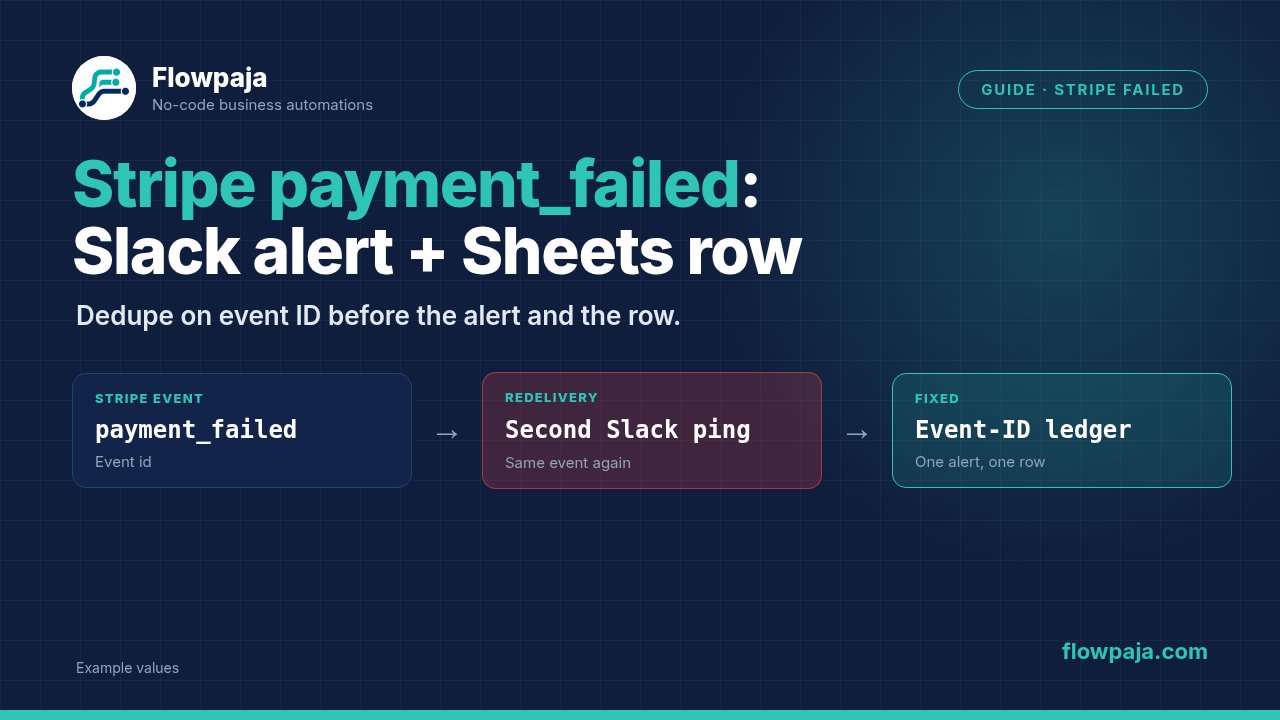
A Stripe payment fails, Make sends a Slack alert and adds a Sheets row. Then Stripe delivers the same event again, and the team receives another alert for the same failure. The fix is to give the event a durable identity before sending the notification.
Listen to invoice.payment_failed for an invoice payment attempt, or charge.failed for a failed charge. They are different events with different objects. This workflow records a failure and prepares an owner alert; it does not automatically charge the customer, change subscription access or send customer email.
Stripe's webhook documentation confirms that repeated delivery can occur. A Make Community report describes a successful Make run alongside a Stripe delivery timeout. Use it as a reason to inspect acknowledgement and replay boundaries, not as a proven diagnosis for your own account.
When this happens
Use Stripe > Watch Events as the primary intake. Select the intended failure event in Group and the relevant event selection. Choose the right Stripe account and test/live environment. The Make Stripe reference documents the event watcher and its Connect setting.
If you process connected accounts, store the source account identifier beside the event. If you instead receive raw payloads through Webhooks > Custom webhook, signature verification must happen at an appropriate verified receiver before trusting the event. Do not treat possession of a Make webhook URL as proof that Stripe sent a request.
No live Stripe request was sent for this guide; confirm connector fields in your account.
Step 1: normalize the event envelope
Inspect a real test event. Keep id, type, created, livemode, any source account identifier and data.object.id. Store the event ID as text. Construct a ledger key that includes the environment and, for Connect, the source account, followed by the event ID.
Use Tools > Set multiple variables for normalized values such as event_key, event_type, resource_id, customer_id, failure_time and amount_minor. Map from the event bundle, using the correct resource-specific branch rather than one mapping that assumes every failure is an invoice.
On the invoice route, use the invoice identifier and the amount field matching your chosen meaning. Amount due, remaining balance and a charge's attempted amount are not interchangeable. On the charge route, identify the charge and its failure details without pretending it is an invoice.
Label an absent email as unavailable in the internal record; do not manufacture an address to satisfy an alert layout.
Step 2: decide which failures deserve an alert
Configure a Router with explicit event-type filters. For this guide's main route, accept invoice.payment_failed. Enable a separate charge.failed route only if you need it, and give it its own mapping and alert title.
Subscribing to both can generate two different events for one underlying payment attempt. Event-ID dedupe prevents repeated delivery of the same event; it does not merge two different event types. If you require one alert per business incident, define an additional correlation rule deliberately and retain both original event IDs in the ledger.
Do not dedupe everything by customer ID, invoice ID or email alone. Several payment attempts for the same invoice can legitimately fail at different times. A broad key would hide the later attempt. First solve transport replay; then decide separately whether to suppress related business notifications.
Step 3: create the ledger schema
Use a dedicated Sheets tab with event_key, event_id, event_type, resource_id, customer_id, amount_minor, currency, event_created_at, received_at, status, slack_channel, slack_ts, last_error and completed_at.
Keep monetary values in their original minor-unit representation in the ledger. For a human-friendly alert, format according to the currency's unit rules. Dividing every amount by 100 is wrong for zero-decimal currencies. Retaining amount_minor and currency lets you audit display formatting without losing the original event value.
Use statuses received, alerted, completed, failed and uncertain. received means the event was stored, not that anyone was notified. alerted requires the returned Slack message identifier. uncertain preserves a possible send success whose response or checkpoint was lost.
Step 4: search and reserve before Slack
Enable Process data in order in Scenario settings and keep a single writer for this event ledger. Add Google Sheets > Search Rows, headers enabled, Filter event_key equals the normalized key, and a limit suitable for detecting accidental duplicate keys during setup.
Route Total number of bundles = 0 to reservation and > 0 to existing-event handling. For the no-match route, the required behavior is one empty output bundle carrying count zero. An aggregator is not the way to detect an absent ledger row.
Do not deploy the alert path until the empty-key Search Rows test passes in your installed module.
On the new route, use Google Sheets > Add a Row, mapping the normalized event fields and status=received. Preserve its row number. Existing completed rows stop before Slack. Existing unfinished rows go to reconciliation or recovery, not automatically to another send.
Step 5: compose the owner alert
Configure Slack > Send a Message. Select a controlled channel by its confirmed ID and map a concise text body. Include event type, resource ID, customer reference when available, correctly formatted amount, event time and a link or identifier that helps the owner inspect Stripe.
For example, a failure alert might say that invoice in_demo had a failed payment attempt and include event evt_demo. Those are fictional example identifiers. Do not use them to construct a clickable production Stripe URL; derive links from your verified account context or simply provide real identifiers.
Keep the text precise: an event says an attempt failed, not that the customer is permanently delinquent. If the next action depends on present invoice status, retrieve the current invoice first through Stripe > Make an API Call, GET /v1/invoices/ACTUAL_INVOICE_ID, and inspect the returned state.
Do not silently discard an older event just because it arrived after a newer one. Record the original event while allowing the alert to distinguish a historical failure from current invoice state. Stripe events are not guaranteed to arrive in a useful business order.
Step 6: save the Slack checkpoint
After Slack returns success, use Google Sheets > Update a Row with the reserved row number. Map the selected channel, Slack message timestamp and status=alerted. Then mark completed when all required ledger fields are stored.
Map only fields you intend to change. Leaving an empty update input can preserve an existing value; use Make's typed erase keyword only when intentionally clearing a supported field. Never wipe slack_ts during a retry merely because the current route did not produce a new Slack output.
A timeout after Slack accepted the message is the difficult case. Search the controlled channel for the event identifier or inspect the known message before authorizing another send. Without an atomic transaction spanning Slack and Sheets, no workflow can infer success solely from a missing checkpoint.
Step 7: handle failed paths without hiding work
Use Retry for safe transient reads and ledger operations, with incomplete executions enabled. For a rate-limited Slack send, inspect whether the API clearly rejected the request before applying bounded retry. For ambiguous timeouts, mark uncertain and reconcile rather than blindly resending.
For a permanent channel or permission failure, preserve the event row with status=failed and the actionable response. End with Skip only if the row is durably recorded and your policy allows the rest of the intake to continue. An alternative owner route must not call the same broken Slack channel.
If a custom receiver acknowledges early, durable receipt and later recovery become your responsibility. If it waits for lengthy processing, upstream delivery can time out. Keep acknowledgement and alert completion as separate facts in your incident notes. The native connector manages its own webhook receipt path.
Common errors
Error 200: Channel Not Found is documented for Slack when a bot is not a member of the chosen channel. Confirm channel membership and connection type before replaying the event.
A missing-message-text validation error requires inspecting the Slack input mapping. A valid Stripe event ID does not guarantee that the composed text token resolved correctly; use the parameter name actually reported by your module.
A 429 is a throttling response; preserve the item and inspect retry timing. A signature failure on custom intake requires fixing verification, not disabling it. If replay produces two ledger rows, inspect the key namespace, ordered processing and any second scenario writing the tab.
Credits note
A fresh event uses receipt, lookup, reservation, Slack and checkpoint writes. A completed replay should use receipt and lookup only. With 1,000 monthly credits, estimate fresh events and replay traffic separately using recorded run usage.
Do not poll every invoice merely to catch failures already supplied by events. Optional current-state retrieval adds a request only where the owner's action depends on it. Count recovery and failed-path work in the budget; successful deduplication does not make webhook receipt free.
Testing steps
Use Stripe's test environment and a controlled Slack channel. Deliver a failure fixture, then replay the exact event ID. Expect one ledger row and one alert. Deliver a new event ID for a later failure and expect a new record according to your alert policy.
Test an unsupported event, missing customer email, a charge failure and a zero-decimal currency fixture. Confirm mapping and display remain correct. Test an unknown ledger key to prove the empty branch.
Finally, fail Slack before acceptance, and fail the Sheets checkpoint after a successful send. The second case must require reconciliation without automatic double-alerting. Record all expected counts; this guide has not executed these account-level tests.
No Make account yet? Create a free Make account (affiliate link). Flowpaja may earn a commission at no extra cost to you.