 Flowpaja
Import the blueprint
Import the JSON. The trigger watches the form’s linked response sheet on a schedule (not an instant Forms webhook).
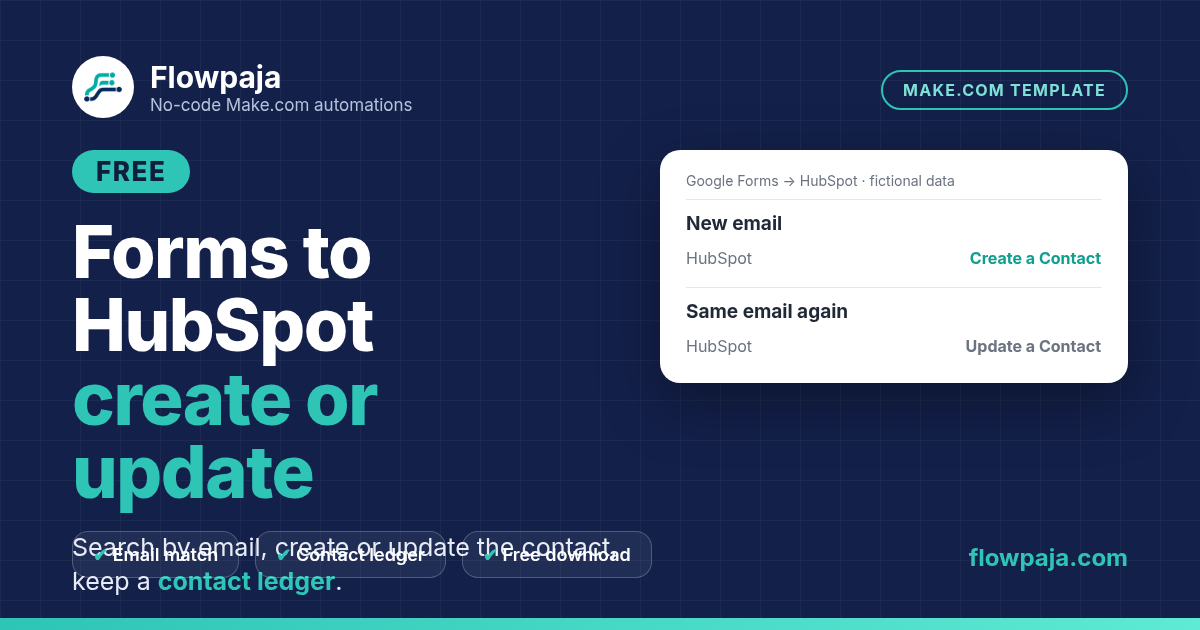
A second Google Form submission should update the contact you already have. This scenario reads the form's linked response sheet, normalizes the email, checks the local ledger and searches HubSpot using an exact email filter before choosing a create or update route.
This page contains an affiliate link, marked “affiliate link”.
Not yet run in a live Make account. Preview pending. Make gallery submission held. Before enabling, verify that a HubSpot search with no match produces a zero-result bundle and reaches Create a Contact. This is not Lead Router (no budget routing or round-robin). Planning estimate: 30–45 minutes.
Runs in your own Make account with your own Google Sheets, HubSpot connections. Nothing runs through Flowpaja.
The small ledger stores the email key, contact ID and latest successful synchronization time. A repeated email reuses the CRM contact and updates its ledger row. The blueprint contains no deal creation, lead assignment or customer email. Optional Slack notification can be added to the successful new-contact branch; it is not enabled in the download.
This is for an owner maintaining a modest contact list from a Google Form. It is not a historical response migration, an instant Google Forms webhook, or a complete sales-routing product. The trigger polls Google Sheets; a slower schedule trades response delay for fewer idle checks.
Before activation, verify that a missing-email HubSpot search produces a zero-result bundle and reaches the create branch.
The download includes a connection-free Make blueprint, setup README, fictional CSV test data and test notes. Import into your own Make account, connect your own apps and run the checks before activation. Nothing runs through Flowpaja.
Short path from the README. Full steps and credits are in the download.
Import the JSON. The trigger watches the form’s linked response sheet on a schedule (not an instant Forms webhook).
Point Watch/Search/Add/Update at your response sheet and ledger. Connect HubSpot Search/Create/Update Contact modules.
With a previously unseen email, confirm Search Contacts returns zero bundles and Create a Contact runs. Then test an existing email updates.
On Make Free, scheduled checks share your 1,000 credits. Start with a slower interval after the README route tests pass.
Planning estimates, not a timed live-account measurement.
Allow 30–45 minutes once your Google Form, linked response sheet and HubSpot account are ready. This is a planning estimate, not a timed live-account measurement. A successful single-response route is approximately six credits, plus idle polling checks. Actual credits depend on the route, bundle count and retries.
Make Free has 1,000 credits/month, two active scenarios, a 15-minute minimum scheduled interval and a five-minute run limit. The README includes a route-by-route estimate and scheduling guidance.
Use this download for a small form-to-contact mirror. Choose Lead Router for the broader lead-routing workflow, or Form to Slack Free when you only need a team notification.
When contact capture needs budget-based routing and team alerts, review Lead Router. This free download stops at contact synchronization and its ledger.
More free templates: Lead Router ($19) · Form responses to Slack · Fix HubSpot contact already exists.
Questions: flowpaja.fi@gmail.com.
Tools we use for our builds: our tools page.
Make, Google, Google Forms, Google Sheets and HubSpot are trademarks of their owners. Flowpaja is independent and not affiliated with or endorsed by them. Flowpaja develops its templates with AI assistance.