 Flowpaja
Import the blueprint
Import the JSON from the ZIP. The email filter uses the corrected whitespace-safe pattern.
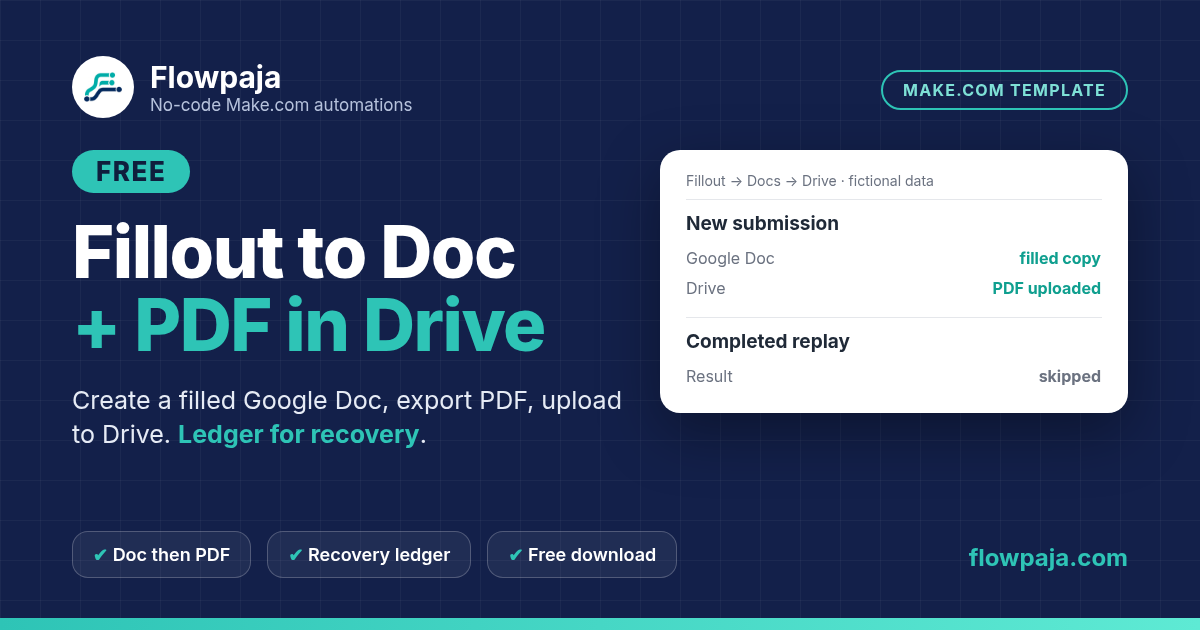
A successful PDF action is not enough if it exports the original template. This scenario captures a Fillout response, creates a filled Google Doc from your source template, exports the new document as PDF and uploads the binary file to your chosen Drive folder.
This page contains an affiliate link, marked “affiliate link”.
Not yet run in a live Make account. Companion to the live Fillout to Google Docs guide. After import, remap Fillout field IDs, your Doc template and Drive folders, then test one fictional submission end to end. Planning estimate: 35–50 minutes.
Runs in your own Make account with your own Fillout, Google Docs, Google Drive, Google Sheets connections. Nothing runs through Flowpaja.
It is the downloadable companion to the live Fillout-to-Google-Docs guide. The Doc-to-PDF mapping follows that guide's safe pattern. A small Sheets ledger adds submission-level recovery: store the generated Doc ID before export, skip completed submissions and resume an incomplete export from the stored Doc.
The source template, generated Doc and uploaded PDF have different IDs. The blueprint preserves that distinction and does not send the file to the respondent. If creation succeeded but the ledger write failed, or upload succeeded but the completion marker failed, inspect the output and history before replaying: external file writes and ledger markers are not one atomic transaction.
Use this for a simple text-tag document template and modest Fillout volume. It is not a legal-document generator, signature workflow, numeric calculator, PDF merger or AI writing system. Required blank answers stop the create path; numeric fields need an explicitly tested scalar conversion if you extend the form.
The download includes a connection-free Make blueprint, setup README, fictional CSV test data and test notes. Import into your own Make account, connect your own apps and run the checks before activation. Nothing runs through Flowpaja.
Short path from the README. Full steps and credits are in the download.
Import the JSON from the ZIP. The email filter uses the corrected whitespace-safe pattern.
Put {{full_name}}, {{email}} and {{request}} tags in the source Doc. Create Drive folders for generated Docs and PDFs, plus a ledger sheet from sample.csv.
Connect Fillout Watch New Responses, map tags without braces, and point Docs/Drive/Sheets modules at your own IDs.
Submit a fictional response, confirm the filled Doc ID (not the template) is exported, the PDF lands in Drive, and a completed replay is skipped.
Planning estimates, not a timed live-account measurement.
Allow 35–50 minutes once your Fillout form, Google Doc template, two Drive folders and ledger sheet are ready. This is a planning estimate, not a timed live-account measurement. A new valid submission is approximately eight credits; resuming a stored Doc’s export is approximately six. Actual credits depend on the route, bundle count and retries.
Make Free has 1,000 credits/month, two active scenarios, a 15-minute minimum scheduled interval and a five-minute run limit. The README includes a route-by-route estimate and scheduling guidance.
Use this template for generated Docs and PDFs. Choose Lead Capture to Sheets and Slack for its separate intake-and-alert workflow, or Webhook to Sheets Dedupe Free when you only need a generic form log.
More free templates: Fillout to Google Docs guide · Lead capture to Sheets + Slack · Webhook to Sheets with duplicate check.
Questions: flowpaja.fi@gmail.com.
Tools we use for our builds: our tools page.
Make, Fillout, Google, Google Docs, Google Drive and Google Sheets are trademarks of their owners. Flowpaja is independent and not affiliated with or endorsed by them. Flowpaja develops its templates with AI assistance.