 Flowpaja
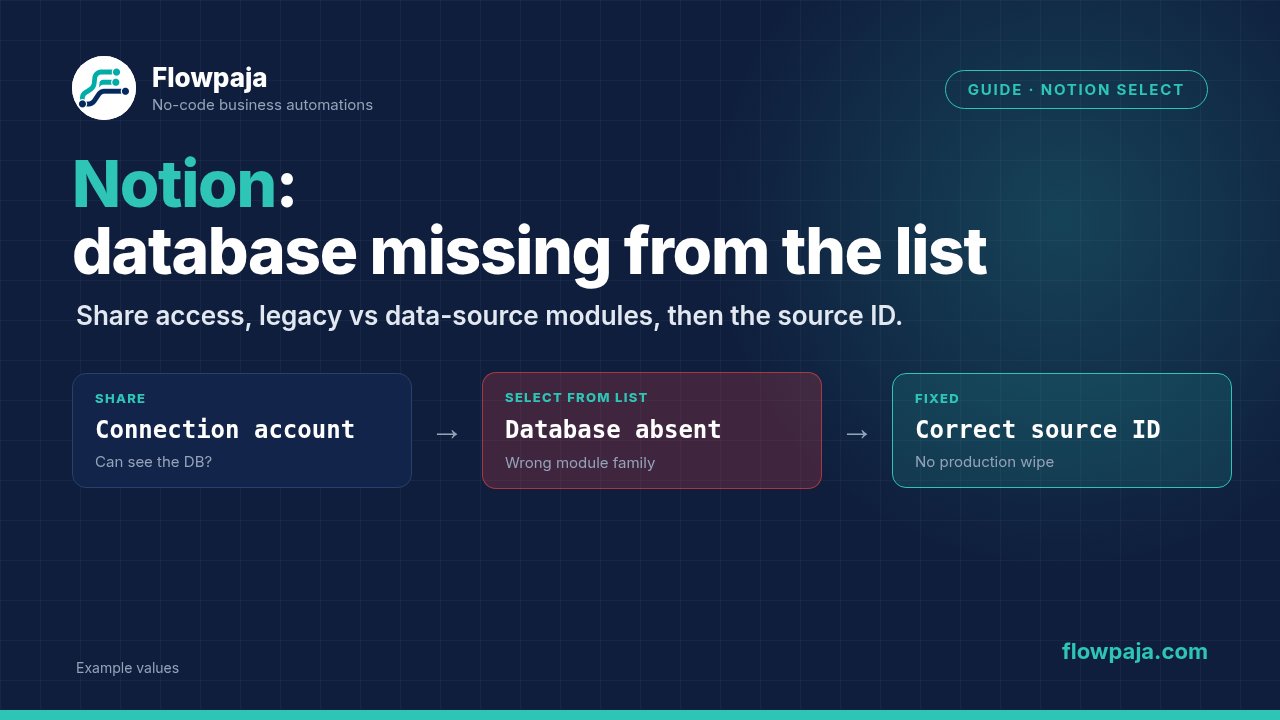
Check two things before copying another ID: whether the connection can access the original Notion resource, and whether the module expects a database ID or a data source ID. A correct-looking UUID in the wrong field is still the wrong input.
Make's Notion documentation distinguishes modules marked Legacy from the newer data-source modules. Notion's API change introduced databases containing multiple data sources. The old and new module families do not use interchangeable parent identifiers. This is why a connection can appear healthy while one create module still cannot find its target.
An absent selection list and a runtime 404 are related clues, but they are not the same result. Record which one occurs. If the list is empty, start with authorization and object selection. If a selected ID fails at runtime, inspect the exact ID, module family and API error body.
Write down the identity chain
For the failing module, record the Make app/module name, selected connection, workspace, database title and identifier type. For the Notion page, record the original database and intended data source rather than only the linked view you happen to be looking at.
A linked database view is a presentation of an underlying resource. Its view ID is not a create-item parent ID. A browser URL may contain a page/database identifier before a query string and a view parameter after it. Do not paste the full URL or the view parameter into a field that expects a data-source UUID.
Use labels in the written handoff: database_id = …, data_source_id = …, view_id = …. That simple separation prevents a copied identifier from changing meaning as it moves through modules. Keep actual private IDs and tokens out of a public guide or distributable blueprint.
Step 1: share the original resource with the connection
With a Notion internal connection, open the original database and use its connections menu to add the integration used by Make. Make documents Add connections as the sharing step. Select the integration by its actual name, confirm, then reopen the target module in the inactive test scenario.
Making a page public is not equivalent to granting API access to your integration. Nor does seeing a resource in your personal Notion sidebar prove that the selected token can read it. You may belong to the workspace while the integration has only a smaller set of pages.
For a public/OAuth connection, verify the authorized pages and workspace. If a resource was added after authorization, reauthorization may be necessary. Plan that change: several scenarios can depend on the same connection. Do not revoke a working shared connection before recording its consumers and the pages that need to remain authorized.
Repeat a read-only selection or retrieval test after the access change. Do not use a create-item action merely to prove the resource is visible. A successful read establishes access to the selected object; write capability and field mapping still need their own test.
Step 2: identify legacy versus new modules
The current Make module list includes Create a Database Item (Legacy) and Create a Data Source Item, plus Get a Database, Get a Data Source and Search Objects. Inspect the exact module you installed; an old tutorial screenshot can refer to a different app generation.
The practical rule is: a legacy database-item setup uses database_id; a new data-source-item setup uses data_source_id. Do not rename a mapped field from Database to Data Source and leave its value unchanged. Get the identifier of the actual intended source.
If you mix generations, keep the relationship explicit. A legacy module may output a database ID without the needed data-source ID. Read the database with the appropriate current module/API and identify the source that contains your intended schema. Do not pick the first returned source automatically when the database contains several.
Step 3: retrieve and compare the resource
Use a test copy with no downstream writes. Start with Notion > Get a Database using the verified database identifier. Inspect the returned object and its available data-source references. Select the source whose schema matches the table you are trying to populate.
Then use Notion > Get a Data Source with that source's identifier. Compare property names and types against your intended create mapping. A title match alone is not enough; duplicated databases can share titles while having different schemas.
For API work, use the endpoint documented for the relevant object and API version. The official upgrade guide explains the database/data-source split. Do not override the native Make connector's version header without understanding which module generation it implements.
A read test should produce the expected resource identity, not just HTTP 200. Confirm object type, identifier and schema. If the result is another data source, stop before creating anything. If retrieval fails, save the exact status/code/message and the identifier type used; never publish the token alongside the diagnostic output.
Step 4: repair selection without destroying the route
If the resource now appears in Select from list, select it in the test module and compare its dynamic fields. Save a mapping checklist first. Dynamic schema changes can affect field tokens even when the visible title remains the same.
If it is still absent, try a documented manual-ID input only after proving that the ID identifies an accessible object of the expected type. Manual entry bypasses a selection-list problem; it does not bypass access control or convert a database ID to a data-source ID.
Keep the original route intact until the replacement is tested. Record all downstream references to the old module: created page ID, property outputs, status filters and error handlers. A new module number changes the source of those tokens. Rebuilding a create module without migrating its consumers is a partial fix.
Step 5: test a new data-source item safely
In a disposable database/source, create one fixture with a clear title such as NOTION-ID-001. Map only the required title first. After that succeeds, add the other properties one at a time so a date or relation failure does not get confused with parent-ID access.
Confirm the created page belongs to the intended data source, contains the expected property values and returns the identifier that the next module needs. Repeating a create call may produce a second page. Use a stable fixture key and inspect existing test records before running another create.
Do not test a migration by creating a page in every visible source. The selection is part of the business rule. A database containing several sources needs a deliberate choice, not a loop that sprays the same submission into all of them.
Once the test passes, move the checked mapping to the controlled production change. Keep a recovery copy and a short list of properties that were migrated. The acceptance claim should name the exact module/source tested, not “Notion fixed” as a blanket statement.
Read the 404 carefully
Notion's status-code reference defines object_not_found for an object that does not exist for the token, including an object not shared with that connection. A 404 therefore does not prove the database was deleted.
A reported Make error begins Could not find database with ID:; the resource identifier and surrounding wording vary. Keep the actual message from your execution. Do not substitute an example UUID into a support claim or turn an inaccessible resource into a made-up outage.
Compare four possibilities: wrong ID, wrong object type, wrong connection/workspace and missing sharing. They are testable independently. A repeatedly failing 404 with unchanged identity/access should not receive blind Retry. Resolve the deterministic configuration before attempting another create.
If the object can be read but item creation fails, inspect capabilities and property validation. That is a different boundary. Similarly, a 401 points to authentication, and a 403 can point to restricted access; neither is evidence that the selector silently changed the resource.
Common migration traps
A linked view is visible but the source is not shared. Find the original database/source and grant the selected integration access there.
The new module receives the old database token. Retrieve the corresponding data-source identifier and remap explicitly.
A second source was added to a legacy setup. Treat this as a compatibility change. Do not delete the additional source as a first-line workaround; user data and other workflows may depend on it.
The selector is repaired but properties disappear. Compare the schema and reconnect each mapped property. Do not reuse an old date/relation token merely because its label looks familiar.
One property is not returned completely. Use the module/API intended to retrieve the detailed property value where needed. A partial property output is not an authorization diagnosis; separate pagination/details from parent selection.
A create response is lost. Check whether the page already exists before retrying a write. Notion's current error documentation notes that some writes can be saved even when the response fails. A green retry can still mean a duplicate page if no stable-key rule protects the action.
Credits and test scope
Plan by executed modules. One Get a Database plus one Get a Data Source is two standard read steps under the one-credit assumption. Adding one fixture create is another step. Property-detail reads, retries and several bundles increase the count. This is a planning estimate, not measured account usage.
Make Free has 1,000 monthly credits, two active scenarios, a fifteen-minute minimum scheduled interval and five-minute maximum execution. A one-credit fifteen-minute poll totals 2,880 checks in thirty days before item work. Resource-identity tests can be run manually in an inactive scenario; they do not need a polling loop.
Next step: use the inventory-listed Lead Router for budget-based lead handling when that is the underlying job. It uses the Flowpaja stack rather than requiring a Notion migration.
No Make account yet? Create a free Make account: affiliate link. Flowpaja may earn a commission at no extra cost to you.