 Flowpaja
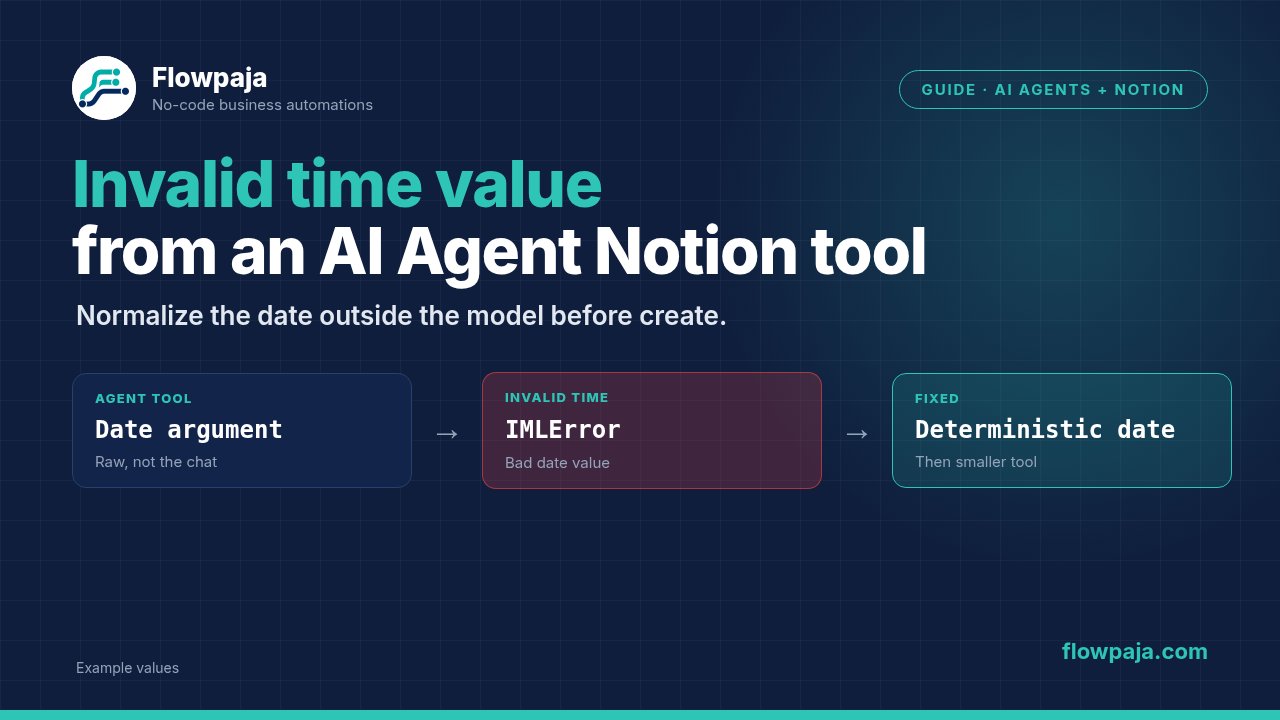
The failure is at the date boundary
An agent can produce a convincing task description while giving its Notion tool a date the tool cannot use. The message to diagnose is Invalid time value, not the agent's summary that it created an item.
In a Make Community report, the tool failed while creating a Notion data source item. The recorded error was:
{"type":"IMLError","message":"Function ‘if’ finished with error! Function ‘properties’ finished with error! Invalid time value"}That report establishes a real failure pattern. It does not prove that every such failure has the same cause. Start with the actual arguments sent to the tool, especially the date value. Do not replace the whole agent or reconnect Notion before inspecting that boundary.
The repair below separates three jobs: the agent proposes content, deterministic steps validate the date, and the Notion module writes an item only after those checks pass. It also keeps a failed write from turning into several duplicate items during debugging.
1. Capture the argument that failed
Open the failed execution and inspect the agent tool call and the Notion module input. Record the title, target data source, date property name and submitted date value. Keep customer content out of screenshots you intend to share.
Look for a missing key, an empty string, a natural-language value such as “next Friday”, or a collection passed where the tool expects text. Also check whether the agent's argument is literally a JSON string containing an object rather than the object's date value.
The same visible word can refer to different fields. A native Notion date property is writable. A creation timestamp supplied by Notion is not a substitute for that property. Check the property's type in the target data source, rather than assuming any field whose label contains “date” accepts an assigned date.
Preserve the failed input as a fictional fixture before changing the tool. For example, replace a customer's title with TEST-date-boundary and retain the problematic date shape. This lets you reproduce the mapping issue without creating a new business item.
2. Establish one acceptable date contract
Decide whether the property represents a calendar date or a precise instant. A due date such as 6 October is usually a calendar date. A meeting starting at 14:30 in a named time zone is an instant with time-zone meaning. Mixing these creates errors even when the strings are technically parseable.
For a calendar-date contract, use YYYY-MM-DD. For an instant, use a supported ISO 8601 timestamp with an explicit offset, or construct the date and time-zone fields according to Notion's API contract. Notion's page property documentation describes the start, optional end, and optional time_zone members of a date property.
A raw API calendar-date example looks like this:
{
  "properties": {
    "Due date": {
      "date": {
        "start": "2026-10-06"
      }
    }
  }
}
This is an API payload example, not a value to paste blindly into one native Make date input. In Notion > Create a Data Source Item, map the date to the appropriate property input exposed by your module. Confirm the property's name and type before selecting it.
If you supply Notion's time_zone, follow its documented relationship with start: include a time, and do not combine that field with an incompatible UTC-offset form. Avoid adding both a named zone and an offset because the words sound more explicit. Use one coherent representation.
3. Resolve missing and ambiguous dates outside the model
Treat missing dates as a separate state. Decide whether your workflow should omit an optional date, ask the owner to supply it, or apply an approved default. “Use today” is a business decision, not a generic technical fix.
If a date is required, stop before the write when it is missing. If it is optional, configure omission using the current module's property controls. Do not map an empty string to a date and hope the connector treats it as absent. Do not use the erase keyword as a guessed replacement for a date on a create operation.
Ambiguous input needs a rule too. 03/04/2026 has at least two common interpretations. Specify the form's expected format and reject an answer that cannot be interpreted under that contract. A free-text instruction to the agent cannot reliably establish the submitter's locale.
For known text formats, Make provides parseDate() and formatDate(). Use an explicit input format and time zone where relevant, then format the result into the contract your tool accepts. The date and time functions reference is the source for supported format behavior.
Do not infer that a syntactically plausible value is a valid date. Include impossible dates in your tests. Verify whether your selected parsing path rejects or normalizes them. A value that becomes a different calendar date is not a successful validation result.
4. Give the agent a smaller tool interface
Keep the write tool's inputs narrow. A useful contract is title, due_date_iso, and submission_key, with an explicit description for each. Let the agent propose a title; make the date requirement visible, but enforce it in the scenario.
A scenario tool can start with Scenarios > Start scenario, run the validation steps, write through Notion > Create a Data Source Item, and return a clear result through Scenarios > Return output. Make documents scenario inputs and outputs as the interface for passing values between scenarios and tools in its scenario inputs and outputs guide.
Return distinct outcomes such as created, missing_date, invalid_date, and held_for_review. Do not return “success” when a date check failed. If the parent uses Scenarios > Call a scenario, keep those outcomes visible to the calling flow.
The parent agent can then explain why a write was held without inventing a Notion item URL. This is more useful than letting the model repeatedly call the same failing tool with different guesses. It also gives you one place to inspect the date conversion.
5. Check identity before repeating a create
Before the Notion create operation, look up a stable submission key in a ledger. The key must describe the business submission, not the current execution time. Replaying the same submission should keep the same key.
With Google Sheets > Search Rows, route on the search result's Total number of bundles. A no-match search emits an empty bundle with total zero. Use zero for the new-item branch and greater than zero for the existing-key branch; an aggregator's array length is not a no-match test.
Reserve the key before creating the Notion item. If the create succeeds but the final ledger update fails, hold the record for reconciliation. Search the actual Notion item by the stored business key before deciding whether another create is needed. Do not assume the missing final ledger status proves no item exists.
Sheets is not a transactional uniqueness constraint. Keep one writer for the key, use sequential processing where appropriate, and document the remaining concurrency boundary. A second scenario writing the same ledger can bypass the first scenario's serialization.
Common errors and what to change
Invalid time value
Compare the tool's raw argument with the native date input. A missing value, unsupported text format or wrong input shape is a candidate cause. Repair that argument and test the Notion module with a fixed fictional date before bringing the agent back into the path.
The agent says the date is correct, but the tool still fails
The natural-language explanation is not evidence of the mapped argument. Read the tool input bundle. Confirm that the normalization output, rather than the original answer, is mapped to the write module. Also confirm that the selected property still has a Date type.
A JSON object is visible in the date field
Determine whether the tool accepts a collection or a scalar. Raw API properties and native module fields have different shapes. Test a literal calendar-date value in the current module, then reproduce that input shape in the tool interface.
A midnight timestamp changes the displayed day
Check whether you converted a calendar date into an instant unnecessarily. A UTC midnight rendered in another time zone can represent a different local day. Keep a calendar date as a date-only value when the business requirement does not include a time.
The write succeeds after Retry, but there are two items
Check whether the first request created an item before its response or ledger update failed. Retry is appropriate for a known transient failure only when the write's recovery policy is safe. A malformed date is a validation failure, not a transient outage.
Test the tool without trusting an agent narrative
- Use a dedicated test data source and a fictional title. Run the date validation and Notion write with a fixed valid date. Record the resulting item ID and displayed date.
- Repeat with a full timestamp and explicit intended zone. Compare the displayed instant, not only the raw string.
- Submit an empty date to the required-date path. Confirm that no Notion create operation runs and that the returned outcome identifies the missing field.
- Submit an ambiguous date and an impossible date. Confirm that the workflow follows the declared policy rather than silently picking a different date.
- Replay a successful submission key. Confirm that the ledger holds it and that the workflow does not create another item.
- Re-enable the agent and compare its actual tool arguments with the successful fixed-input test. If they differ, fix the tool contract or mapping before changing unrelated modules.
These are acceptance steps for your account. They are not a claim that Flowpaja ran this scenario against a live Notion workspace.
Credits and failure handling
For a simple validation-and-write path, count each executed module and the agent's actual usage separately. One Sheets lookup, one reservation, one Notion create and one final ledger update would be four ordinary module executions, plus any additional validation modules and AI credits. Replays that stop at the ledger do not consume the write branch's credits.
Do not label the entire agent run “one credit”. Agent and model charging depends on the selected service and current credit rules. Check the completed execution and the Make credits documentation for the measured result.
On Free, the current limits are 1,000 credits per month, two active scenarios, a 15-minute minimum scheduled interval and a five-minute maximum execution time. A one-credit poll every 15 minutes for 30 days would total 2,880 credits before downstream work. That is scheduling arithmetic, not a measured cost for this tool.
Use Retry for selected transient failures, Skip only when dropping that bundle is the intended outcome, and Resume only with a valid replacement result. Commit and Rollback are different transaction controls; they do not repair a malformed date. Hold uncertain writes rather than concealing them behind a successful agent response.
For an existing example of a form workflow with a stable-key check, use the free webhook-to-Sheets duplicate-check template. It demonstrates the input boundary; it is not a Notion date-writing template.
No Make account yet? Create a free Make account: affiliate link. Flowpaja may earn a commission at no extra cost to you.