 Flowpaja
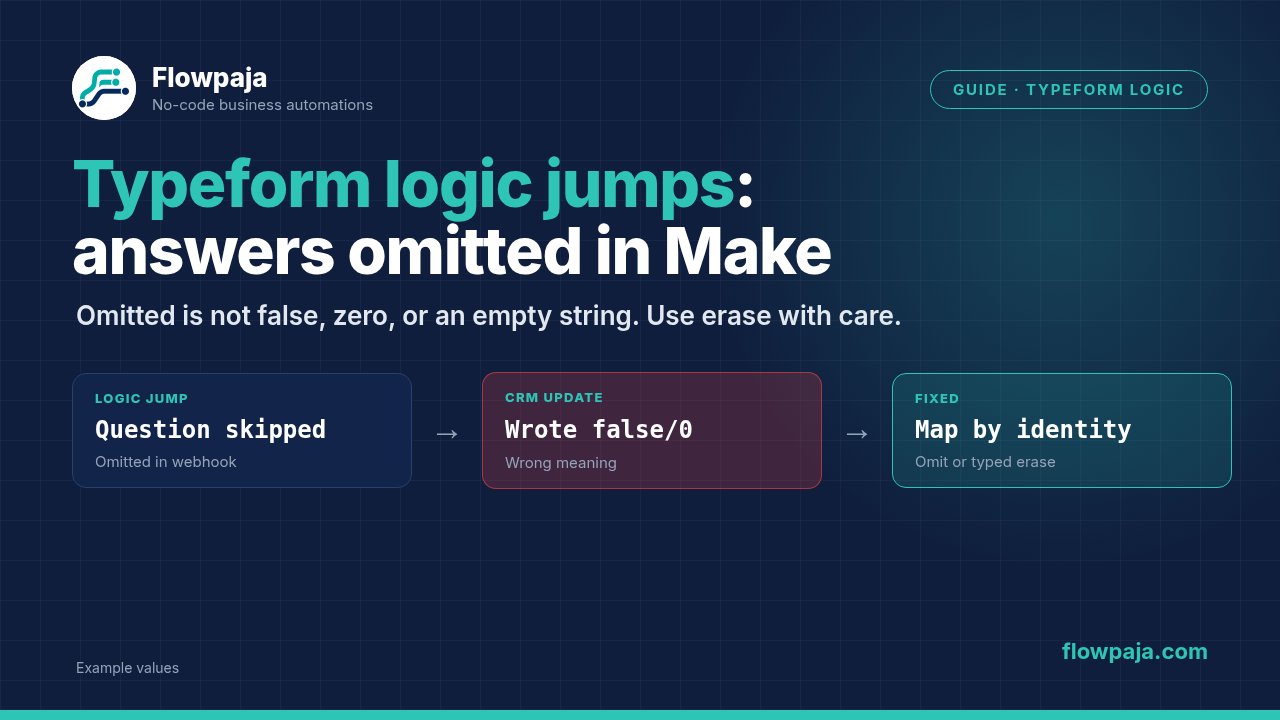
The same Typeform scenario works for one submission and fails for another. A phone, company or budget token looks mapped in Make, yet its destination input is empty. When Typeform logic skips the question, the correct answer may be that the respondent never provided that field.
Typeform's official webhook payload reference states that unanswered questions, including questions skipped by Logic Jumps, are omitted. A community report about an optional phone field describes the resulting intermittent destination failure. The repair is to preserve that absence through your CRM update, not to fill every missing token with invented contact data.
When this happens
Use Typeform > Watch Responses or an authenticated Webhooks > Custom webhook intake, then CRM lookup and a partial write. The native connector may present convenient mappable answers; raw webhooks expose form_response.answers[]. Inspect whichever structure your actual trigger returns.
The Typeform connector is the module reference. If creating the form account is part of your setup, the supplied Typeform signup link is an affiliate link. This troubleshooting flow does not require buying a new product or rebuilding a live Flowpaja template.
Common triggers include logic that hides a business question from personal users, optional phone questions and a form revision that changes answer ordering. A different branch can contain fewer answers while still being a perfectly valid completed response.
Step 1: collect one response per logic path
Submit controlled examples for each meaningful branch: a business lead that answers Company and Phone, a personal lead that skips them, and a respondent who intentionally leaves an optional question unanswered. Use distinctive harmless values so each answer can be traced to its question.
Inspect the trigger output for each test. Record response identifier, form identifier, completion indicator where available and the complete answers collection. Compare the lists of field IDs rather than just the number of answer objects.
For a raw webhook, use Detect new values with a representative payload after schema changes. Refreshing the detected structure cannot force skipped questions to appear in every response. If the native connector hides a token you need, inspect the raw response or documented API output instead of selecting a similarly named token from another collection.
The Responses API explanation also distinguishes response state and answer types. Partial or unsubmitted response data can differ from a completed webhook. Filter for your intended completion state before creating a contact or recording sales qualification.
Step 2: map by field identity
Do not map “answer four” to Phone. An omitted question can shift later answers, so answer four might contain Company on one path and a different value on another. Use the question's captured field ID or a deliberately configured reference.
For raw webhook data, find the answer whose field.id equals the verified email question ID. Read its email value from the answer's type-appropriate property. A phone answer can use a different property than a short-text answer; copying the Email expression and changing only the field ID can still produce nothing.
Make's filtered map/get pattern can express a scalar extraction:
get(map(ANSWERS_TOKEN; "email"; "field.id"; EMAIL_FIELD_ID_TOKEN); 1)The uppercase names are placeholders for your captured tokens and configured identifier. Before production, inspect the result for a present and absent answer. This is a selection pattern, not a promise that every Typeform answer uses the email property.
The community's field-identity discussion is supporting context, not an official connector schema.
Step 3: keep absence separate from a value
Normalize values with Tools > Set multiple variables, but retain presence flags such as phone_present, company_present and budget_present. Presence means the matching answer exists; validity means its supplied value passes the appropriate check. These are different conditions.
Use this decision table when defining your CRM mapping:
| Input state | Meaning | CRM update decision |
|---|---|---|
| Answer object absent | Question skipped or unanswered | Omit that property |
| Null from an API/wrapper | No usable value yet | Omit or review |
| Empty or whitespace-only text | Supplied without useful text | Omit or review |
| Numeric zero | Potentially valid measured value | Preserve unless the business rule rejects it |
| Boolean false | A real negative answer | Preserve; do not replace with true |
| Explicit approved clear instruction | Intentional removal | Separate tested clear route |
Do not use a generic “if empty, unknown” expression across every field. It can obscure whether the question was shown, whether the respondent answered and whether the value was actually valid. Keep a review reason when that distinction changes the next action.
Step 4: validate required identity before CRM lookup
Add a Router with a valid-identity route requiring the chosen email or other approved CRM identity. Validate the trimmed value before the CRM module. A skipped mandatory identity question indicates a form-logic design problem, not merely an optional-field case.
Give invalid identity a review path with response ID, form ID and the missing-field reason. Do not create a fake address or borrow the form owner's email. Keep subscription or contact-permission implementation at your own counsel and the provider's terms.
If you use HubSpot, HubSpot CRM > Search for Contacts and Create or Update a Contact are documented module names. Resolve the intended contact identity before applying optional-property updates. Existing Flowpaja Typeform to HubSpot guidance covers that broader connection workflow; this guide focuses on the missing-answer branch.
Step 5: use mutually exclusive optional-field routes
For one optional Phone field, create two mutually exclusive update routes. The phone-present route requires a valid supplied phone and maps it into HubSpot CRM > Update a Contact. The phone-absent route updates only the other intended fields and leaves Phone entirely unmapped.
Map Contact ID from the resolved contact in both routes. Do not use the Typeform response ID as a CRM contact ID. For newly created contacts, save the returned CRM ID and use it for subsequent optional updates if your chosen creation module cannot express the intended sparse property set safely.
Avoid a router where both routes can run. Make routers can execute several matching routes, so “business lead” and “phone present” are not inherently exclusive. Put complementary presence conditions on the relevant routes, then test the exact number of destination writes.
For several optional fields, a growing number of route combinations becomes difficult to maintain. An API-based sparse update can be more appropriate, but construct a properties object containing only the approved present fields. Do not assume JSON > Create JSON automatically omits every empty field; inspect the serialized request before sending it.
Step 6: preserve existing CRM values
An absent form answer should mean “no new information” in this workflow. It should not mean “clear the existing CRM value.” Many native update modules omit empty mapped values; only Make's typed erase keyword is an intentional clearing signal in supported fields.
The general-functions reference defines erase as typed empty/null behavior. Insert the mapping keyword, not the literal text erase.
Raw APIs can have their own clear conventions. A JSON string containing the word erase is not Make's typed keyword and may simply become stored text. For this guide's normal paths, do not send an empty property at all. Add a separate explicit, reviewed clear request only if the business process needs one.
Use a seeded test contact with an existing phone and company. Submit the branch that skips both questions. The acceptance criterion is that those seeded values remain unchanged while the intended new fields update. A green Make execution is insufficient evidence of safe preservation.
Step 7: use defaults only for workflow metadata
Reasonable defaults include an internal source=typeform, a review reason or a processing status. They are your workflow's own values, not claims about the respondent. An absent budget can become qualification=needs_review; it should not become a fictional budget amount.
If a zero budget is valid, route it explicitly. If a Boolean answer is false, preserve that negative answer rather than passing it through a default expression that treats it as absent. A missing consent-related answer must never be converted into a positive Boolean.
Keep form revisions controlled. Record the approved field IDs and representative branch fixtures beside the scenario. After a question is replaced, confirm whether its identity changed and retest extraction. Labels are useful for humans, but a renamed title should not silently redirect the scenario to another answer.
Step 8: protect replay and failure paths
Use the Typeform response identifier as the submission ledger key when one-time actions follow the CRM update. A repeat response should update the same contact according to your policy, not create another alert or note automatically.
For a transient CRM failure, Retry can retain the failed bundle with incomplete executions enabled. For missing required data, preserve a review record and use Skip only after that record exists. An optional field absent by design should usually be handled before the destination, so it never becomes an error-handler problem.
Record contact ID and completion state before notifications. If a contact write times out, reconcile the identity before replaying creation. Safe partial updates and idempotent submission processing solve different problems; both are needed when the same response can be delivered again.
Common errors
Missing value of required parameter 'email' means your required identity resolved empty. Inspect logic, field selection and answer type before retrying the destination.
BundleValidationError can identify a missing required property or a wrong value type. Mapping a whole answer collection into a scalar field is a type error; trimming it will not help.
If the wrong answer appears in Phone, inspect positional mapping. If a skipped branch overwrites CRM data, inspect the serialized update or native empty-value behavior. If every branch follows the same route, inspect how the presence flag distinguishes false/zero from missing.
Credits note
Filter invalid identity before CRM calls. A skipped optional answer should not generate retries or separate error alerts. Measure the fresh-response, existing-contact and replay paths against the 1,000-credit monthly allowance; defaults and extra updates can add work even when the form itself looks simple.
A direct event trigger avoids repeated empty scheduled checks. Keep extraction inside the response bundle where possible instead of iterating every answer and performing a CRM write for each answer object.
Testing steps
Run one fixture per logic branch, then compare the extracted identity and optional presence flags. Seed an existing contact and test skipped Phone/Company; neither should change. Test a valid zero, a false Boolean and whitespace text separately.
Test missing required identity, partial-response intake and a changed question ID. Expect review before any unsafe write. Replay one completed response and inspect contact and notification counts.
Finally, test a controlled CRM failure and an explicit clear request on a disposable field. Confirm Retry retains work, normal absence preserves data and the intentional clear does exactly what your selected connector supports.
No Make account yet? Create a free Make account (affiliate link). Flowpaja may earn a commission at no extra cost to you.