 Flowpaja
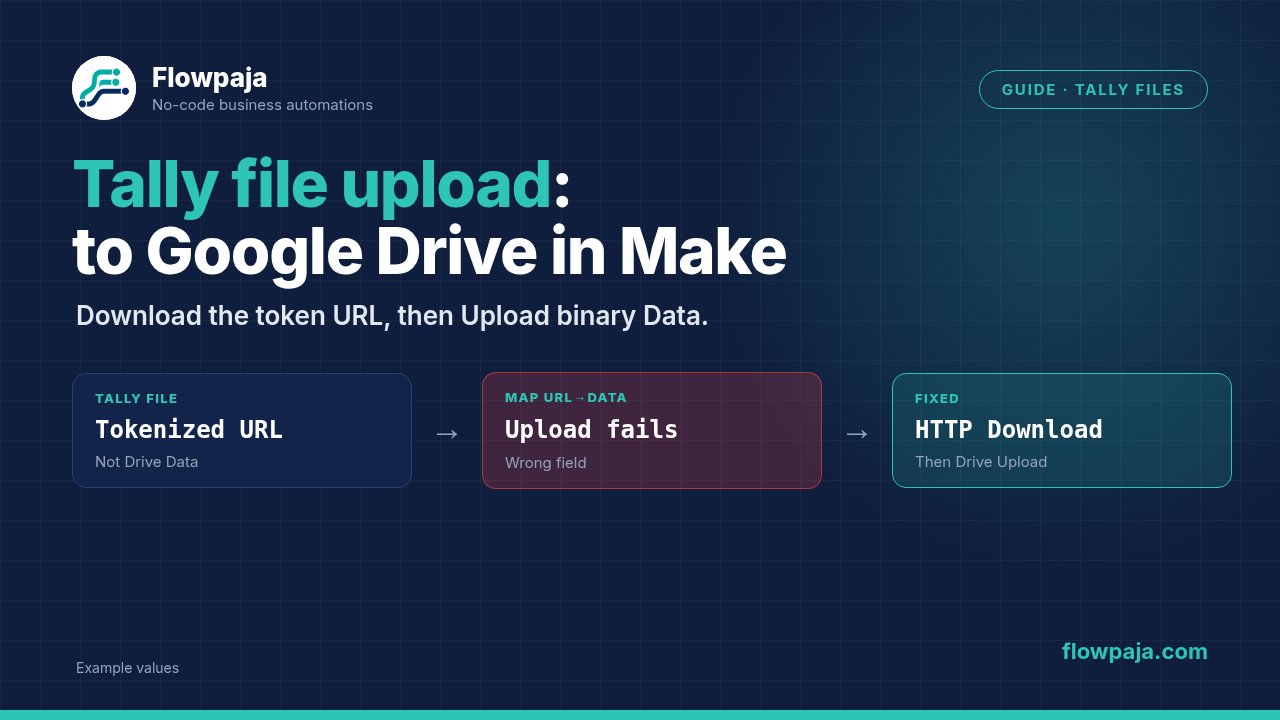
Your Tally response reaches Make, but the file download returns 401 Unauthorized, or Drive contains a file that opens as a blank document. The first check is whether you downloaded actual file bytes using the complete integration-provided URL. A URL string and a file are different inputs.
Tally's file-upload documentation explains that exported file links include an access token. A Make Community report describes a failed download resolved by noticing that access information. Another 401 report describes an attempted API-key workaround and an unusable uploaded PDF. This guide follows the documented exported-link behavior rather than assuming any Bearer token will work.
When this happens
The stack is Tally > Watch New Responses → HTTP > Download a file → Google Drive > Upload a File → Google Sheets > Add a Row. Add an Iterator only when the upload field actually contains an array of files, and add a ledger lookup before writing duplicate copies.
Use Tally's Make integration instructions to connect the chosen form. The supplied Tally signup link is an affiliate link if account creation is relevant. The troubleshooting workflow can use an existing account and form.
This is a file-transfer repair, not a replacement for Flowpaja's existing Tally to Sheets guide. That guide covers response logging; here the ledger also records which exact file was downloaded and stored.
Step 1: capture a submission with known files
Configure Watch New Responses for the intended Tally form. Run once, then submit a small test PDF and a small image with recognizable filenames. Use files you can inspect locally so you can compare their content after transfer.
Open the trigger bundle. Find the submission identifier, upload-field identifier and the upload value. Record whether it is an array and which properties represent file ID, name, URL, size and MIME type. Do not infer those properties from their position in a screenshot for another form.
If the connector exposes a wrapper around responses, select the upload field's actual value rather than the entire list of form questions.
Do not paste tokenized file URLs into public troubleshooting messages. Treat the complete link as a file-access credential. Your Sheets output needs the new Drive URL, not a permanent copy of the source access token.
Step 2: branch before the iterator
Add a Router immediately after intake. The file-present route requires at least one upload item. The file-absent route handles an optional empty upload or a required upload that unexpectedly contains no file.
For an optional upload, record submission ID with status=no_file once, if your workflow needs a row for every submission. For a required upload, record status=needs_review and alert the owner through an approved channel. Neither route should call HTTP with an empty URL.
An empty array produces no image/file bundles when iterated. If you place your no-file check only after the Iterator, there may be nothing left to inspect. Keep the absence decision at the submission level and the download decision at the individual-file level.
Step 3: iterate each file descriptor
On the file-present route, add Flow Control > Iterator and map Array to the captured upload array. Carry the submission identifier from the trigger and take each file's URL/name/identity from the iterator item.
Build a file key such as tally:SUBMISSION_ID:FILE_ID. Use actual stable identifiers. If no stable file ID is exposed, establish a documented alternative based on stable submission data; a temporary signed URL is a poor key because its token can change.
An ordinal fallback, such as file one within submission, only works if the captured array order is stable on replay. Filename alone is also insufficient: respondents can submit two different files with the same name.
Step 4: search the file ledger
Create a Sheets tab with file_key, submission_id, source_file_id, original_filename, drive_filename, drive_file_id, drive_url, status, received_at, uploaded_at and last_error. Store identifiers as text and use a consistent timestamp format.
Enable Process data in order for this scenario and keep one writer. Add Google Sheets > Search Rows with headers enabled and Filter file_key equals the normalized key. Route Total number of bundles = 0 to new-file reservation and > 0 to existing-file handling.
The no-match path requires one empty output bundle carrying count zero. Do not insert an aggregator to detect no matching row.
For existing uploaded rows, stop before download/upload. For received, failed or uncertain, use the documented recovery path. Do not skip an unfinished file merely because its key already exists, and do not automatically upload every unfinished file again.
Step 5: download with the complete URL
Reserve a new ledger row with Google Sheets > Add a Row, status=received, the file key and source metadata. Preserve its returned row number. Then configure HTTP > Download a file with URL mapped from the iterator's complete exported file URL.
Where the integration URL already carries its access token, use the appropriate no-additional-authentication request configuration. Preserve the query string exactly. Do not trim off everything after ?, replace it with a dashboard URL or substitute a general Tally API key without a documented requirement.
Enable Return error if HTTP request fails. The current HTTP reference names Download a file; older community screenshots may call it Get a file. Use the current label in new instructions.
Inspect the download output. Expect binary Data and the intended file content, with a plausible content type and nonzero size. A successful HTTP response containing HTML or JSON is not a successful PDF transfer. Do not upload an error page simply because the HTTP module returned something.
Step 6: map the Drive upload
Configure Google Drive > Upload a File with the approved destination folder. Map File name from the original filename or a sanitized deterministic storage filename, and map Data from the HTTP download's binary output.
A useful storage name combines submission and file identity with the original name, for example submission_demo__file_demo__brief.pdf. It makes recovery searches easier without relying on filenames as the ledger identity. These are fictional teaching values; map your real identifiers and remove characters your naming policy rejects.
Keep the file extension consistent with the downloaded content. Renaming an HTML error response to .pdf does not convert it into a PDF. Likewise, placing a URL string in Data uploads text, not the remotely stored document.
Use the returned ID to produce or map the Drive web link. A standard viewer-link pattern is https://drive.google.com/file/d/ACTUAL_FILE_ID/view; it does not grant sharing permission by itself.
Step 7: finish the same ledger row
After a successful upload, use Google Sheets > Update a Row with the reservation's row number. Write original filename, storage filename, returned Drive ID, Drive URL, upload timestamp and status=uploaded.
The resulting table has one row per uploaded file, with submission ID repeated across files from the same response. That matches the file-level recovery key. If you need one submission-level summary, aggregate completed file rows in a separate reporting path after the transfer is reliable.
Keep source URL tokens out of the final row. Store only the identifiers and new Drive link needed for inspection. Test access to that Drive link from the intended owner's account; a successful upload does not establish that every colleague has permission to view it.
Empty update inputs can preserve prior values. Use Make's typed erase keyword only when deliberately clearing a supported field. Never clear drive_file_id on a recovery route simply because no new upload was attempted.
Step 8: recover by file rather than submission
If one of three files fails, the two successful file rows should stay uploaded. Recovery addresses the failed file key. Replaying the entire response must stop at those successful keys instead of uploading all three again.
For a clearly rejected download, inspect whether the exported link is complete and current. Obtain a fresh authorized file link through the form's supported access process if needed; do not invent a token. Retry is useful only while the underlying access conditions can succeed.
For an ambiguous Drive upload timeout, set uncertain and inspect the destination folder using the deterministic filename and metadata before uploading again. Drive can contain multiple files with the same name, so finding a name match alone is not sufficient when several candidates exist.
For permanent failures, store the reason and end with Skip only after that record exists. Use Retry with incomplete executions for safe transient steps. Recovery must preserve row numbers and identifiers, not manufacture another “new” file key from the current timestamp.
Common errors
401 Unauthorized usually calls for checking file access and the full exported URL. It does not justify guessing a different authentication header. A logged-in browser opening the file proves browser access, not Make download access.
Missing value of required parameter 'file' or a missing Data input requires inspecting the download output and upload mapping. If Drive receives a blank PDF, compare file size and content with the source test file.
If only one upload is processed, inspect the array mapping and iterator count. If several copies appear on replay, inspect file keys, successful status checkpoints and additional scenario writers. If no-file submissions disappear, move that branch before iteration.
Credits note
Lookup, reservation, download, upload and checkpoint work scale per file. A submission with five uploads is materially different from one with a single upload. Measure both paths against the 1,000-credit monthly allowance rather than counting only Tally responses.
Reject missing files before HTTP and skip uploaded keys before downloading. Those two boundaries prevent needless work. Include file sizes and Make's execution limits in batch planning; an Iterator does not remove runtime or transfer constraints.
Testing steps
Submit one PDF, open the resulting Drive file and compare content with the source. Submit two different file types and confirm two rows with the same submission ID but different file keys. Replay the response: expect no additional Drive copies.
Test an empty optional field and a missing required file. Test a deliberately incomplete tokenized URL, a non-file HTTP response and one failed file in a multi-file submission. Confirm the other completed files remain checkpointed.
Finally, fail the Sheets checkpoint after upload. Recovery should locate and reconcile the existing Drive object before another upload. These are account acceptance tests; no real Tally or Drive transfer was executed for this package.
No Make account yet? Create a free Make account (affiliate link). Flowpaja may earn a commission at no extra cost to you.