 Flowpaja
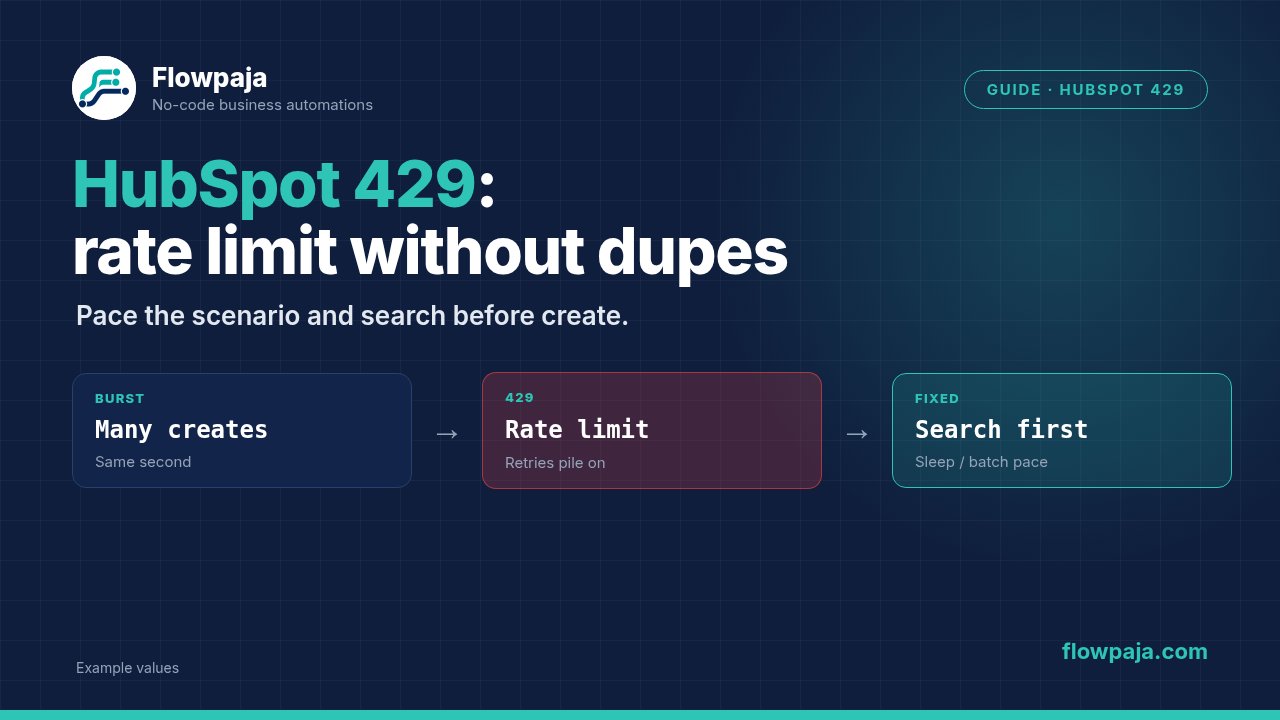
Make returns a HubSpot 429, your intake keeps arriving, and rerunning the scenario risks creating another contact or repeating its follow-up alert. The solution has two parts: reduce request pressure and make contact identity stable across retries. Either one alone leaves a failure path open.
One community report shows a rate-limit error even during a single-module test. The historical message names a specific request allowance; do not treat that number as your current entitlement. HubSpot's usage guidelines distinguish limits by app type, subscription and endpoint.
When this happens
The common stack is form or webhook intake → HubSpot contact lookup → contact write → owner notification. Imports, several simultaneous webhook executions or multiple scenarios sharing a connection can exhaust the same allowance. Repeated searches can also hit the Search API's separate limit before contact updates hit their general limit.
Open the failed module's response. Record status, message, policyName when supplied, correlation ID, endpoint and time. A burst-limit error and a daily-limit error both use 429 but call for different waiting periods. Do not guess from the red module icon alone.
Make's current handlers are Retry, Skip, Resume, Commit and Rollback. Use Retry for retained work, not a historical screenshot telling you to ignore every rate-limit failure. Resume does not rerun a contact request simply because you place Sleep before it.
Step 1: separate receipt from paced processing
Use a dedicated Sheets queue if input bursts regularly exceed your chosen request rate. The intake scenario writes job_key, email, source fields, status=pending, attempts, next_attempt_at, hubspot_contact_id and last_error. Build job_key from the source submission or event identifier, not from arrival time.
For the intake ledger, use Google Sheets > Search Rows on that key before Add a Row. Route on Total number of bundles = 0 for new work and > 0 for existing work, using an empty output bundle for the zero-match case.
Do not add an aggregator to compensate for an untested empty path.
The worker processes a bounded number of pending rows rather than every queued lead at once. Use Process data in order and one worker for this queue. This serializes its own executions; it does not impose a global limit on other scenarios using HubSpot. Include those scenarios in your capacity calculation.
Step 2: normalize the contact identity
Trim the incoming email, reject missing addresses and apply your approved normalization rule. Preserve the source submission identifier separately. An email identifies the intended contact; a job key identifies this particular requested update. They serve different purposes.
If you already know a trusted HubSpot contact ID, prefer updating that ID. If you only have an email, search before deciding whether this is an update or a new contact. Never create a contact for a queue row with an empty identity because you hope to repair it later.
When account policy allows several identities or secondary email addresses, document the matching rule before importing. A replay-safe scenario cannot resolve an ambiguous match merely by selecting the first result. Route multiple plausible matches to owner review.
Step 3: search with an explicit result object
The HubSpot connector lists Search for Contacts, Create or Update a Contact and Update a Contact. For a result object whose empty case is explicit, use HubSpot CRM > Make an API Call with POST to /crm/v3/objects/contacts/search.
Create its JSON body with JSON > Create JSON, using this structure and replacing the example address with the normalized token:
{
  "filterGroups": [
    {
      "filters": [
        {"propertyName": "email", "operator": "EQ", "value": "reader@example.com"}
      ]
    }
  ],
  "properties": ["email", "firstname", "lastname"],
  "limit": 2
}
Route from the returned total and results collection. Zero results permits the create-or-update path; one result gives an ID for Update a Contact; more than one requires review. Here total is HubSpot response data, not Sheets' Total number of bundles field.
The endpoint and JSON shape follow the official CRM Search guide; the mapping pill path depends on Make's output wrapper.
Step 4: choose create-or-update rather than blind creation
For one search result, configure HubSpot CRM > Update a Contact with Contact ID from that result and only the intended changed properties. For no result, configure Create or Update a Contact, using the normalized email as identity. Save the returned contact ID to the queue row.
Check which contact properties are genuinely provided. A skipped phone question must not erase an existing number. Leave absent properties unmapped and test your connector's partial-update behavior. Use Make's typed erase keyword only for an intentional supported clear; the keyword is not an instruction to overwrite every CRM property.
Search indexing may lag a recent write. Do not interpret an immediate empty search after a timed-out create as conclusive proof that the contact does not exist. Reconcile through the returned identifier if available, allow a suitable delay, and use the same identity-preserving write path.
If you receive a contact conflict, link the case to Flowpaja's existing contact already exists guide. Keep that repair separate from the rate limiter. Turning a conflict into another create request can multiply the problem.
Step 5: pace every relevant request
Insert Tools > Sleep before HubSpot lookup and write requests, or otherwise enforce spacing in the single worker. Choose a conservative test pace, such as one second between requests, then adjust from measured response behavior. This is a starting configuration, not a claim about your entitlement.
Count requests rather than contacts. A single contact may require a search, update, association and other calls. If ten queued contacts each generate four requests, budgeting only ten requests understates pressure. Other scenario connections and applications can share account-level limits.
A worker batch must fit Make's execution time. Sleep supports delays up to five minutes, but a five-minute sleep cannot fit comfortably inside a Free execution with other work. Use next_attempt_at and a later worker run for longer waits, especially daily-limit resets. Do not hold a webhook open while sleeping through a large import.
Step 6: configure safe Retry
On transient HubSpot failures, add an error route ending in Retry. Enable Store incomplete executions in Scenario settings, and select bounded retry attempts and intervals. The Retry reference also describes automatic handling for certain temporary error classes; inspect how the connector classified your particular 429.
If the response provides retry timing, respect it. Do not assume every HubSpot endpoint returns identical rate-limit headers. When the response identifies a daily limit, defer the queue row until an appropriate reset instead of repeatedly spending requests and credits on a known unavailable allowance.
Retry resumes from failed work. A complete manual replay starts earlier and can repeat successful preceding side effects. Record contact ID before owner alerts, and record alert completion separately. Keep one retry mechanism responsible for each failed job; an incomplete execution and a queue worker racing the same row can duplicate work.
Step 7: quarantine permanent and uncertain failures
For invalid properties, missing required data or permission failures, update the queue row to failed, preserve the actionable error and notify the owner. End with Skip when your policy allows other rows to continue. A failure that was not durably recorded should remain an incomplete execution for repair.
For a contact-write timeout, use uncertain until you reconcile the destination. A missing response does not establish a missing contact. Search or retrieve the intended identity before replaying creation, then resume from the last trustworthy checkpoint.
For failures in a downstream notification, keep the confirmed contact ID and rerun only the notification step. There is no reason to recreate a contact because Slack was unavailable. When Slack is used, the module is Send a Message; persist its returned identifier before marking the entire job completed.
Common errors
429 with RATE_LIMIT or a rate-limit message requires examining the policy and request pattern. You have reached your daily limit. is a documented response message; short pacing alone cannot fix it.
Missing value of required parameter 'email' requires an input repair before retry. A 409 contact conflict requires identity reconciliation. Do not group these permanent mapping and conflict cases under the 429 retry route.
If errors continue after adding Sleep, check whether parallel runs bypass the pacing, whether another scenario shares the allowance and whether the lookup endpoint has its own limit. Also inspect batch size: a single paced module followed by several unpaced modules still generates bursts.
Credits note
Budget receipt, ledger lookup, queue updates, contact search, write and checkpoints separately. Failed requests, retries and scheduled empty checks can still consume credits. With a 1,000-credit monthly allowance, a queue should have a deliberate schedule and batch size rather than a continuous empty poll.
Measure a fresh contact, an existing-contact update and a retry case. Use those recorded credits to estimate monthly capacity. Pacing trades throughput for fewer failures; adding more credits does not by itself increase HubSpot's endpoint allowance.
Testing steps
Create a controlled contact job and replay it after success: expect the same contact ID and no repeated owner alert. Test an existing email and verify that only intended properties change. Run a never-seen queue key to establish the empty branch.
Use a test HTTP endpoint or controlled fixture to exercise 429 handling without deliberately exhausting a production account. Test burst-limit and daily-limit classifications separately. Then simulate an ambiguous write timeout and verify that the row pauses for reconciliation.
Finally, fail the owner alert after the contact write. Confirm recovery reuses the stored contact ID. Inspect queue age, failed rows and incomplete executions; a green worker run can still leave older jobs unprocessed.
No Make account yet? Create a free Make account (affiliate link). Flowpaja may earn a commission at no extra cost to you.