 Flowpaja
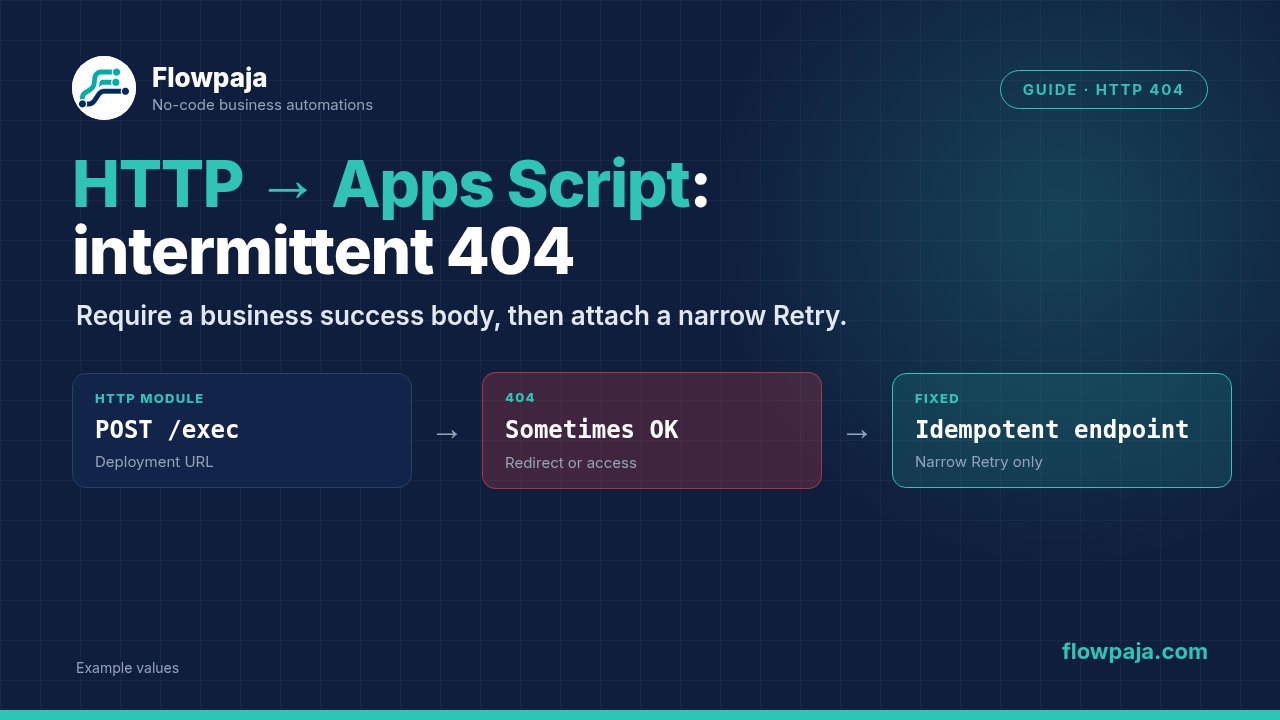
Separate the failed response from the business action
HTTP > Make a request can receive a 404 even when a later attempt against the same Apps Script endpoint succeeds. The dangerous response is to rerun the whole scenario without checking whether the script already performed its write, generated its file or sent its email.
A September 2026 Make Community report describes intermittent HTML 404 responses and later success. The displayed failure included Data couldn’t be processed and Not Found. That is real troubleshooting context, not proof of a confirmed Google outage or a universally broken Make redirect setting.
The repair is deliberately narrow: establish the deployed endpoint, capture the response, understand redirects, and make repeats use the same business key. Only then add a bounded Retry path. An HTTP failure and an absent business effect are two different facts.
1. Freeze one request for comparison
Save the method, stable endpoint, body content type and a fictional request body from one failed execution. Record the response status, response content type, body prefix and timestamp. Keep credentials out of the record.
Use a fixture with a stable identifier:
{
  "submission_key": "TEST-APPS-SCRIPT-404-001",
  "action": "preview",
  "payload": {
    "name": "Fictional Example",
    "amount": 25
  }
}
This is an original example contract, not a supported request for every existing script. Your endpoint must explicitly implement a harmless preview action before you use it. Do not change action to a business write and assume the test remains harmless.
Compare the actual body in Make's input bundle, not only the visible mapping expression. A quote, line break or empty token can change the submitted JSON. If the script expects JSON, use application/JSON and a suitable data structure rather than constructing fragile JSON around arbitrary text.
Check the script's execution records for the same business key. A matching execution is stronger evidence than a nearby timestamp alone. If the key never reached the script, investigate endpoint or transport selection. If it did reach the script, inspect what ran before the response failed.
2. Verify the deployment and access boundary
Use the deployed web app's stable /exec URL for the intended published version. Apps Script's /dev URL is a development endpoint with different access behavior; it is not interchangeable with the deployed URL. Google's web app documentation describes the two paths and deployment permissions.
Confirm that the script still has the expected deployment and that the endpoint belongs to the correct project. A source edit does not automatically prove that the intended deployed version now contains that edit. Record the deployment version alongside the test request.
Check the access policy against the caller you configured. Do not solve an authentication problem by making a private business endpoint public without reviewing its intended access. A browser session already signed into Google does not establish that Make's server-side request has the same identity.
If the response is an HTML login or error page, preserve that distinction. A body that visually resembles a Google page is not the JSON result your parser expects. Do not treat a successful browser visit as a substitute for the exact method and authentication used by the HTTP module.
3. Handle Content Service redirects deliberately
Apps Script Content Service can redirect its response to a one-time script.googleusercontent.com URL. Keep the stable deployment endpoint in your module; do not save a redirected response URL as the next request's permanent destination.
In the current HTTP app, inspect Allow redirects. Make's HTTP documentation describes automatic redirect handling and the method/body changes associated with different status codes. A 303 follow-up uses GET; 307 and 308 preserve the original method. Inspect the actual chain rather than assuming every redirect repeats the original POST.
Do not disable redirects blindly either. You may then receive an intermediate response instead of the Content Service body. Conversely, following redirects cannot repair a wrong deployment or a response generated after an internal script failure.
For diagnosis, use a read-only preview endpoint and compare the observed status and final content type. If you need a temporary no-redirect comparison, keep it in the test branch and restore the intended configuration after documenting the result. Changing transport behavior during a business write is a poor way to discover whether the earlier request ran.
4. Require a business success response
Enable Return error if HTTP request fails when your handler is meant to receive 4xx and 5xx failures. An HTTP 200 should still pass a separate business-result check. A script can return a structured failure or an unexpected HTML document under a successful transport status.
Define a response contract, for example a JSON object with status, submission_key and result_id. Accept only the intended terminal state and the matching key. A nonempty body is not enough. Missing or inconsistent values should hold the record for review.
Use JSON > Parse JSON only after establishing that the returned body is JSON. A parser error after an HTML 404 can obscure the original failure. Preserve the HTTP status and response type so you can identify the first broken boundary.
Return a cached terminal result for a key already completed. That allows a repeated request to recover its result without repeating the business action. For an uncertain processing state, return a held outcome rather than describing the action as definitely absent.
5. Make the endpoint safe to repeat
The business key must survive Retry, replay and manual recovery. Derive it from the source submission or intended batch, not now or a new execution identifier. Reusing the same payload with a new key defeats the duplicate check.
Inside Apps Script, coordinate access to the key record. LockService supplies locks, while PropertiesService supplies scoped key-value storage. Choose storage appropriate to your volume and retention needs; these primitives are not a transaction across Gmail, Drive and Sheets.
Use a state machine rather than a final “done” flag written after every effect. Under a suitable lock, inspect the key. If it is DONE, return its stored result. If absent, reserve it as PROCESSING. If already PROCESSING or NEEDS_REVIEW, hold the repeat. Release locks appropriately and record the destination reference when the action completes.
The crash window remains important. A script can create a file and stop before recording its ID. A reservation prevents an automatic duplicate, but recovery still needs to inspect the destination by the business key or marker. Do not label this exactly-once delivery.
If one script performs several effects, track them separately. A created PDF does not prove an email was sent, and an email response failure does not prove no message exists. Resume only the confirmed missing step, using its own safe identity and review rule.
6. Attach Retry to the narrow diagnosed failure
Place the handler on the HTTP request whose endpoint implements the repeat-safe contract. Filter the handler to your selected retryable failures using the actual error fields emitted by your module version. Do not copy a guessed status-code mapping from another connector.
Use a bounded number of attempts and a documented delay. Retry stores work for another attempt according to Make's Retry handler documentation. It is not a promise of immediate success or a callback that automatically runs an invented “last attempt” branch.
On exhaustion, expose the unresolved execution to the owner. If you alert before Retry, avoid creating unlimited alerts for every repeated attempt. Keep the request key in the alert and leave customer content out unless needed.
Do not apply Skip merely to make the scenario green. Dropping a required document or an uncertain customer action is a business decision. Resume likewise requires an intentional replacement result; a fabricated successful response conceals the problem.
Common errors and recovery choices
Consistent 404 on every attempt
Check the endpoint, deployment version and access requirements first. Stop repeated attempts while correcting a permanent configuration issue. A healthy retry policy cannot turn a nonexistent resource into a deployed web app.
Intermittent HTML 404 with a script execution nearby
Match by business key and inspect the script's effects. Do not rely on a nearby execution timestamp alone. Hold uncertain work until you can distinguish “not called”, “called and failed before effect”, and “effect completed but response missing”.
Parse JSON fails after the HTTP call
Inspect the original status, response type and body. An HTML error page is not malformed business JSON. Fix the HTTP boundary or classify the transport failure before rebuilding the parser schema.
A duplicate PDF or row appears after rerunning
Confirm the key remained unchanged and was reserved before the effect. If completion was recorded only afterwards, a crash can leave the effect unrecorded. Add a held recovery state and a destination lookup; do not keep deleting ledger records to permit another create.
Different runs produce different request bodies
Remove dynamic timestamps from identity, distinguish data timestamps from idempotency keys, and inspect the resolved JSON. A controlled retry should represent the same requested business action, not whatever rows happen to exist at a later time.
Acceptance tests for the owner
- Run the preview contract twice with one stable key. Confirm no business write occurs and both responses match the declared structure.
- Use a dedicated test destination for one write. Repeat the same key and confirm the stored result is returned without another effect.
- Simulate failure before the effect. Confirm the chosen recovery path can resume only after determining that nothing was created.
- Simulate failure after the effect but before final state. Confirm a repeat is held and reconciliation finds the existing destination reference.
- Test a wrong deployment URL. Confirm it becomes a visible permanent issue rather than an endless Retry loop.
- Test a controlled transient failure in an owner-operated HTTPS fixture. Confirm the configured Retry count and unresolved-execution handoff. This does not prove a real Apps Script 404 is transient.
- Restore the intended endpoint and repeat the successful path. Record actual status, key, result ID and credits.
Credits and limits
One HTTP request plus one JSON parser would be two ordinary module executions on a successful path, before your ledger and downstream actions. Retries repeat the affected work and may add handler steps. Measure the configured execution rather than assigning a fixed cost to an entire PDF or email workflow.
If this flow starts with a one-credit 15-minute poll, 30 days of checks totals 2,880 credits before business processing. Free currently allows 1,000 monthly credits, two active scenarios, a 15-minute minimum scheduled interval and a five-minute maximum execution time. Those limits do not guarantee that an Apps Script job will finish within the scenario's budget.
For a stable-key intake example, use the existing free webhook-to-Sheets duplicate-check template. It is a starting ledger pattern, not a ready-made Apps Script transaction processor.
No Make account yet? Create a free Make account: affiliate link. Flowpaja may earn a commission at no extra cost to you.