 Flowpaja
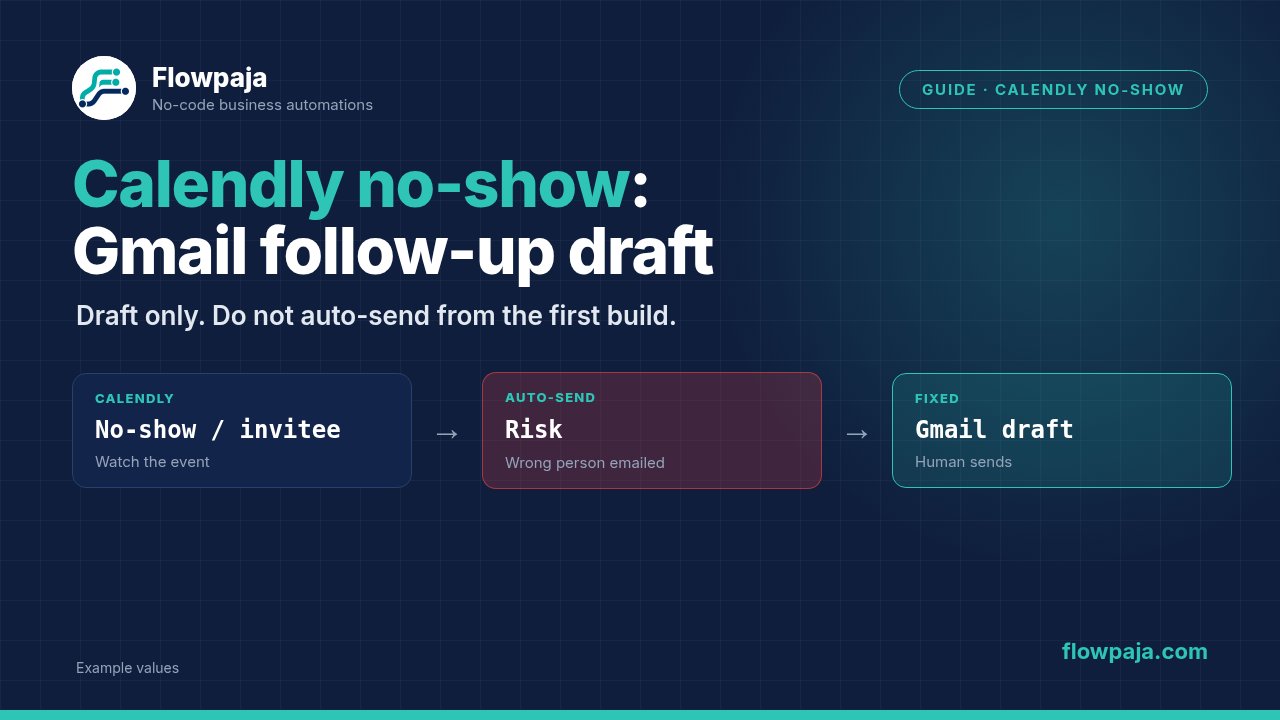
A missed appointment appears in your tracking sheet, but the follow-up is forgotten or the automation creates another draft every time the row is checked. Build the workflow around a confirmed attendance status and a stored Gmail draft ID. Passing the appointment's end time is not enough to prove a no-show.
The output is a draft for review. There is no automatic email-send module in this design. Keep this separate from the reserved Calendly-to-Sheets booking-log guide: the problem here is what to do after an explicitly recorded no-show or cancellation.
Current Calendly API documentation lists invitee_no_show.created and invitee_no_show.deleted. Make also announced new no-show management modules in August 2026. Older statements that Calendly cannot expose no-show information are no longer a sound basis for this guide.
When this happens
Use Calendly → an existing Sheets booking/status ledger → Gmail. The no-show status can come from a verified Calendly event or from an owner explicitly confirming the outcome in Sheets. The same draft worker can process either source because both normalize to the same status contract.
Keep no_show, canceled, rescheduled, attended and unknown distinct. A canceled invitee can be part of a reschedule, and a no-show mark can later be removed. Those later changes should update status and invalidate inappropriate pending work.
An invitee_no_show tag in your own spreadsheet or CRM is an internal label, not automatically a Calendly webhook event. If you use that label, document who sets it and what evidence it means. Never infer it from an empty attendance field.
Step 1: add draft-processing columns
Extend your existing booking ledger with invitee_uri, event_uri, email, first_name, owner, status, status_version, status_updated_at, draft_state, draft_key, draft_id, draft_message_id, last_error and reviewed_at.
The invitee URI is the identity of this booking attendee. Email alone is insufficient: the same person can book several appointments. A status version identifies an approved follow-up occasion. Use a stable source change identifier where available or a controlled owner-maintained version value.
Define draft_state values such as pending, creating, drafted, review, failed and uncertain. drafted requires a returned Gmail draft identifier. Do not equate a status change with successful draft creation. Store which owner mailbox the draft belongs to if more than one connection is used.
Step 2: normalize Calendly status changes
For cancellation intake, Calendly > Watch events supports created and canceled events in the current connector reference. Inspect whether a cancellation belongs to a reschedule before putting it into a follow-up queue. Preserve its invitee identity and source timestamp.
For no-show intake, subscribe to the API's invitee_no_show.created and .deleted events through an authorized Calendly webhook subscription. Receive the event through Webhooks > Custom webhook if the installed Watch events selector does not expose those events.
The connector page establishes paid-plan requirements for its webhook trigger but does not establish every selector choice or no-show payload path.
Map the captured event into your ledger's status contract. A created no-show mark becomes no_show; a deleted mark requires reviewing the current outcome rather than assuming attendance. If all you have is a no-show URI, Calendly > Get an invitee no show accepts that URI and retrieves its details.
You can start with owner-confirmed Sheets status while validating webhook intake. Set status=no_show, increment the controlled version and identify the confirming owner. That is an explicit operational input, not a claim that Make detected attendance automatically.
Step 3: search actionable rows
Create a scheduled worker with Google Sheets > Search Rows against the status ledger. Select the correct spreadsheet and tab, enable headers, and request rows where status is no_show or an approved canceled case and draft_state is pending.
Set a small batch limit during setup. Before the Gmail module, add filters requiring a nonempty recipient email, invitee URI, owner and status version. A blank optional name should not block a draft; a blank recipient must block it.
Use Process data in order and one draft worker. This prevents overlapping runs of that worker from creating drafts for the same pending row. It does not protect against another scenario using the same ledger, so remove duplicate writers or coordinate them through one queue.
Build draft_key from invitee URI, approved status and status version. Check stored draft_id and draft_key before creation. If a draft already exists for that version, stop. If a different version is already drafted, route to review so an owner can decide whether a replacement is appropriate.
Step 4: claim the row and recheck status
Use Google Sheets > Update a Row with Row number from Search Rows to set draft_state=creating and the intended draft_key. Keep other mapped fields selective. An omitted update value should not become an accidental instruction to erase the recipient or previously stored draft ID.
Immediately before Gmail, recheck the current row if status can change during processing. If it has become rescheduled, attended or unknown, release it to review and do not create a no-show draft. A claimed pending row is still subject to a later verified correction.
The claim and Gmail write are not one atomic transaction. If the worker stops after claiming, the row needs recovery. Do not have a second worker automatically take every creating row after an arbitrary short timeout; it could race a slow first worker.
Step 5: map Gmail's draft module
Use the current Gmail > Create a draft email module. The legacy connector uses Create a Draft; use the current Gmail module reference for this build. Select the owner's authorized mailbox connection.
Map To from the validated email. Map Subject according to status, for example a neutral follow-up about the appointment. Map Body contents using a simple text body or the module's supported body mode. Set From only when you have an approved sender alias; otherwise keep the connection's normal sender.
For no_show, a draft can say: “Hi Morgan, we did not connect at the scheduled time. If you still need help, reply with the next step you prefer.” Adapt it to the actual outcome and service. Avoid accusatory language or claiming an appointment happened when it did not.
For canceled, acknowledge the cancellation without calling it a no-show. For rescheduling, stop this route and let the existing booking process handle the replacement. Do not place a new booking link into every cancellation draft simply because a previous template contained one.
Add a recognizable internal reference, such as the approved draft key, to help reconcile ambiguous draft creation. Keep it suitable for owner review; the owner can remove it before sending. Do not add multiple speculative recipients or map an empty CC/BCC entry.
Step 6: checkpoint the draft before optional Slack
After Gmail returns success, use Google Sheets > Update a Row to store draft_id, any returned message ID and draft_state=drafted. Save the exact draft key and status version that produced it.
A draft ID and an email message ID can be different identifiers; store them in separate columns rather than assuming either can always substitute for the other.
Only then add an optional Slack > Send a Message owner ping. Include invitee reference, status and the fact that a draft awaits review. Store a ping checkpoint if it must happen once. A Slack failure must not trigger another Gmail draft; recover the notification using the saved draft ID.
Make's typed erase keyword is reserved for intentional clearing in supported update fields. Do not clear a stored draft_id merely because a later status update omits it. Keeping the identifier makes it possible to inspect or remove an obsolete draft deliberately.
Step 7: recover failures without sending email
Use Retry for safe transient ledger reads and updates with incomplete executions enabled. For a clear pre-acceptance Gmail failure, preserve the row and repair the connection or required input. For a timeout after draft creation may have succeeded, set uncertain and inspect the owner's Drafts folder using the reference.
Do not add Send an email as a fallback. That would turn a recoverable draft failure into an unreviewed customer communication. Permanent failures should produce a review record and owner action; Skip is appropriate only after that failure is durably recorded.
If a no-show mark is removed after drafting, set draft_state=review. An owner should inspect the existing draft and current outcome before keeping, editing or deleting it. Automatic deletion requires its own approved policy and identity checks; it is not part of this draft-first guide.
Common errors
A missing-recipient validation error indicates that the recipient mapping resolved empty. Filter before Gmail and inspect the failed input bundle, using the parameter name actually reported. A valid booking ID does not guarantee the attendee's email was present in your mapped field.
A community draft-recipient report documents failure when an additional recipient was missing. The repair is to omit absent optional recipients, not to invent an address.
If drafts appear for reschedules, inspect cancellation normalization. If the same row creates drafts repeatedly, inspect draft_state, saved draft_id and status_version. If the wrong mailbox receives the draft, fix owner-to-connection routing before replaying.
Credits note
The worker pays for its scheduled search, then per-row claims, draft creation and checkpoints; an optional Slack ping adds more work. Measure usage against the 1,000-credit monthly allowance. A one-credit 15-minute poll uses about 2,880 credits in a 30-day month, so a quiet draft queue should have a considered schedule.
Two scenarios for webhook normalization and scheduled drafts use both Free active-scenario slots. Existing booking-log work may require consolidation or a paid plan. Do not keep long follow-up delays inside Sleep; store readiness in the ledger and process later.
Testing steps
Use controlled attendees and a test owner mailbox. Confirm a no-show status creates one draft and sends no email. Replay the same status version and confirm the draft count stays one. Test a later approved version and require the intended review decision.
Test canceled, rescheduled, attended and unknown statuses. Only approved cases should reach Gmail, with appropriate wording. Test missing recipient, empty optional name and a missing optional CC value.
Fail the checkpoint after Gmail succeeds and verify uncertain recovery checks Drafts before creating again. Fail optional Slack after the draft checkpoint and recover only the ping. Remove a no-show mark and confirm the existing draft is flagged for review.
No Make account yet? Create a free Make account (affiliate link). Flowpaja may earn a commission at no extra cost to you.